Creating a Supplier
Add a new supplier and complete its details.
- Go to the page Quick Supplier Registration.
-
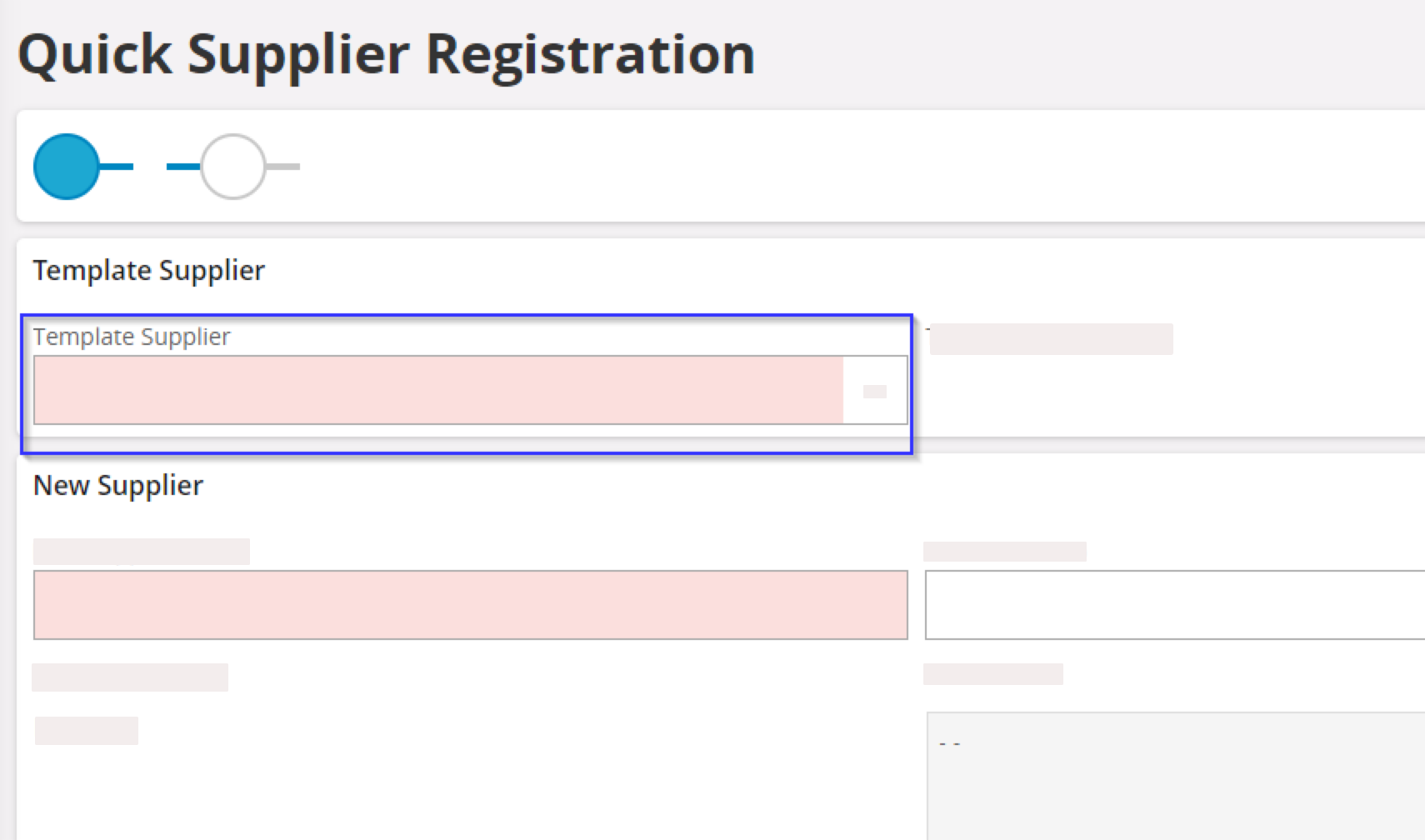
In Template
Supplier, select the
template corresponding to the type of supplier that you want to create.
The fields Template Description, country details and Default Language of the supplier are completed according to the template.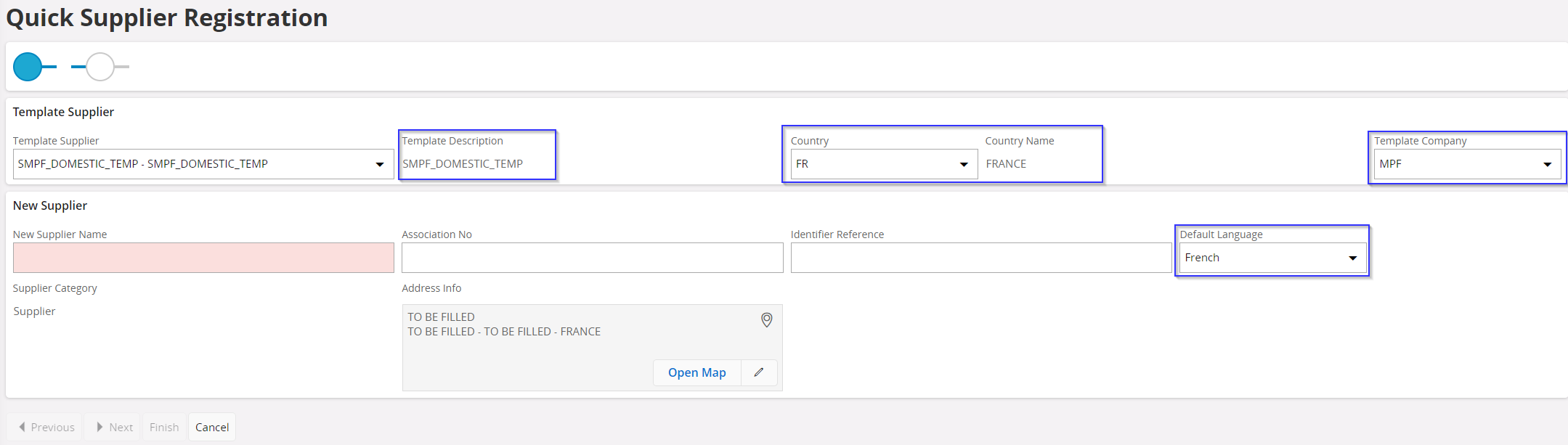
- Check the information in the fields that have been automatically completed and modify if necessary.
-
Complete the following information:
-
Click Edit
 in the address field if you want to edit
it.
in the address field if you want to edit
it.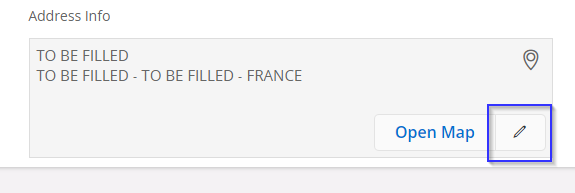
-
Click Edit
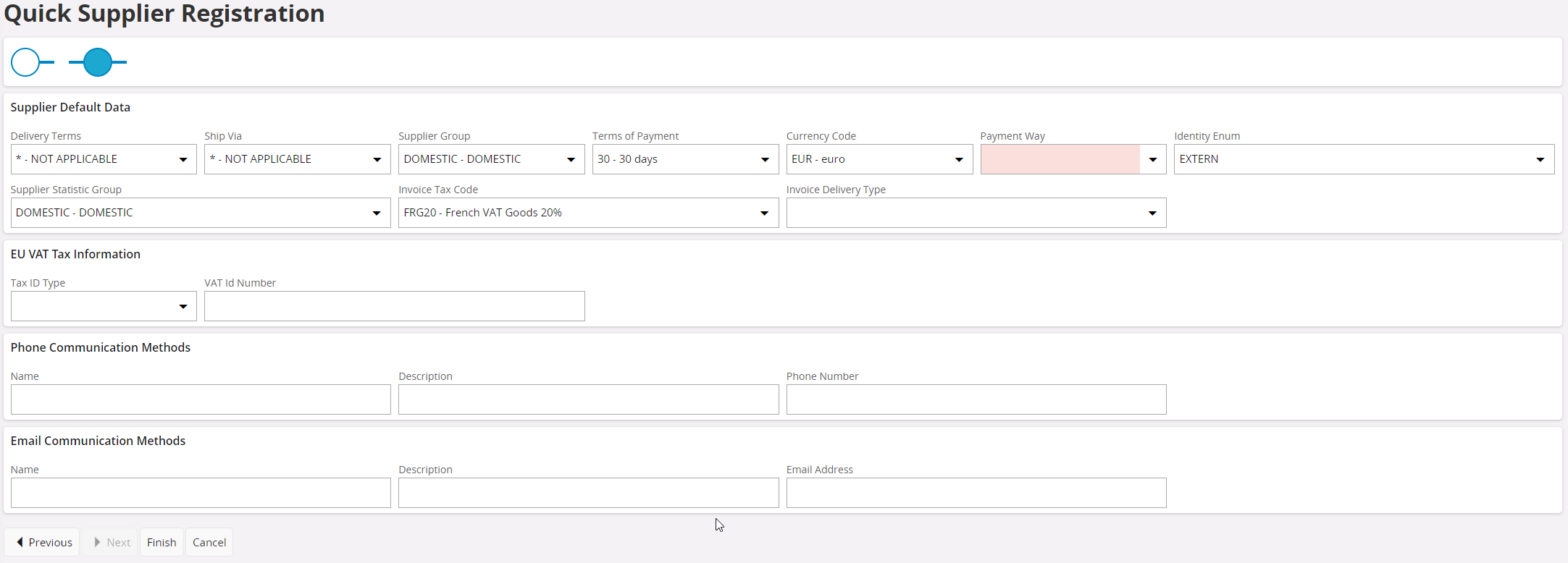
- Click Next.
-
Complete the following information:
-
Email Communication
Methods
Note:Make sure that all the fields used in your company are correctly completed. Check with your administrator if you have any doubts.
-
Email Communication
Methods
-
Click Finish at the bottom of
the page to confirm the supplier creation.
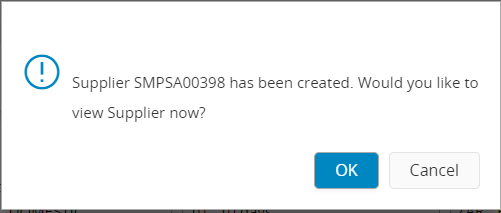
A dialog appears showing the supplier identification number. Click OK if you want to preview this supplier information sheet.