
Connecting to IFS Cloud
Connect to IFS Cloud to test and perform your processes.
- Migration environment: use it to test new features and processes. It does not impact real-life flows and accounts.
- Production environment: this is the official IFS Cloud platform. It registers all the flows and actions and impacts Airmar and Marport businesses.
-
Connect to OpenVPN.
Trouble:If you have any issue connecting to the VPN, contact your IT support team.
-
Go to one of the following web pages, depending on the tasks you perform on
IFS Cloud:
Note:Always make sure you are in the correct environment before doing any actions in IFS Cloud.
- Migration environment: https://ifsmigr.airmar.com/
- Production environment: https://ifsprod.airmar.com/
-
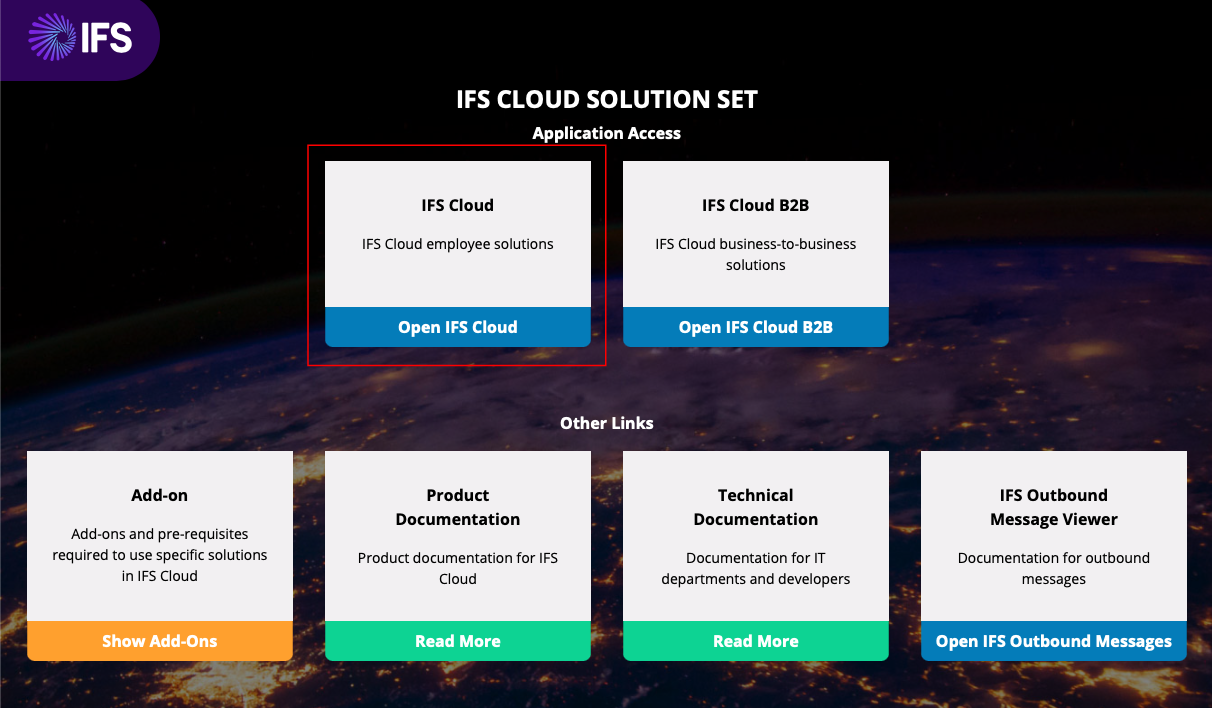
Click Open IFS Cloud.
- Click Log in with Azure if you have an account that works with a single sign-on or enter your Username and Password then click Log in.