
Logging In for the First Time to IFS Cloud
When you log in to IFS Cloud environment for the first time, you need to apply the following settings.
-
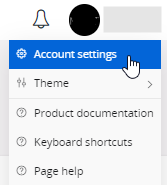
Click your name on the upper right corner of the screen, then click Account
settings.
-
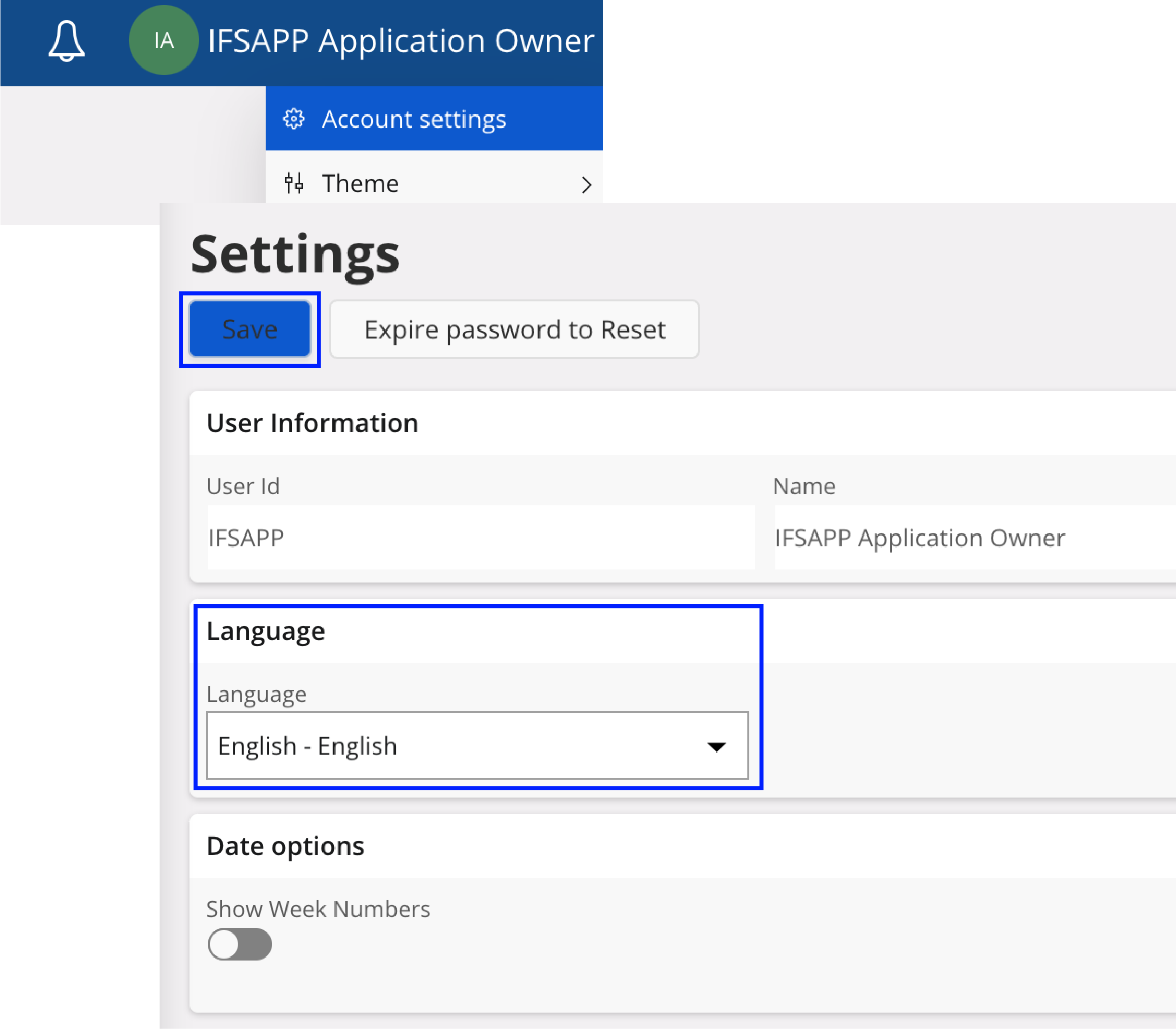
Make sure that the Language is
set to English. Keeping the same language for all users facilitate
communication between them and the IT support team. Also note that the
documentation will always be in English.
-
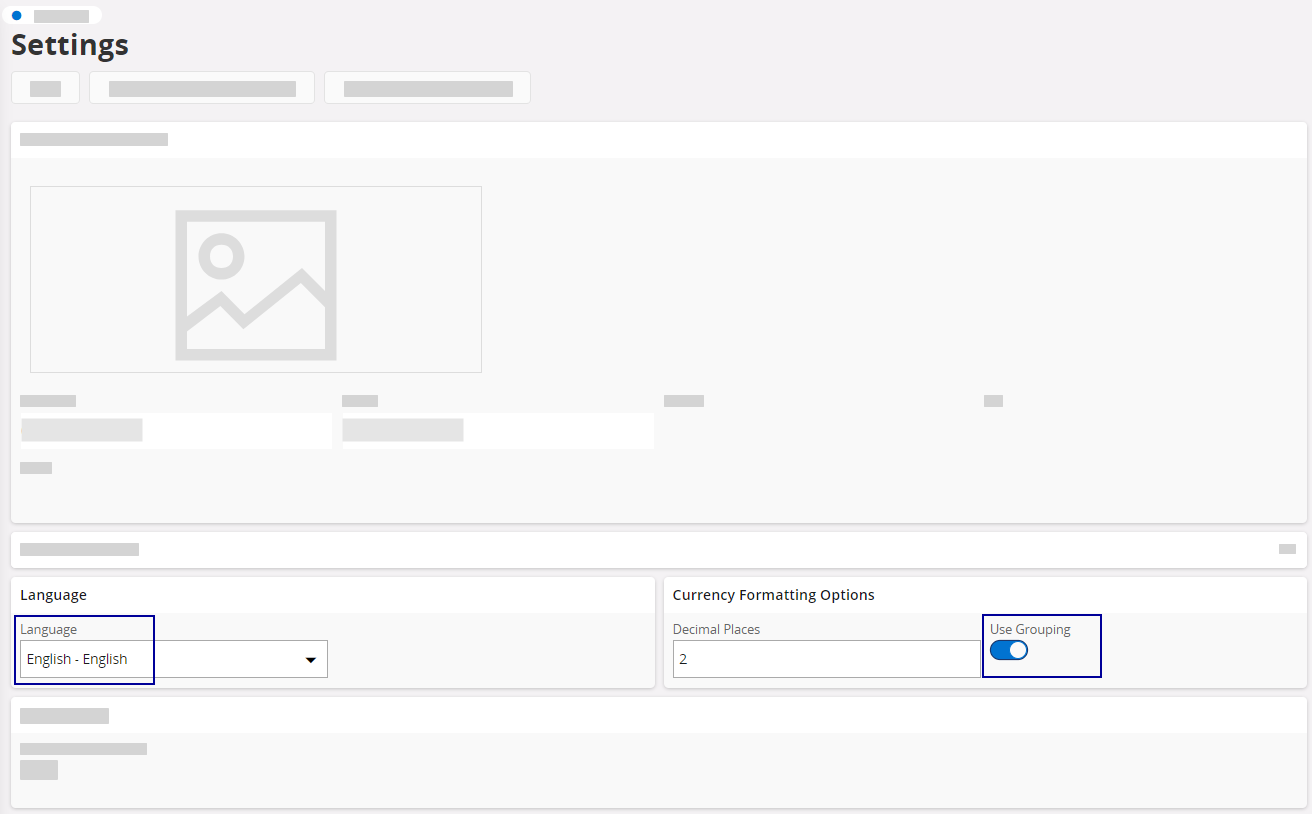
Go to Currency Formatting
Options, and
turn on Use grouping toggle
to unify the number format in all entries. If not activated, number formats may
be written differently according to the user's country, causing issues when
exporting data.
- Add a lobby to your home page to facilitate your workflow in IFS Cloud: see Adding a Lobby to the Home Page.