
Adding a Lobby to the Home Page
You can add a lobby to your home page so that you can directly access specific information and pages linked to your tasks on IFS Cloud.
If you need a specific lobby or modifications to your current lobby, contact IT support.
- Use the panel on the left side of the screen to go to .
-
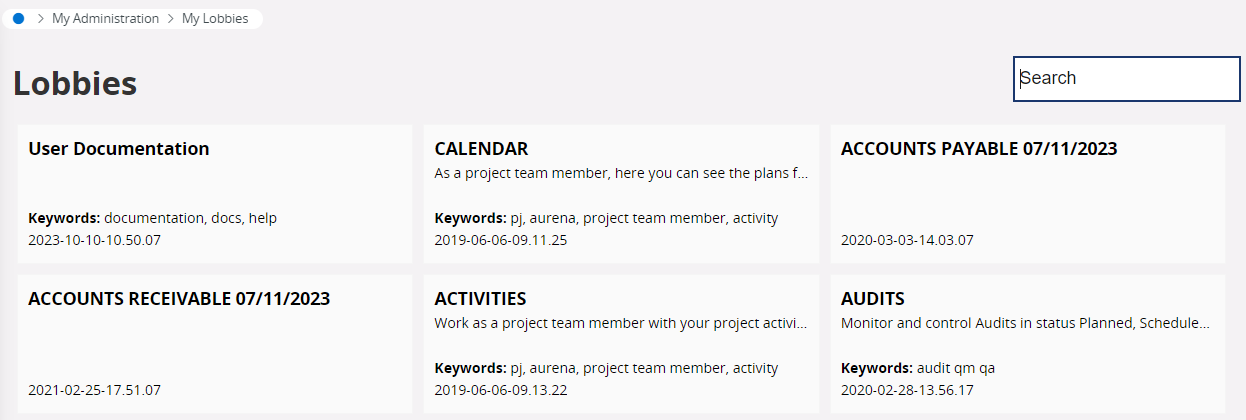
Directly click a lobby listed on the page or use the search bar.
-
Once the lobby page displayed on the screen, click Recently visited
pages
 on the upper left corner of the
screen.
on the upper left corner of the
screen.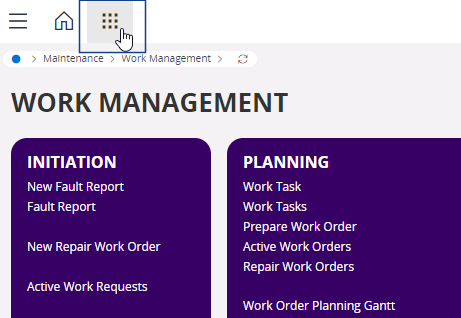
-
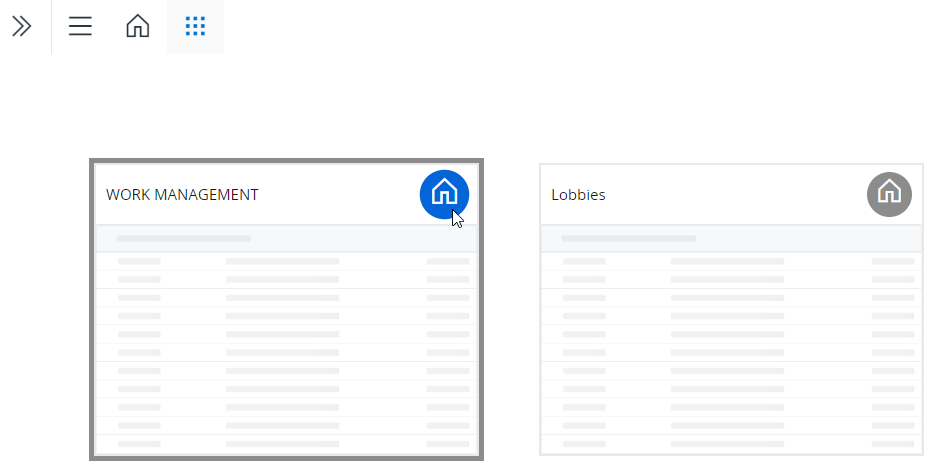
The lobby that you have opened is displayed as a tile, along with other pages
that you have visited. Click the Home icon that is on the tile to add
the lobby to your home page.
- Click the Home icon on the upper left corner of the screen to come back to your home page.