
Home Page
Discover the home page screen features.
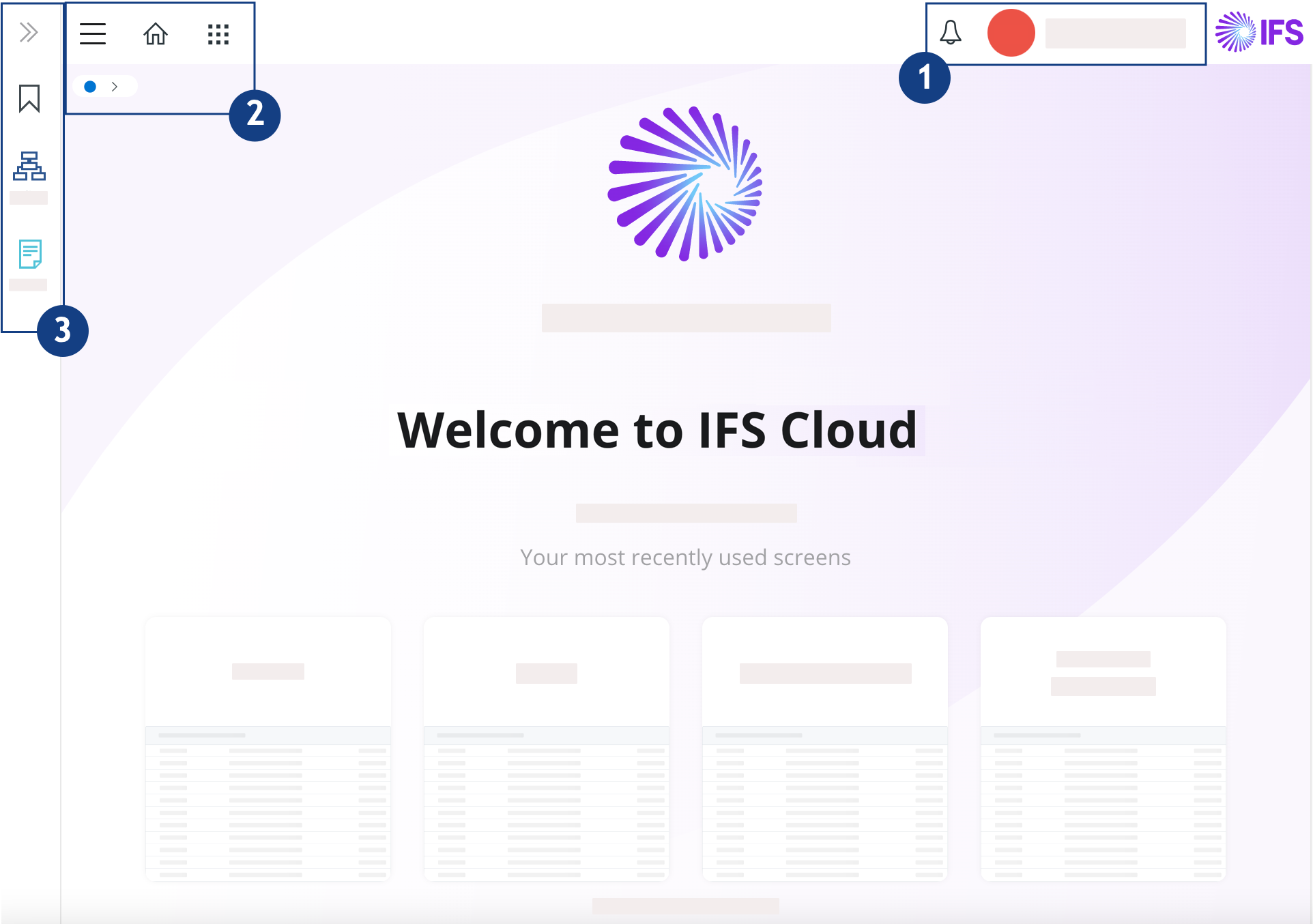
| n° | Description |
|---|---|
 |
|
 |
|
 |
|
Discover the home page screen features.
| n° | Description |
|---|---|
|
|
|
|
|
|
|
|
|

 Account: you can act on your
 and
pages.
and
pages.



 : save a page
to your bookmarks to access it easily.
: save a page
to your bookmarks to access it easily.  : delete, rename, create
group or change your saved bookmarks.
: delete, rename, create
group or change your saved bookmarks.