Activating the Fixed Asset
After the acquisition of a fixed asset, you need to activate it.
Important:
If you have any doubts, contact your accountant responsible,
or external accountant support, or Airmar accounting team,
depending on your situation.
- Go to .
-
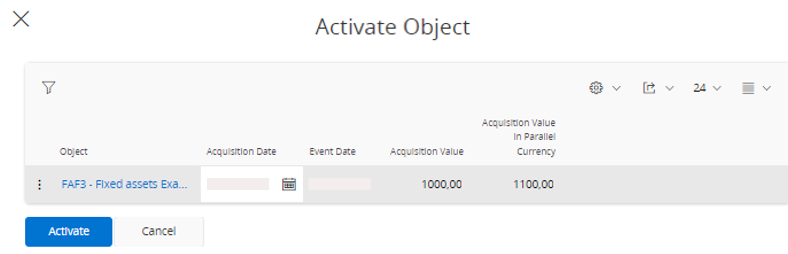
Click Activate
Object.

-
Enter an Acquisition
Date and
click Activate.