
Adding an Approval Template for Part Creation
When creating a new part in IFS Cloud, you need to validate the creation using an approval template.
- Go to the Part page.
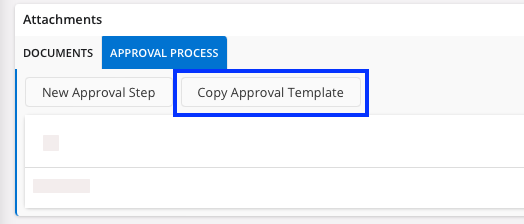
- Expand Attachments panel on the bottom of the page and go to the Approval Process tab.
-
Click Copy Approval
Template.
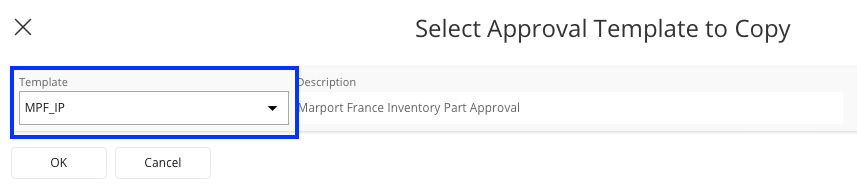
A new pane appears. -
Select the correct template and click OK.
- The approbation is now created and will be validated by the approver.