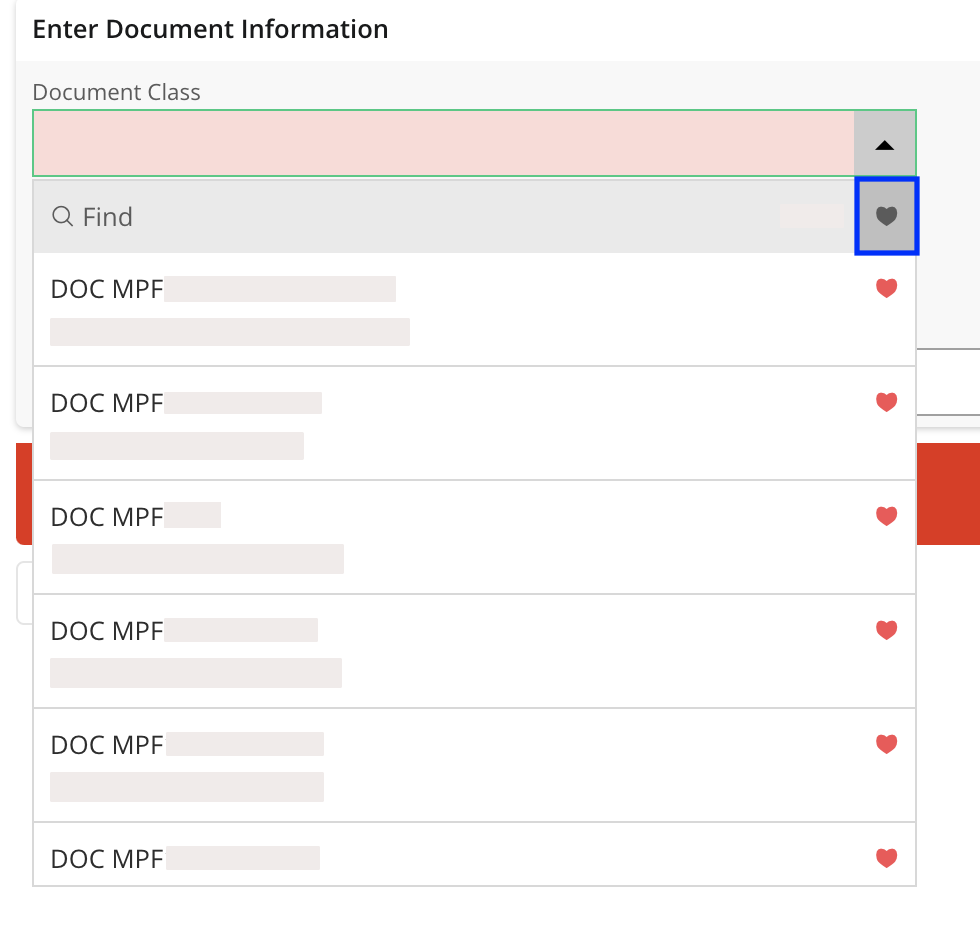
Saving your Favorite Document Classes
Learn how to save your favorite document classes to directly find them back when attaching a document to an order or invoice.
Tip:
Use the Favorites feature to find more
quickly data that is relevant to you when completing documents. You can use it
in several pages, with items that you frequently use, such as customers or
suppliers.
-
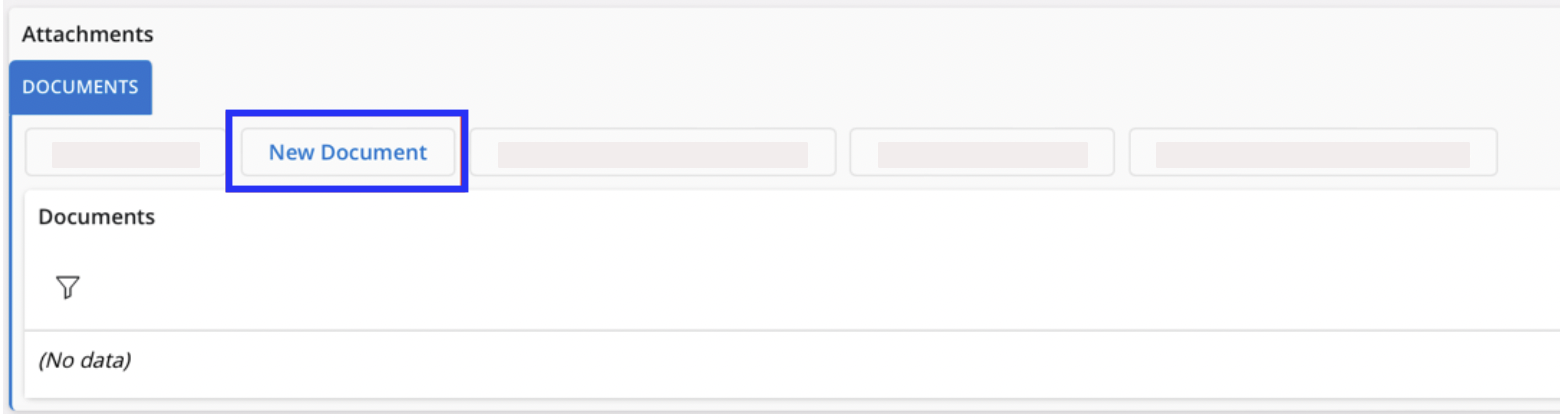
When completing an order or invoice, go to .
-
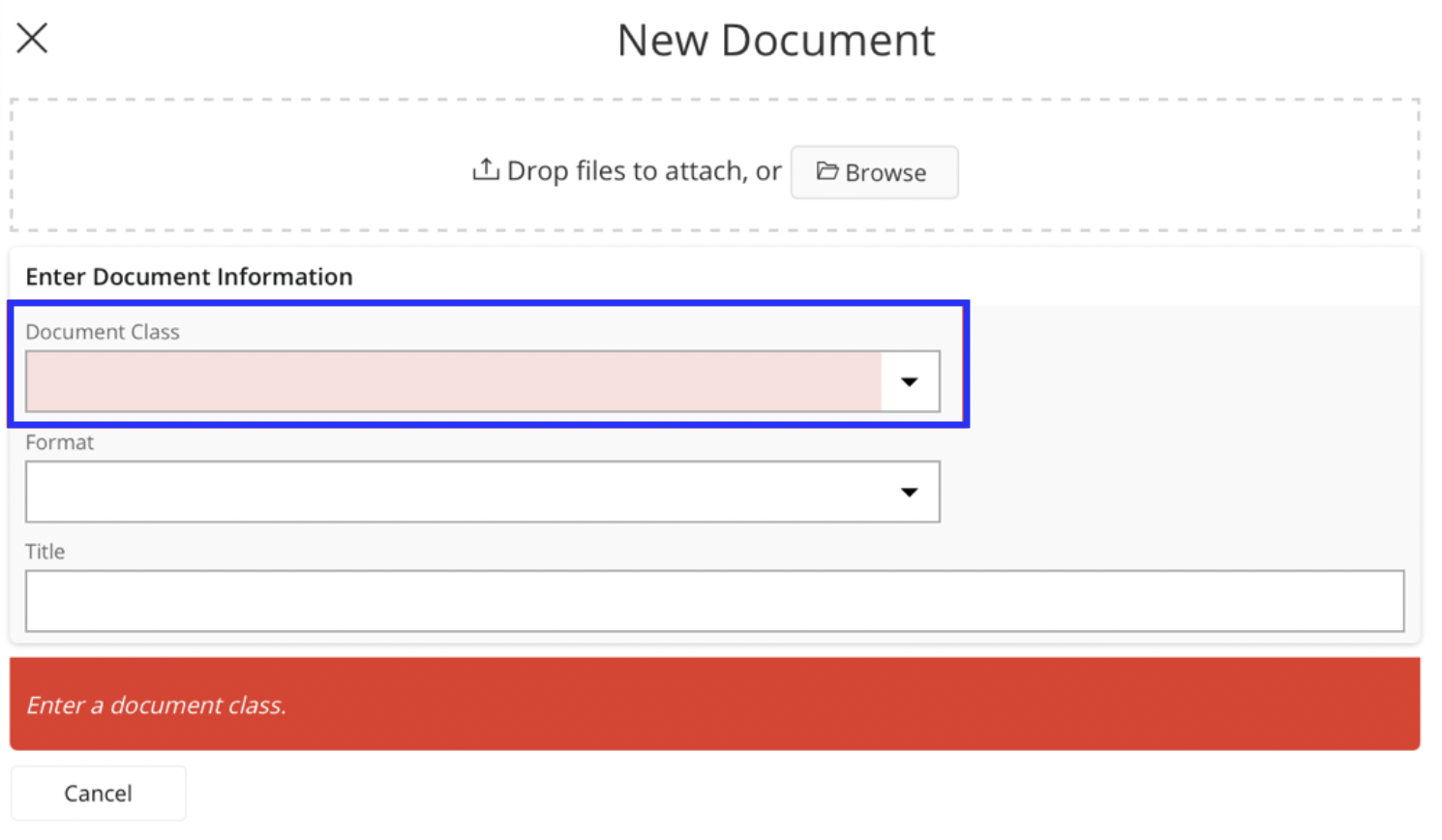
From the New Document pane,
click the Document Class
drop-down menu.
-
Click Find at the top of
list.
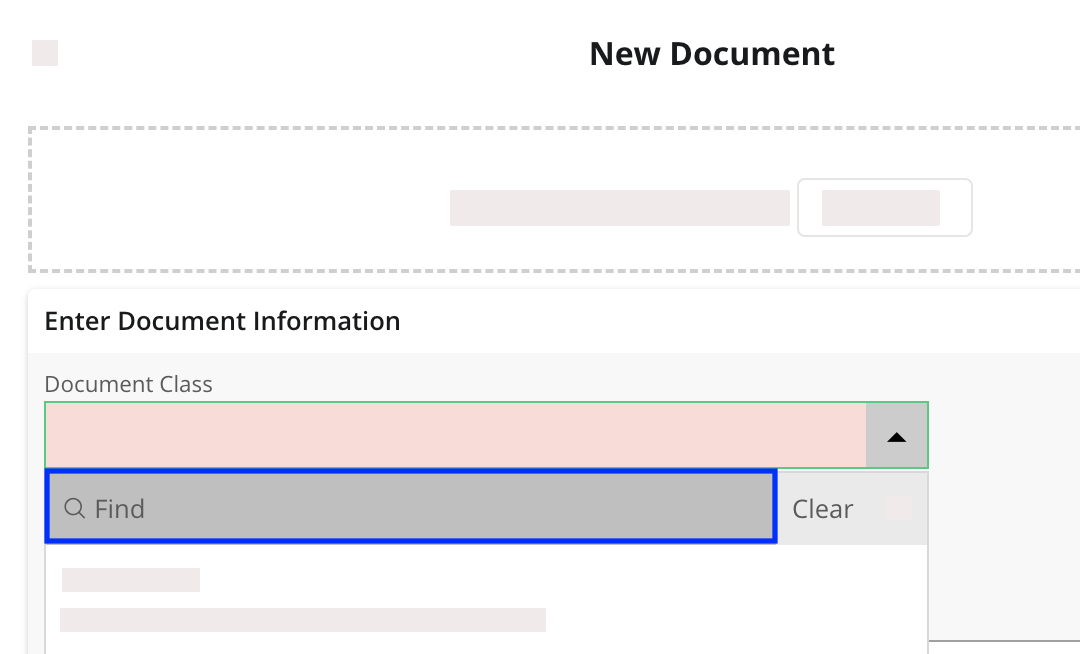
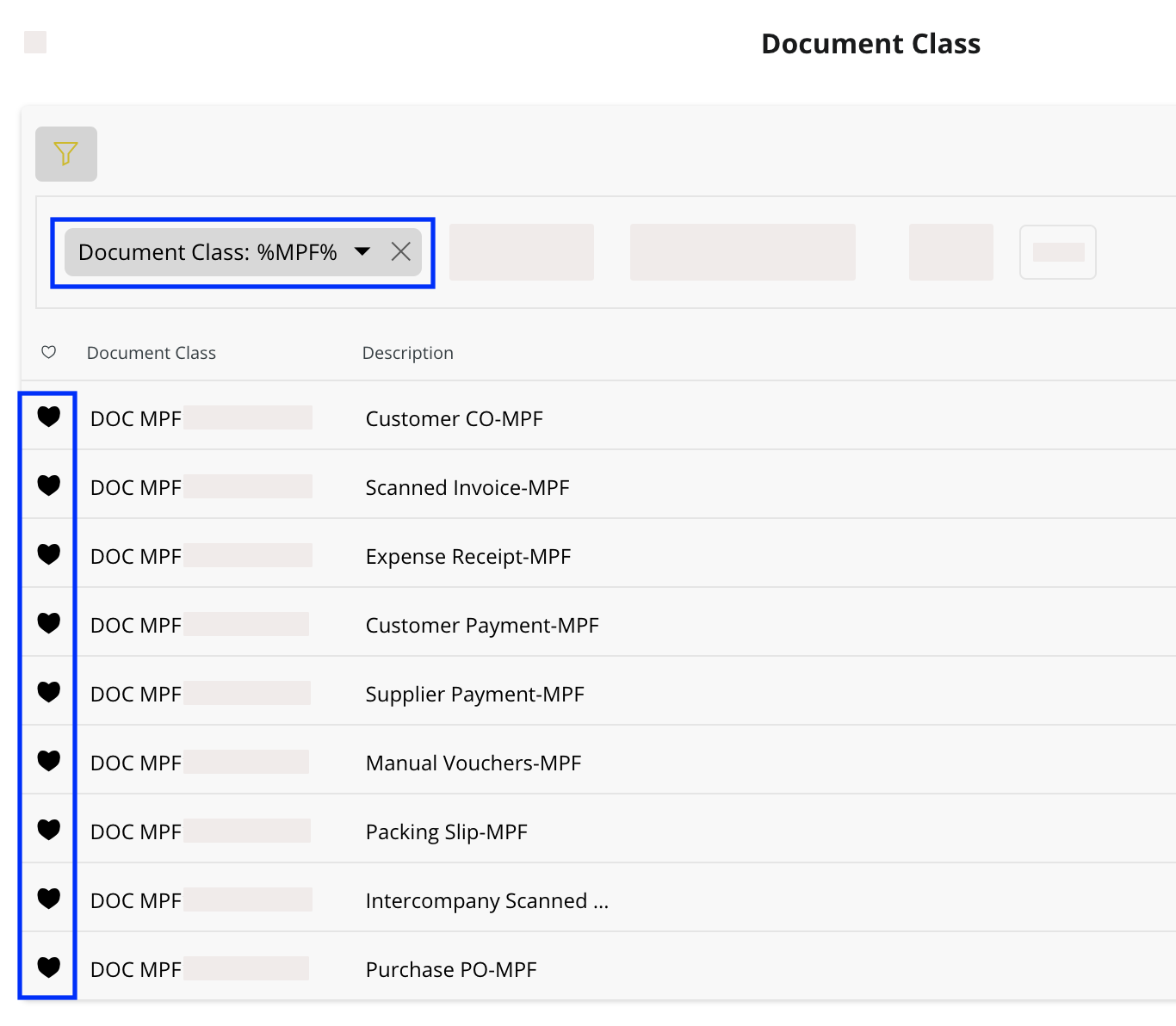
- Enter your office code in the Document Class filter to show only the document classes of your office.
-
Click the heart icon on the lines, then close the pane.
- Now back to the New Document pane, click the Document Class drop-down menu.
-
Click the heart icon at the top of the list to show only the favorite document
classes.