
Updating a Purchase Part
You can edit purchase part information, their supplier, and deactivate the parts if no longer used.
- Go to the Purchase Part page and select the part from the list on the left side.
-
You can check information such as:
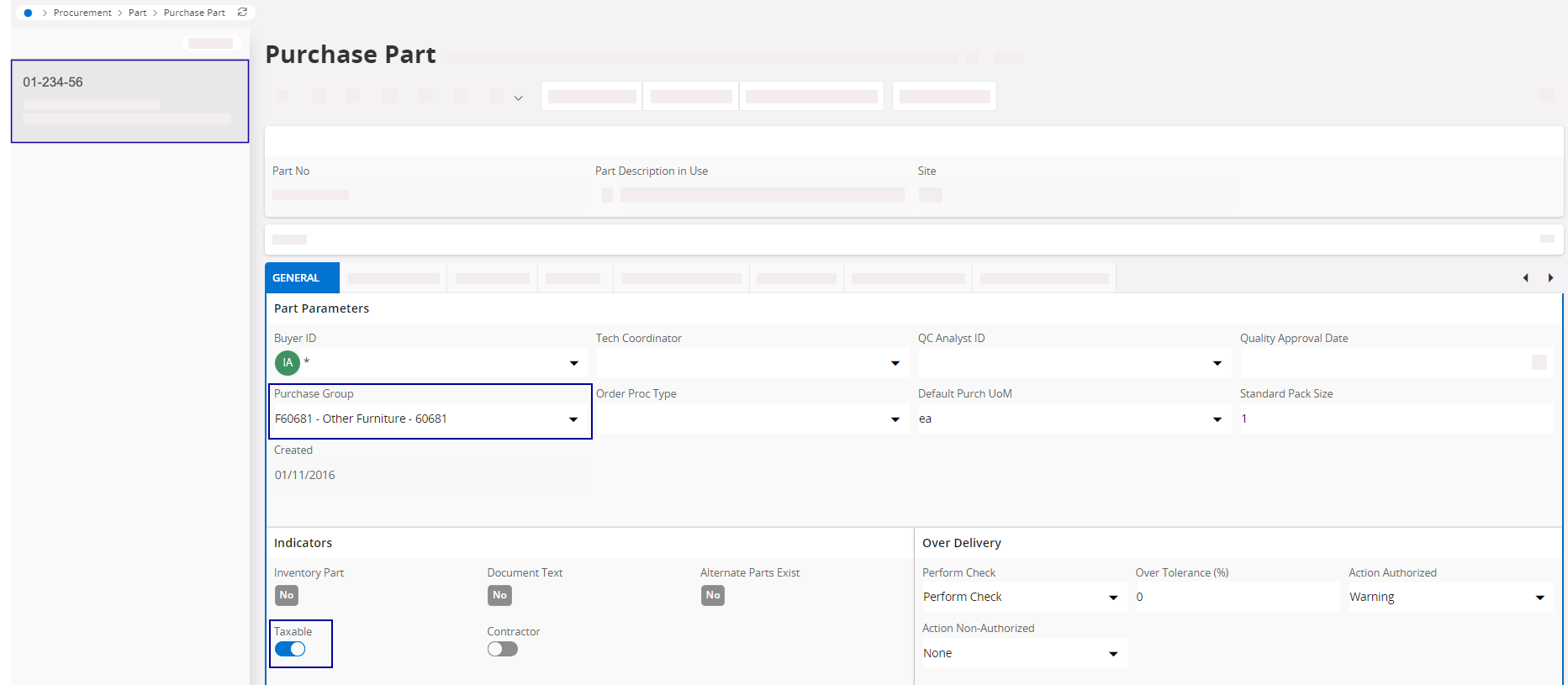
- Purchase Group: add a purchase group for a non-stocked part.
- Taxable: turn on the toggle if a tax must be applied.
-
You can connect purchase parts to a specific supplier and update the
information from the supplier of the purchase part:
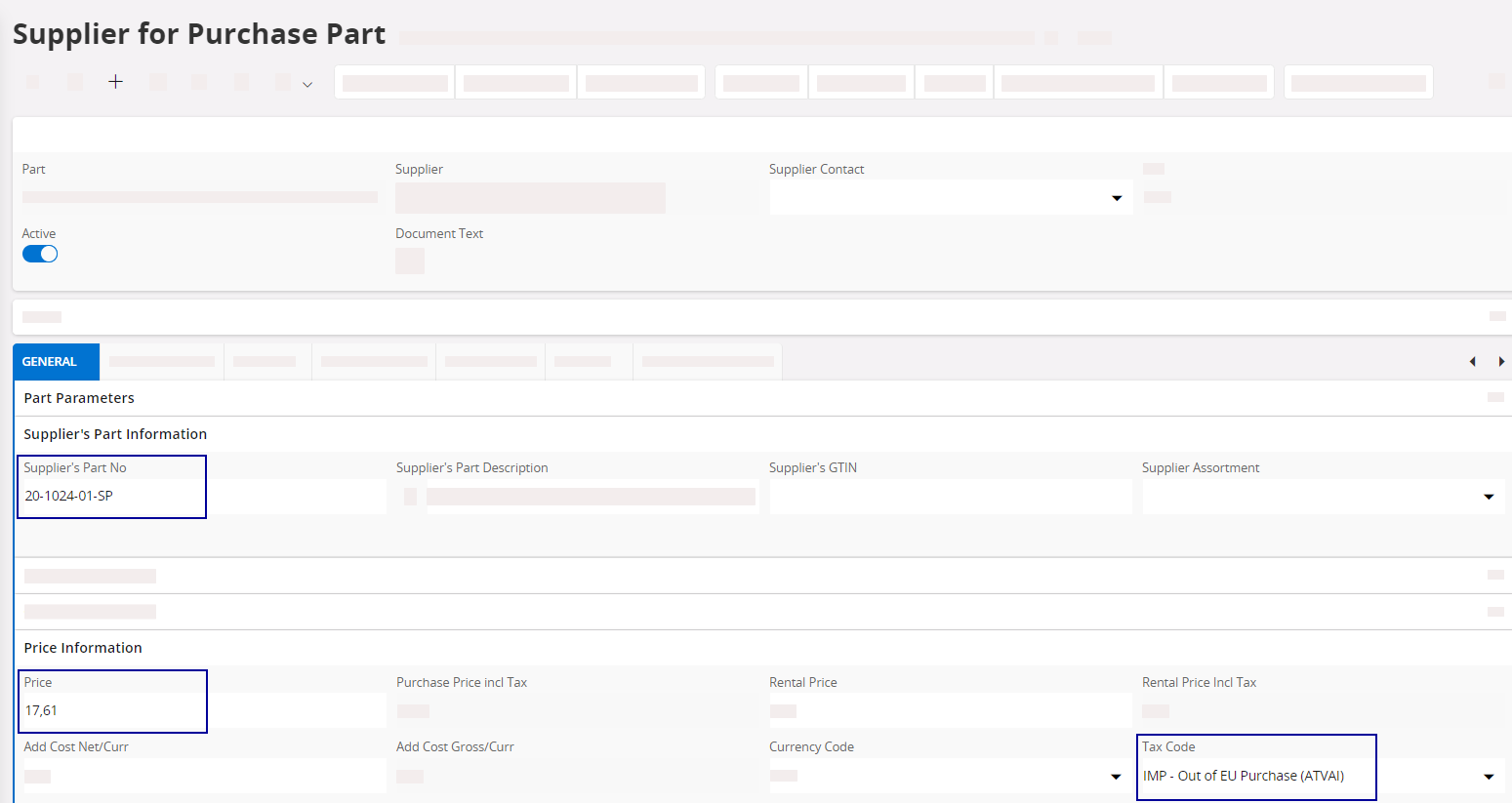
- Supplier’s Part No: link between the part and the supplier. This part number is automatically retrieved on the purchase order.
- Price
- Tax code: if taxable and predefined by the supplier.
-
If you no longer order a part from a supplier, you need to deactivate the
purchase part:
-
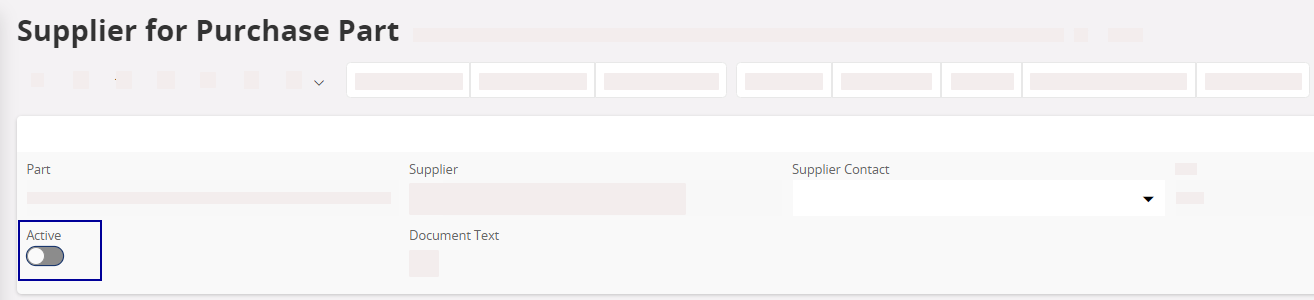
Turn off the Active
toggle.
-
In Part Status, select
INACTIVE.
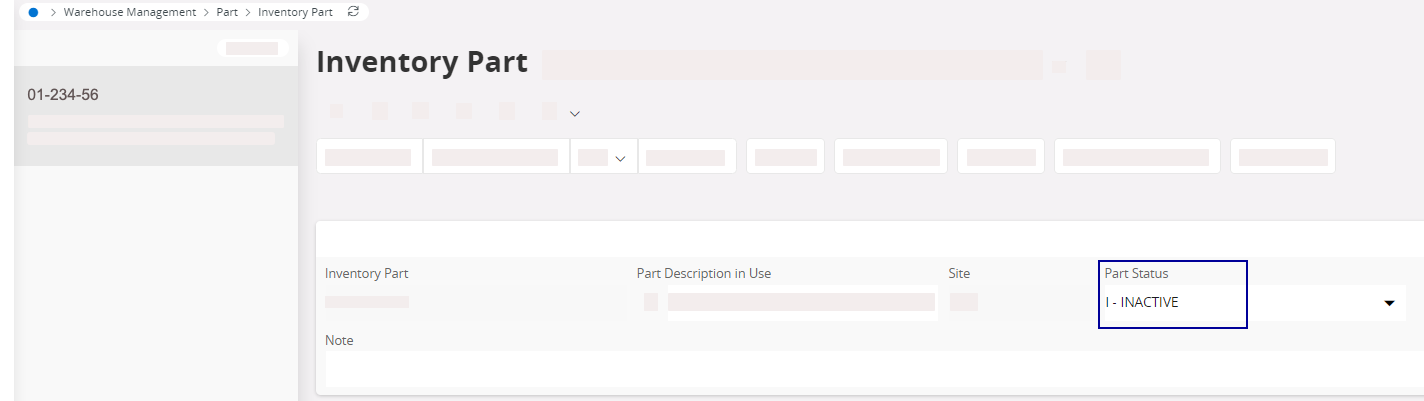
The part is still available for a customer order if already in your stock, but it is impossible to order it from the supplier anymore.
-
Turn off the Active
toggle.