
Updating a Customer
You can edit information related to a customer.
- Go to .
-
On the left side of the page, click the customer name
 to
modify the main information
to
modify the main information  .
.
-
Click the items listed below the customer name to configure additional
information (
 ). Read more about those pages in the
following chapters.
). Read more about those pages in the
following chapters.
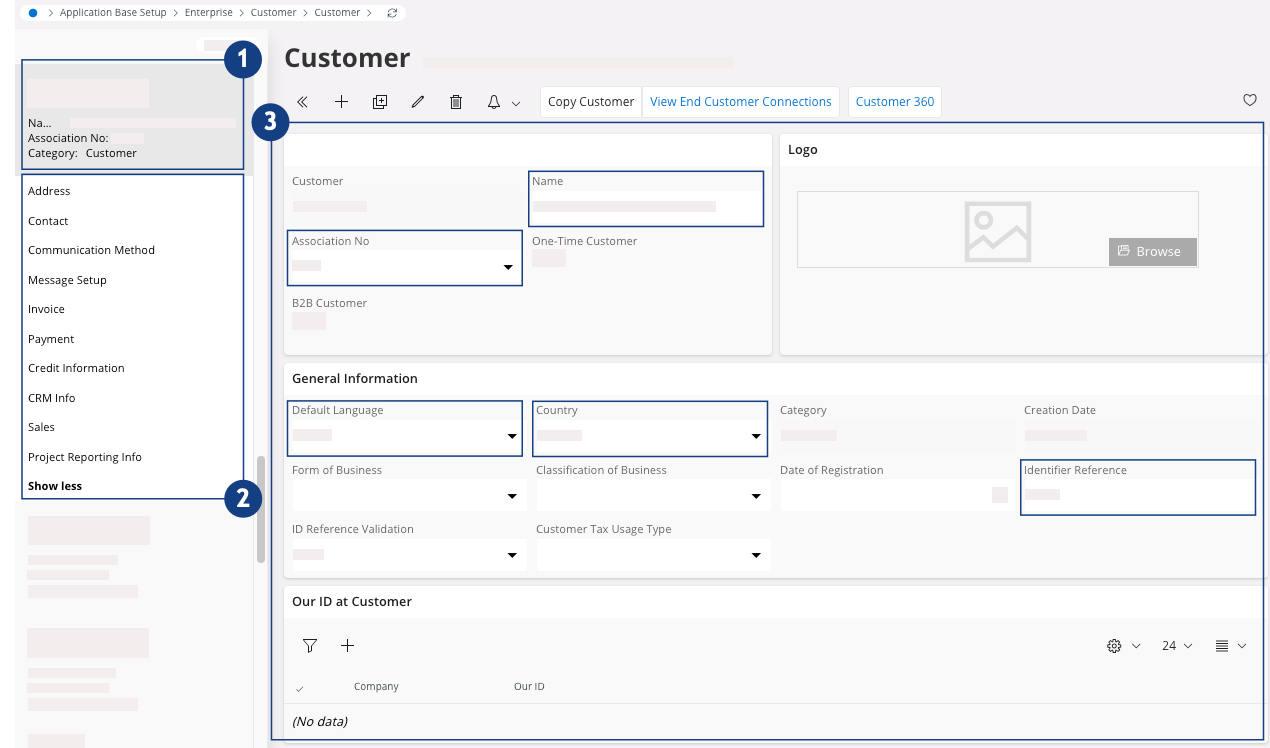
Table 1. Customer main information Field Description Mandatory Example Name Customer name Yes Marport Association No Customer identifier (SIREN code for MPF) No Default Language Customer language Yes French Country Customer country Yes France Identifier Reference Unique customer ID. For instance, the Navision number for the customer. No E222000