
Applying Filters at Page Opening
You can configure a page so that filters are already applied to the list of records when opening it.
-
On the right side of the page, click
 > Filter
Settings.
> Filter
Settings.
-
On the Filter
Settings page, under
Startup
behavior, select
Use
filter,
and Saved
filter.
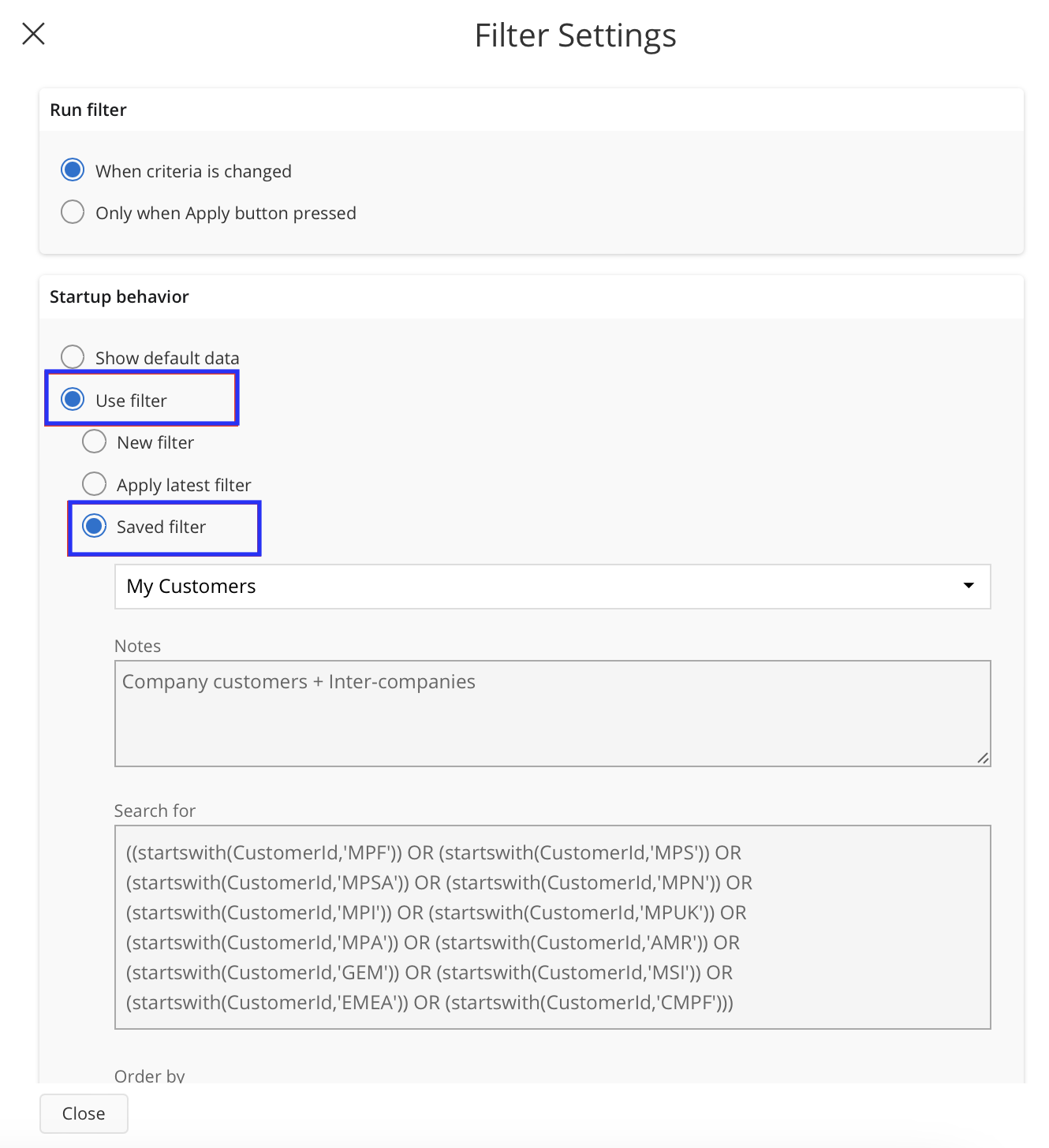
- Select the filter from the drop-down list.
- Click Close.