Navigating Using the File Path
Visualize and navigate through the path of your page, of its parent and the path of the related pages.
-
You can see the path of the page open, on the upper center of the screen.
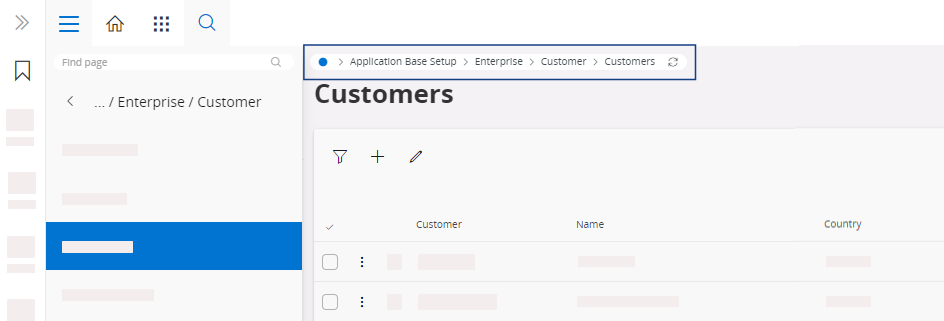
-
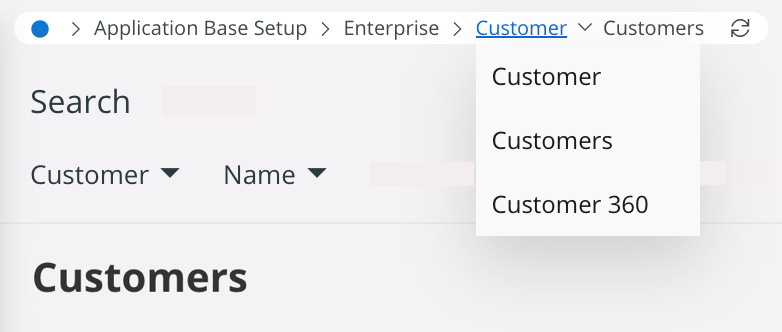
To see the other pages available for each parent: in the path, click the title
of the pages.
You can access to the related pages of each parent.