Opening and Searching for Pages
Find pages efficiently through the  Navigator Menu.
-
To search for pages:
-
Click the
Navigator Menu.
-
Use the search bar at the top left corner
 .
.
-
Click the
-
To find your page you can use different methods:
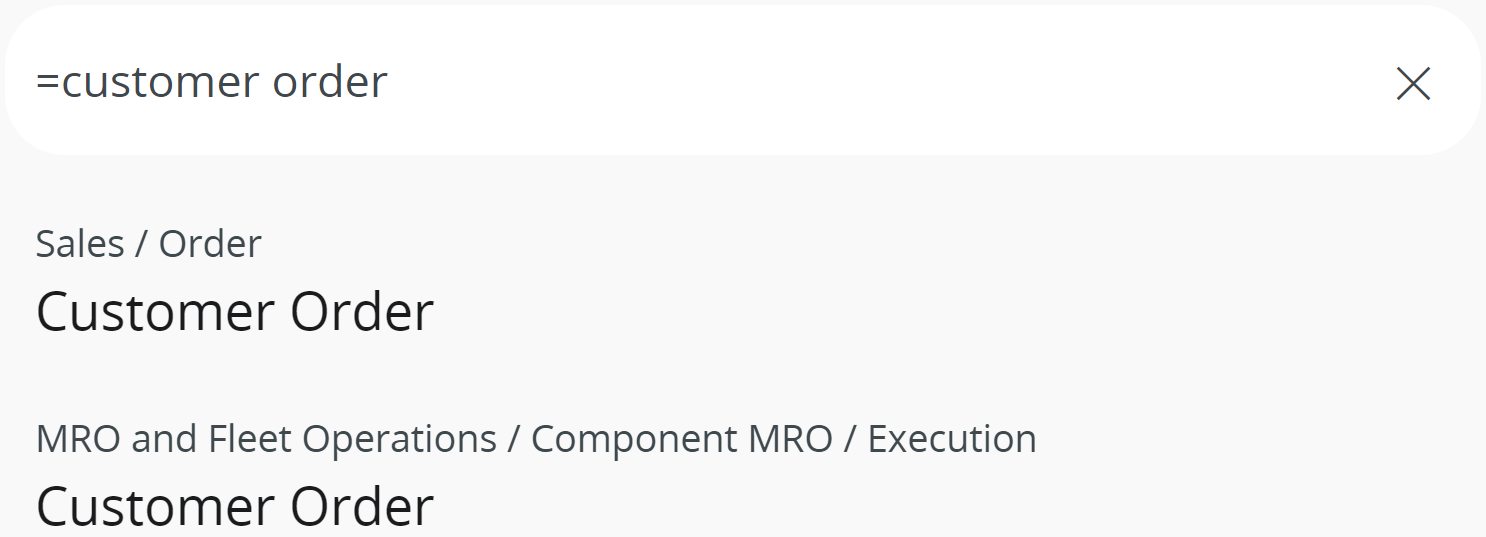
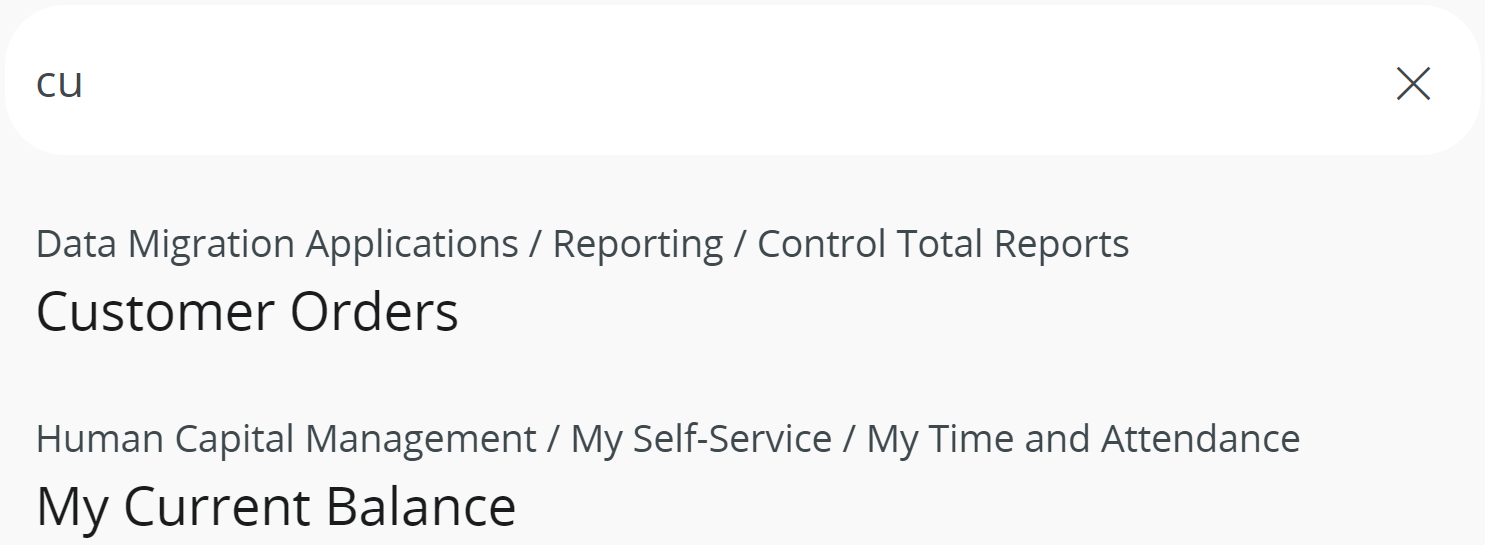
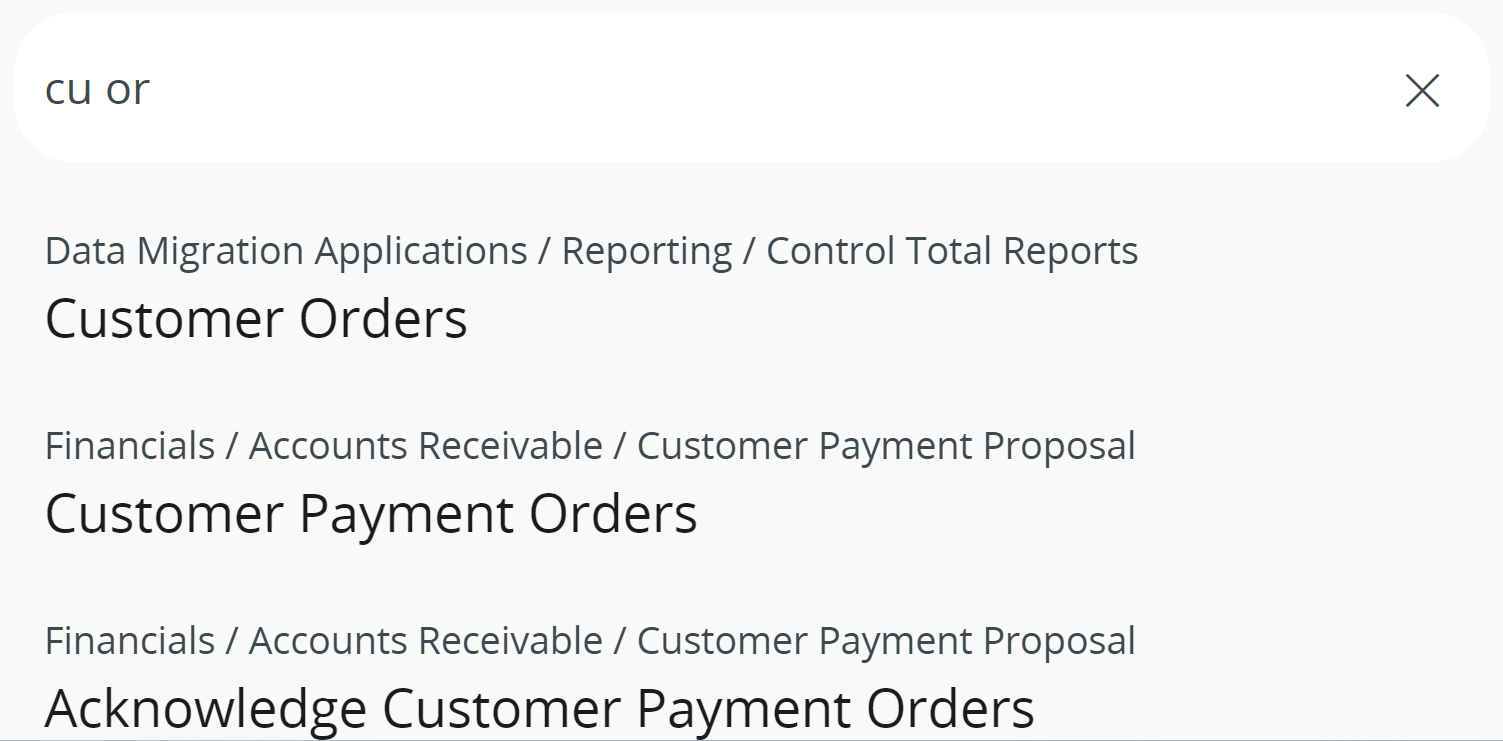
For example, here we are searching for the Customer Order page, but these methods also works for all your searches:
Input Expected search result IFS example Write the first letters of one word.
For example: Cu
All the pages that start with Cu or contain Cu.
Write the first letters of multiple words.
For example: Cu or
All the pages that start with Cu or or contain Cu or.
Write an equal sign before the word(s).
For example: =customer order
Find the result(s) that matches the exact word(s).