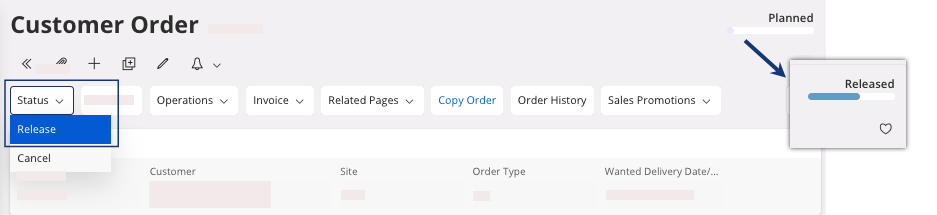
Changing Customer Order Status
If your customer order is in status Planned and you validated it within the company, you need to change it to Released status.
- Go to the Customer Order page.
-
If you did not configure the Pre-Posting in your lines: select your
line(s) and click .
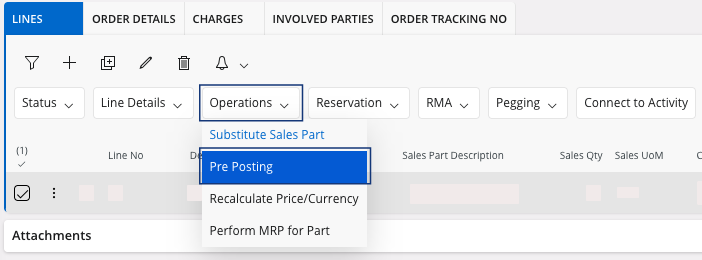
The Pre-Posting pane appears. -
You need to associate the lines from your customer order to a Dept, a Project and a Sub-Dept.
Important:The Pre-Posting is mandatory in these lines.
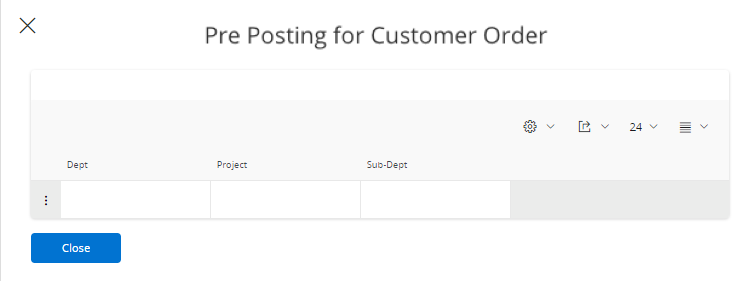
-
Once you configure the Pre-Posting, in the header, click .