
Changing a Part Serial Number
You can edit the serial number of a part in your stock if you notice it is wrong.
- Go to the page Part Serial.
- Filter the page results on your Part No or Serial No to get the corresponding product.
-
Choose the part from the list on the left, then click
Rename in the toolbar to edit the serial
number.
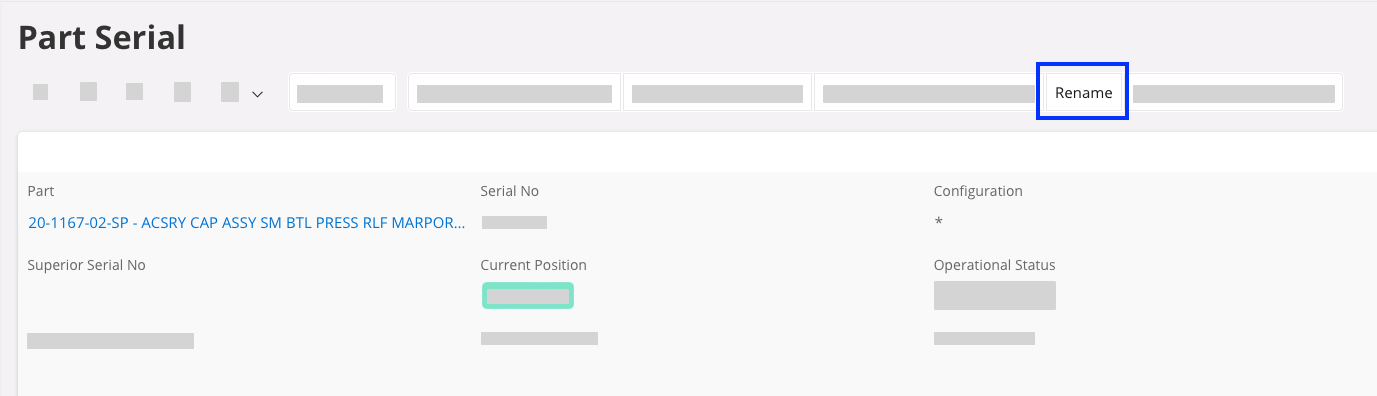
The Rename Serial Part window opens. -
Edit the New Serial No field, then click OK to save the changes.
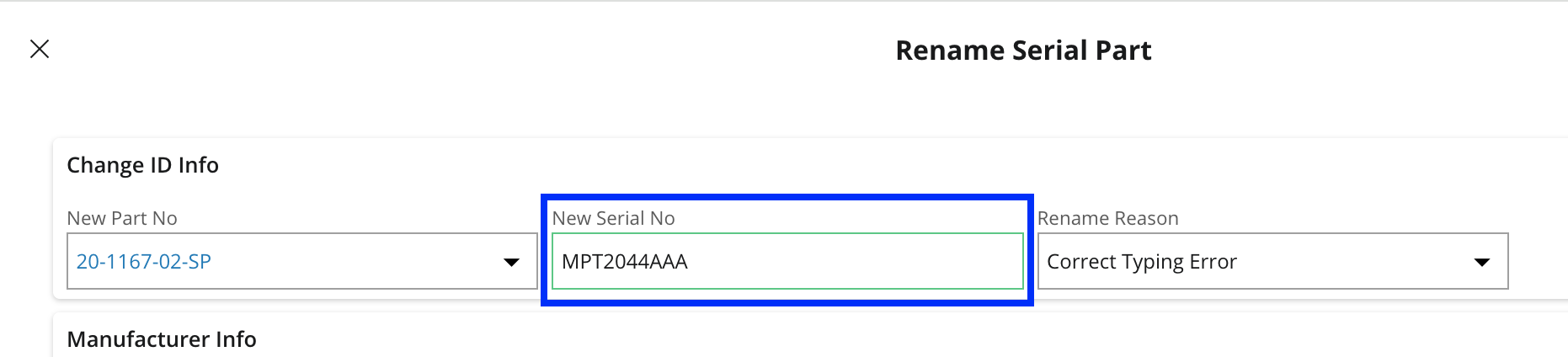
Note:Do not change the New Part No field. If you do, there will be a mismatch between the part number and the product cost, impacting your stock valuation.