Scrapping a Part from the Stock
Remove stock from one location for Scrap reason. This part can be broken, obsolete...
Attention:
This process impacts
your stock quantity and value in accounting.
- Go to .
-
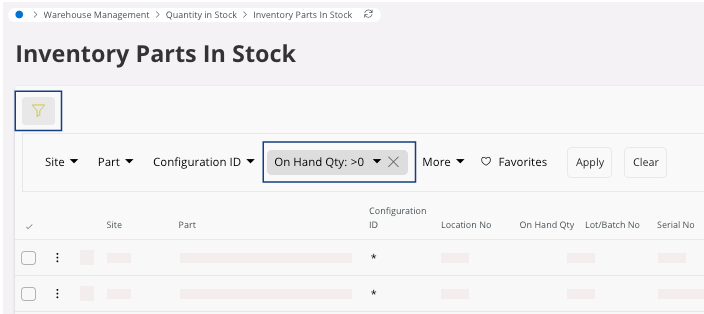
To display the list of items available in stock:
-
If not displayed, click Filter
 > and select On Hand Qty
-
Set the On Hand Qty
filter to > 0.
-
If not displayed, click Filter
-
Click the three dots
 on the line you want to focus on and
click Scrap.
on the line you want to focus on and
click Scrap.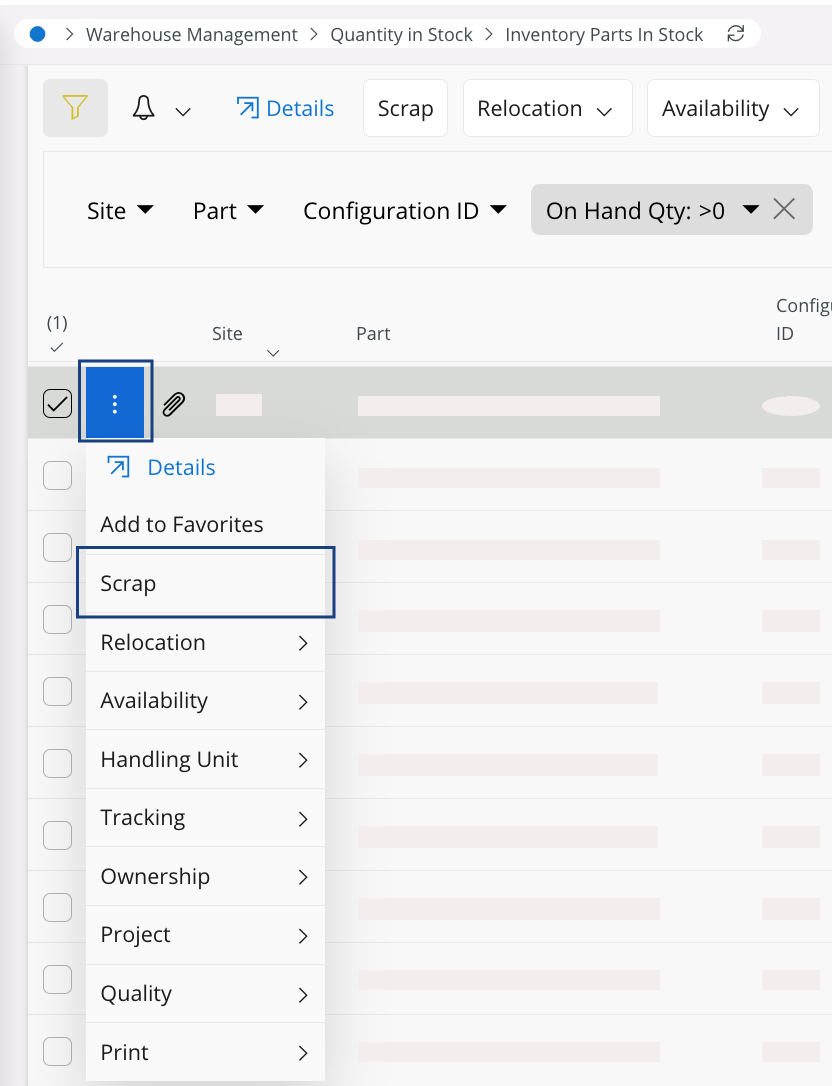
If you cannot see the Scrap field, it means that your part is used in another action and you cannot scrap it. E.g.: being currently part of a count report. -
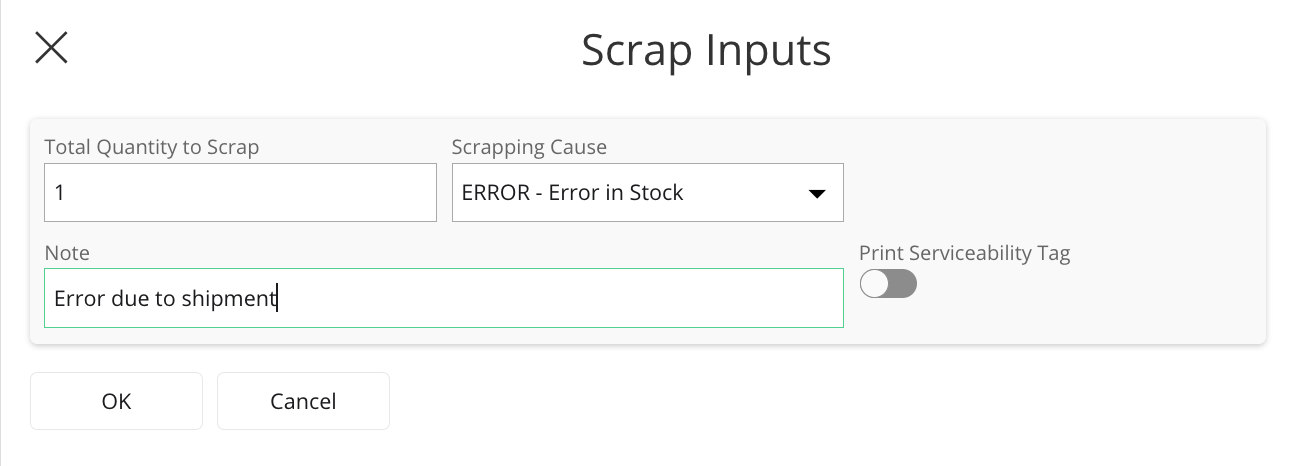
Insert the Total quantity to
Scrap, a Scrapping Cause and add a
Note to justify the stock
movement. Then, click OK.