
Creating a New Material Requisition
Consume stock for internal use.
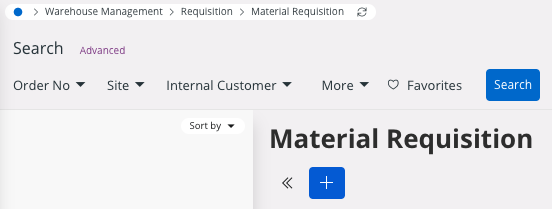
- Go to .
-
Click New +.
-
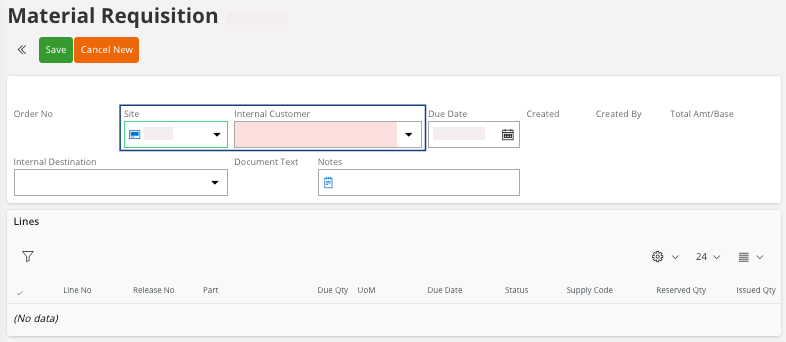
Select a Site and an Internal
Customer, then click Save.
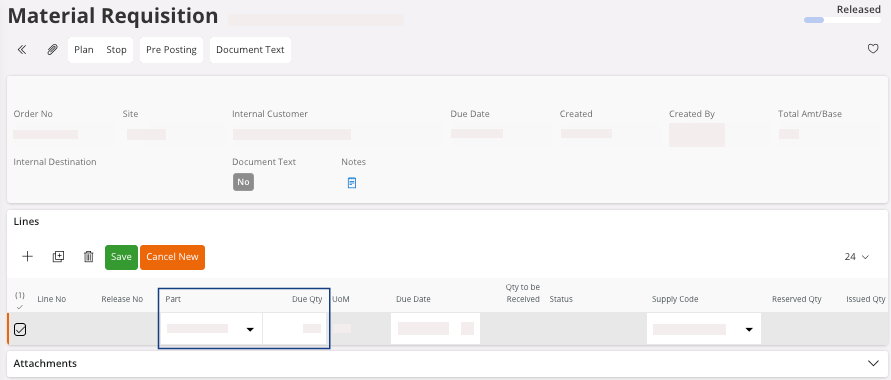
- In the Lines area, click New + to add your lines.
-
You need to fill at least, the fields Part and Due Qty.
- Click Save.
-
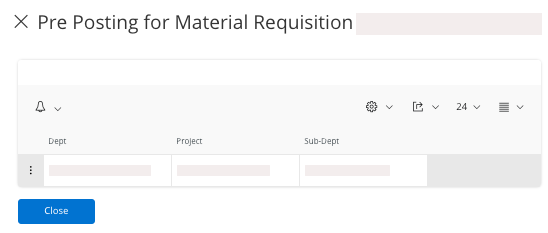
The Pre-Posting pane appears,
you need to linked the line(s) to a Dept, a Sub-Dept and a Project, click Save and Close the pane.
-
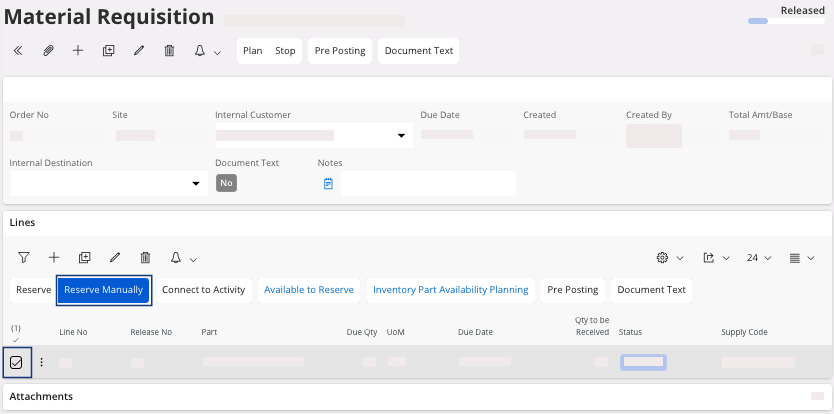
You need to reserve the parts: select your line(s) and click Reserve
Manually to select the part you
want.
-
You need to issue the parts: select your line(s) and click Issue.
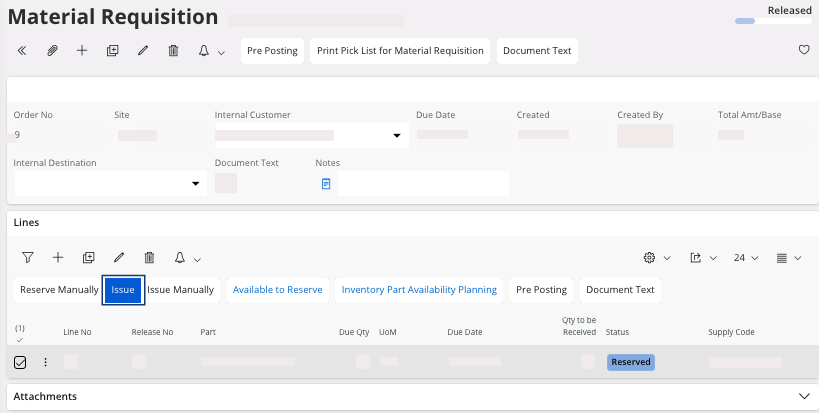
Once you issued all your lines, the Material Requisition status moves to Closed.