Doing a Full Credit Note
Create a full credit note without stock impact.
You can also perform this process if you need to correct charge lines.
- Go to .
-
Select the invoice you want to credit: in the header, click .
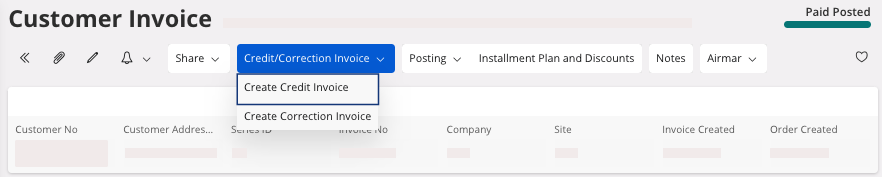
It creates a new Credit Invoice.Tip:To find your credit invoice number easily: go in the tab History then you can see the number on the line credit invoice creation.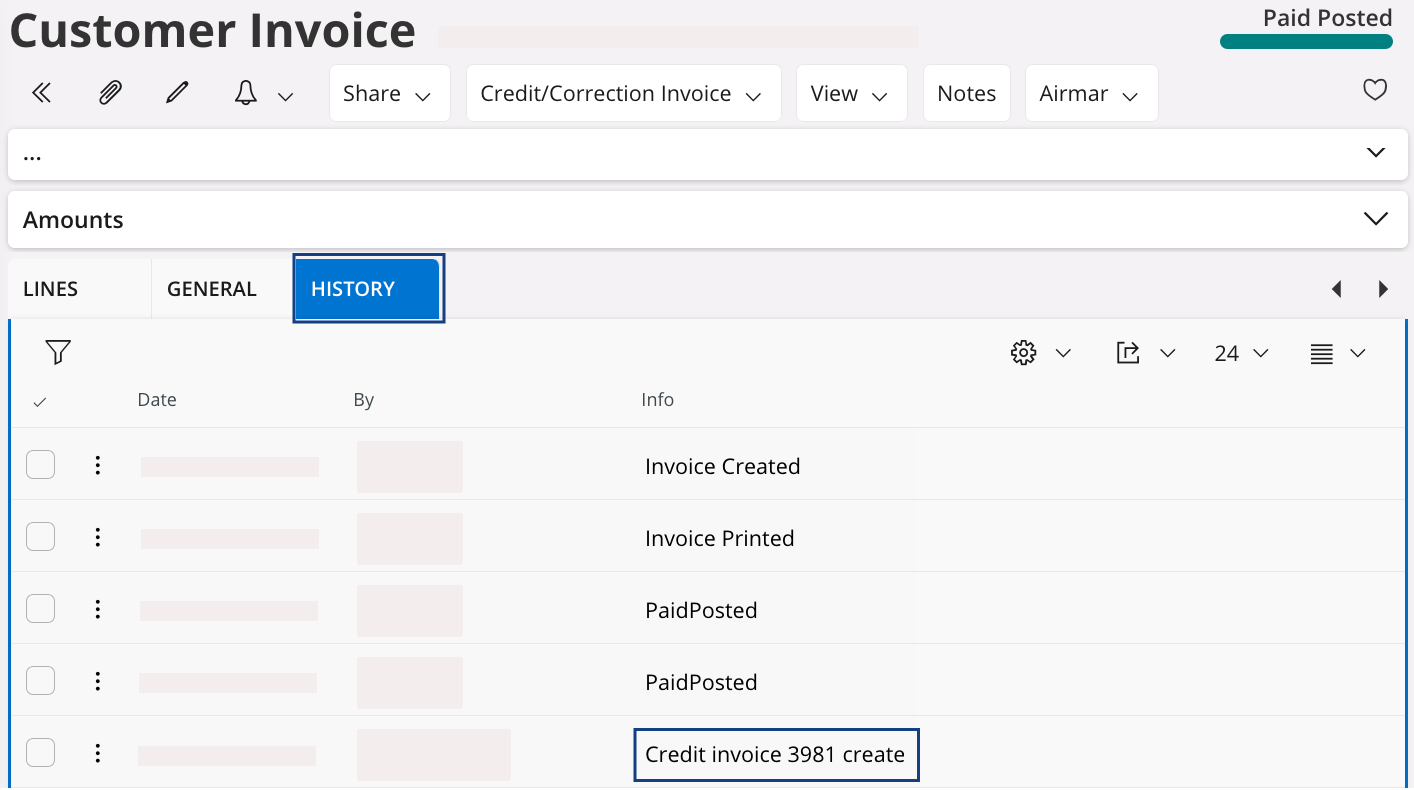
-
To access the credit note, click .
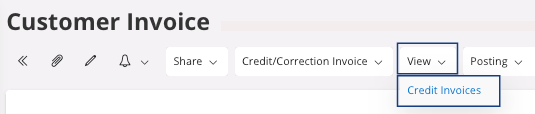
The Customer Invoices page opens. -
Click the three dots
 and click Details.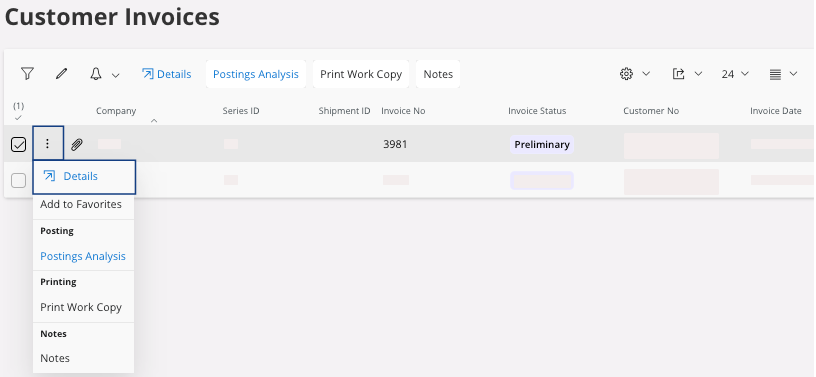
-
You can edit the lines of the credit invoice: click Edit
 . If you do not edit this credit invoice, then it
will correspond to the same amount than in the original invoice but it will be
negative.
. If you do not edit this credit invoice, then it
will correspond to the same amount than in the original invoice but it will be
negative.
-
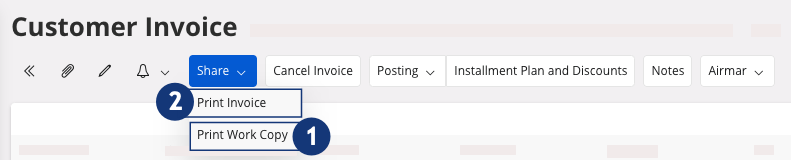
Once you have entered all the information, you can print a work copy, click
 .
.
-
Once you have checked all the information, you can print the final version,
click
 .
.