Saving a Search with Filters
Save a view with filters and find it back at any time.
-
Choose the filter(s) needed
 .
.
-
Click Saved Searches
 at the top right corner and click Save Search.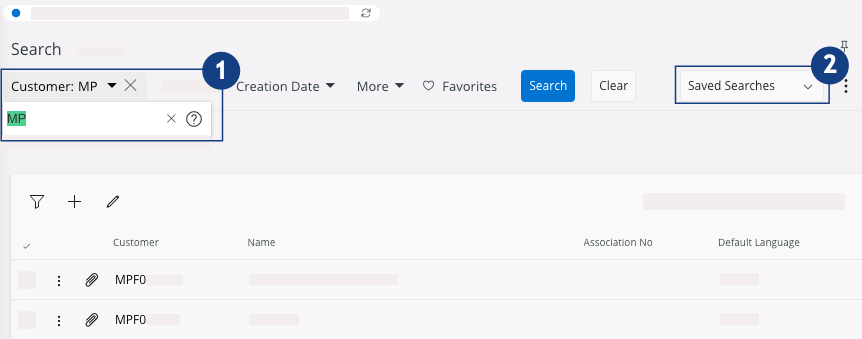
-
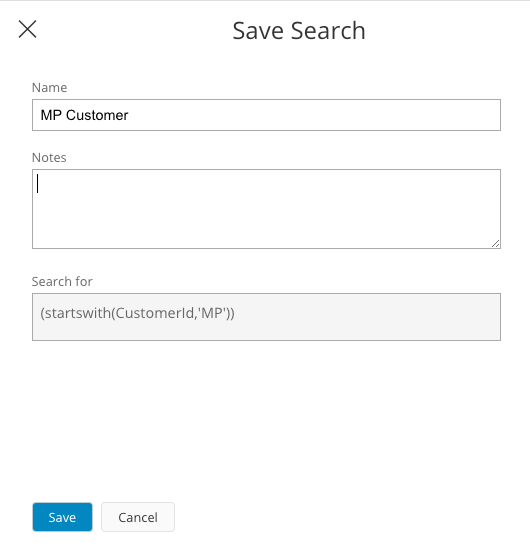
Give a name and write a description about the search and click Save.
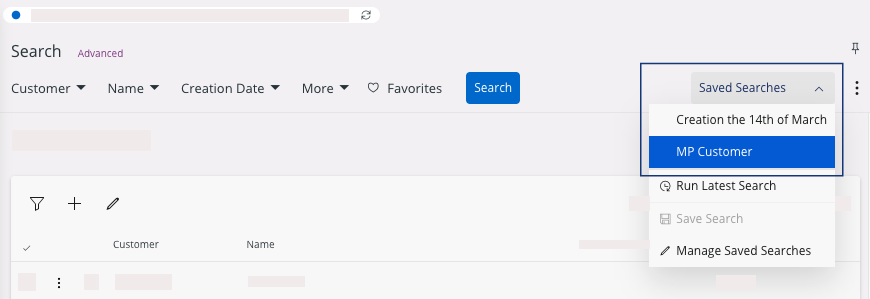
To use your Saved Searches on your records, click Saved Searches, then click the title of your saved search needed.