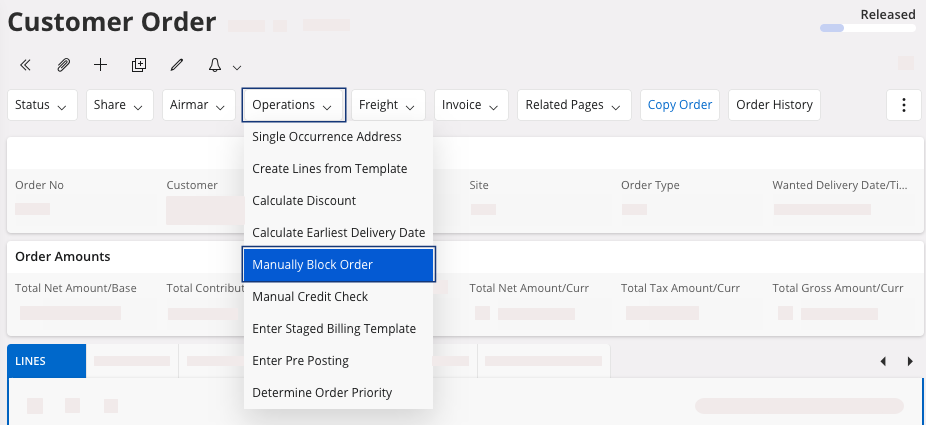
Blocking a Customer Order
Your Customer Order can be blocked automatically or manually to avoid any action on it.
Blocking a Customer Order Automatically
- Go to your Customer Order.
-
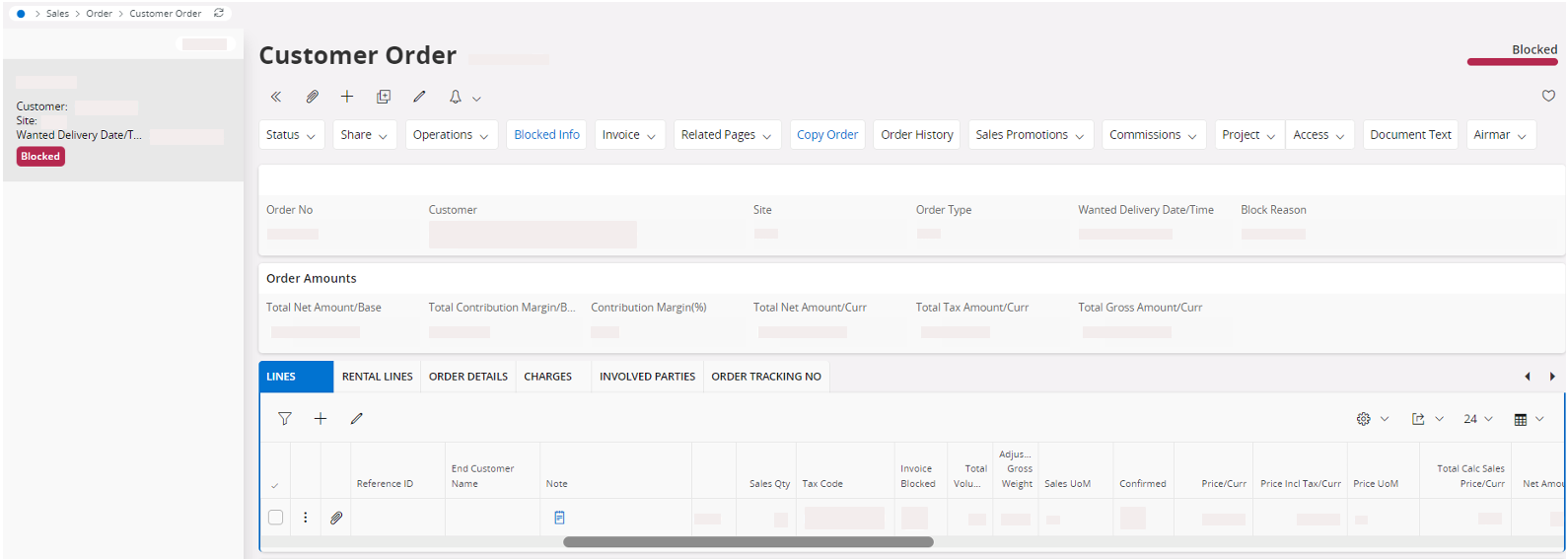
If the Customer Order
Credit Control Group has
been configured to perform a credit check at release, and if the credit or
open customer order exceed the correct amount, then the order will be
automatically blocked at the release step.
-
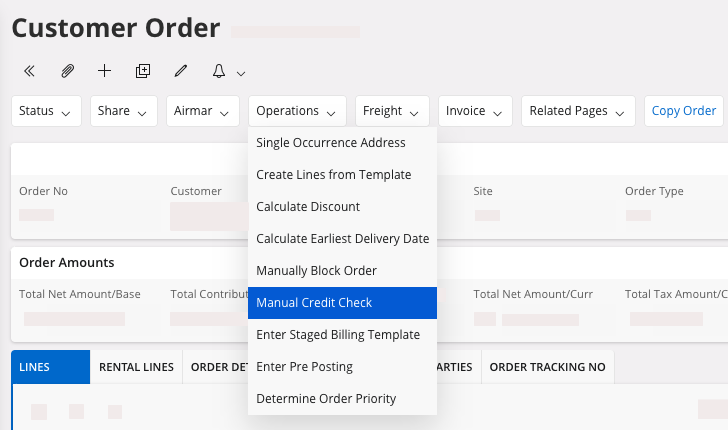
If you want to perform a new credit check: on your customer order, click
Operations, then click
Manual Credit
Check.
-
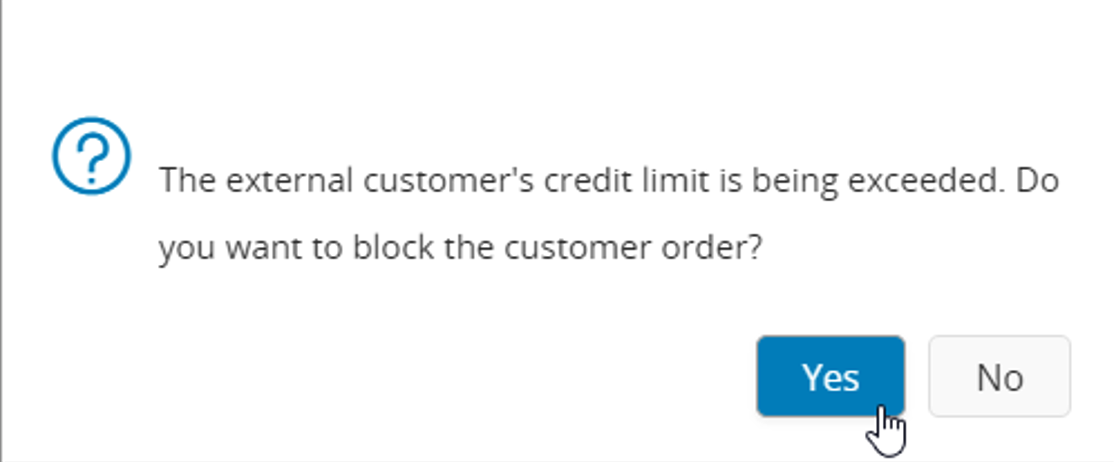
A dialog appears if the credit limit is exceeded. If you want to block the
customer order, click Yes,
otherwise click No.
Blocking a Customer Order Manually
- Go to your Customer Order.
-
If you want to manually block your order: in your Customer Order, click .