
Unblocking a Customer Order
Unblock a customer order following a credit check.
-
Go to your Customer Order, click
Blocked Info.
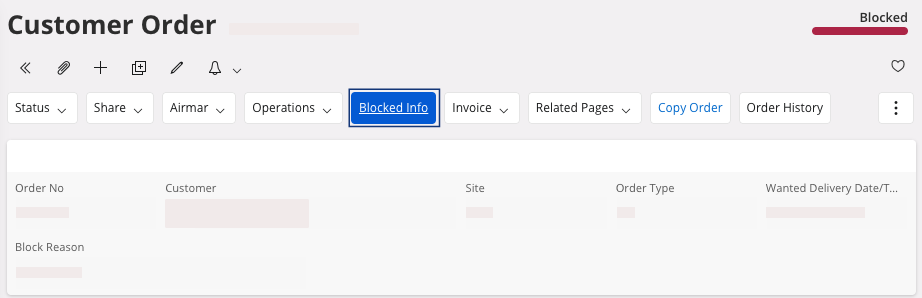
The Handle Blocked Customer Orders page opens. -
You have two options:
-
If you want to unblock the current credit check but keep the next
automatic credit check for the customer order: click the three dots
 , then click Release Block
Order.
, then click Release Block
Order.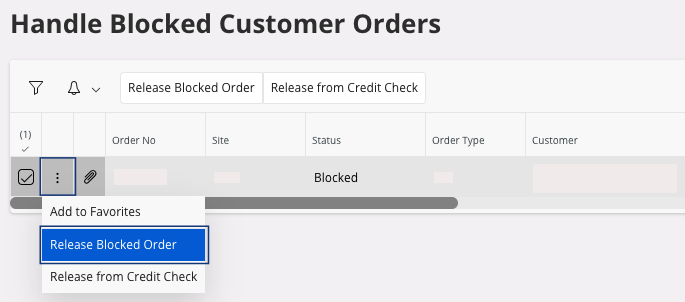
-
If you want to unblock all the automatic credit check for the customer
order: click the three dots ,
then click Release from Credit
Check.
-
If you want to unblock the current credit check but keep the next
automatic credit check for the customer order: click the three dots