Blocking a Customer Order for an Advance Invoice
In case you perform an advance invoice, you can block your Customer Order, to avoid any action on it before the payment.
- Go to .
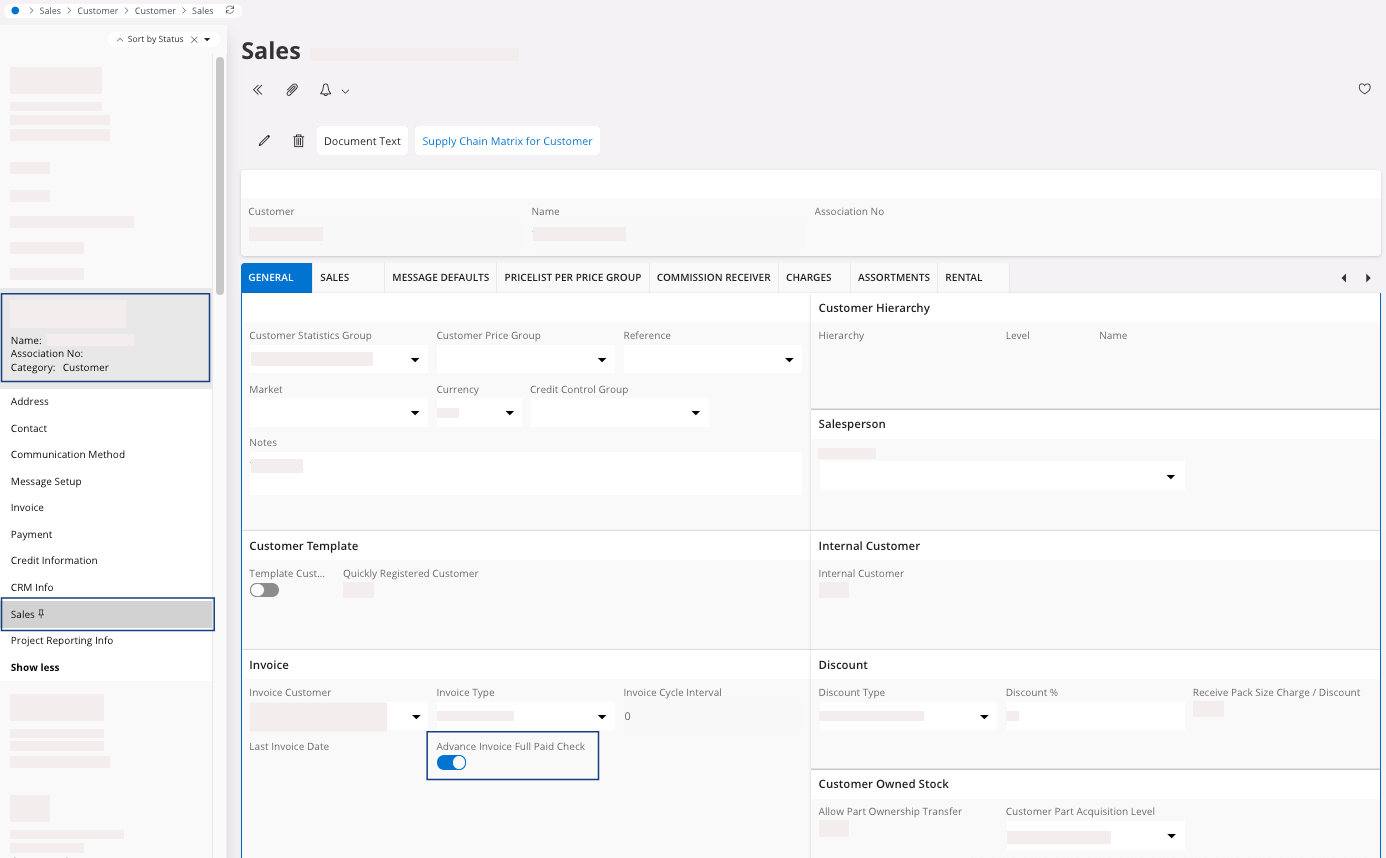
- Select your Customer on the left side of the screen, then click Show more and select Sales.
-
On the page Sales, in the tab
General, in the area
Invoice, turn on the
Advance Invoice Full
Paid Check
toggle.
-
You can go back to your customer order linked to your advance invoice.
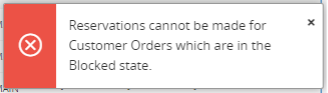
After the creation of an advance invoice, your customer order will not be released but blocked when you will try to release it.