Unblocking your Customer Order
Once the advance invoice is finalized, you can unblock your Customer Order.
- Go to and select your Customer Order.
The two next steps describe the first way to unblock a customer
order.
-
In the header, click Blocked Info.
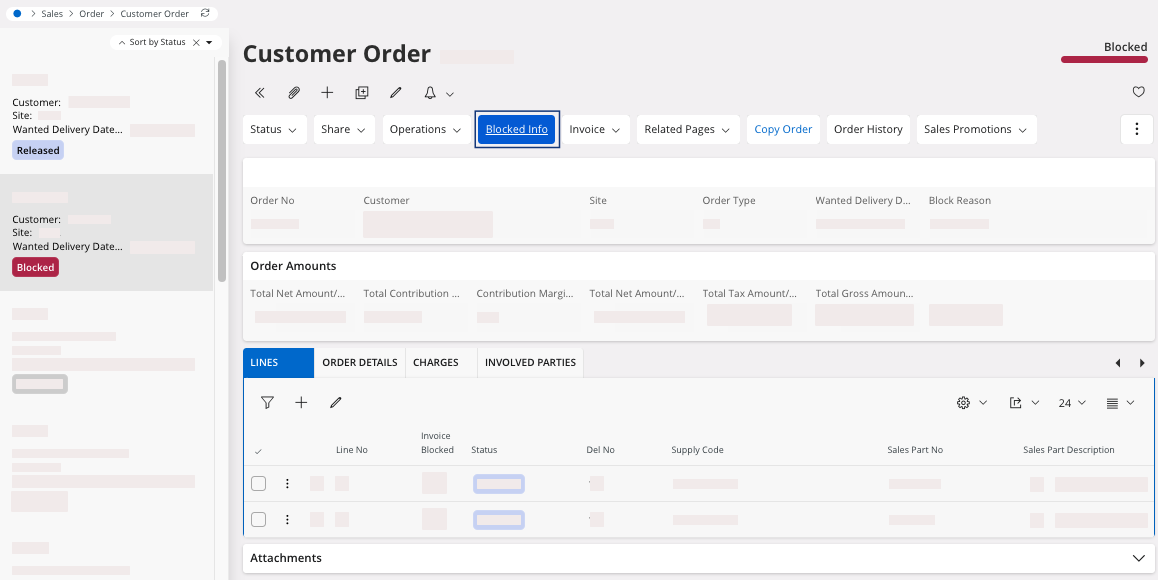
A new page opens, Handle Blocked Customer Orders. -
To unblock your customer order, click the three dots
 and click
Release Block
Order.
and click
Release Block
Order.
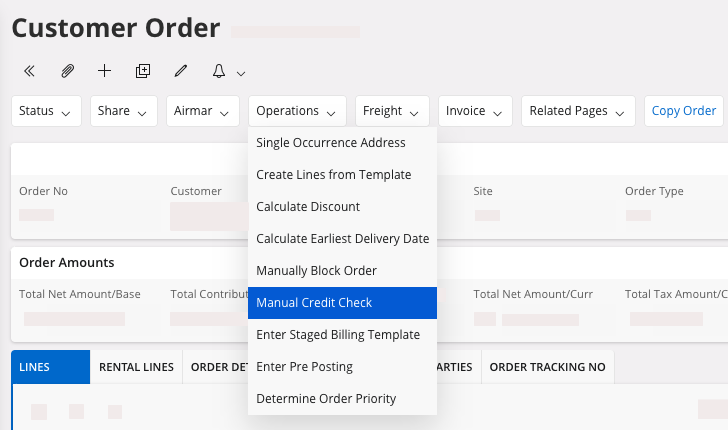
The next steps describe the second way to unblock a customer order when the
advance invoice had been paid by the customer.
-
In the header of the Customer Order page, click .
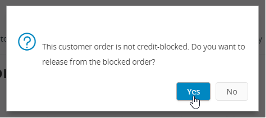
A dialog appears. -
Click Yes.