
Creating a Shipment Invoice
Create an invoice based on your shipment created.
To find shipments created and available for the invoice:
- Go to .
-
Click the three dots
 and click Create Shipment
Invoice.
and click Create Shipment
Invoice.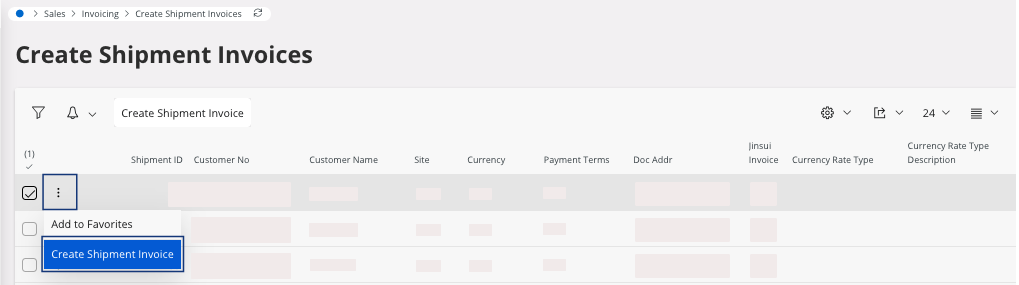
-
Go to .
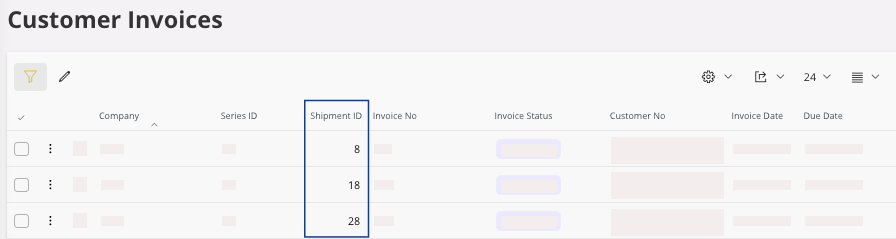
Here you can see your Shipment ID.
If not, you can now print your invoice: perform Printing an Invoice.