
Approving the Invoice
-
On the page Manual Supplier
Invoice, in the header, click Posting
Proposal.
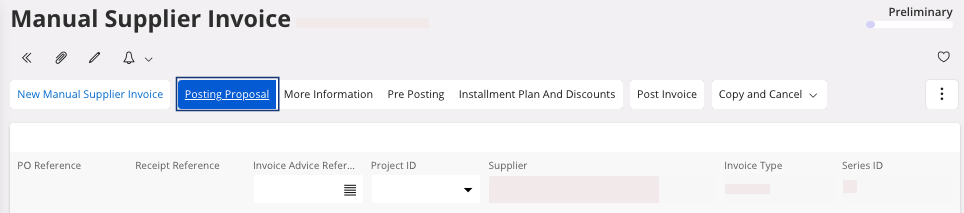
You move to a new page, Posting Proposal.Note:On this page, if there is no error, the status is AwaitAuth. -
In the area Authorize
Summary,
you can change the Authorizer:
click the three dots
 and click Change
Authorizer.
and click Change
Authorizer.
-
You can notify the Authorizer:
-
You can send an e-mail: in the area Authorize
Summary, click the
three dots and click Send E-mail.
Note:Your outlook mail box should be set up.
-
You can send an e-mail: in the area Authorize
Summary, click the
three dots
-
According to your role, you can authorize invoice. On the page Posting
Proposal of the invoice: in the
area Authorize
Summary, click
Authorize.
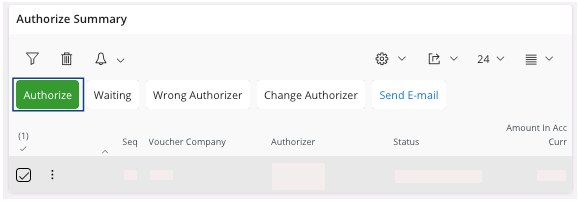
Tip:You can find all the invoices you can authorize on the page Invoices To Authorize. If you are authorizer, we advise you to add this page to your bookmarks.Once the authorization has been made the status of the invoice changes to Authorize.