Configuring the Supplier
In order to create a DAS2 declaration (FR Specific) you need to configure the master data supplier.
- Go to .
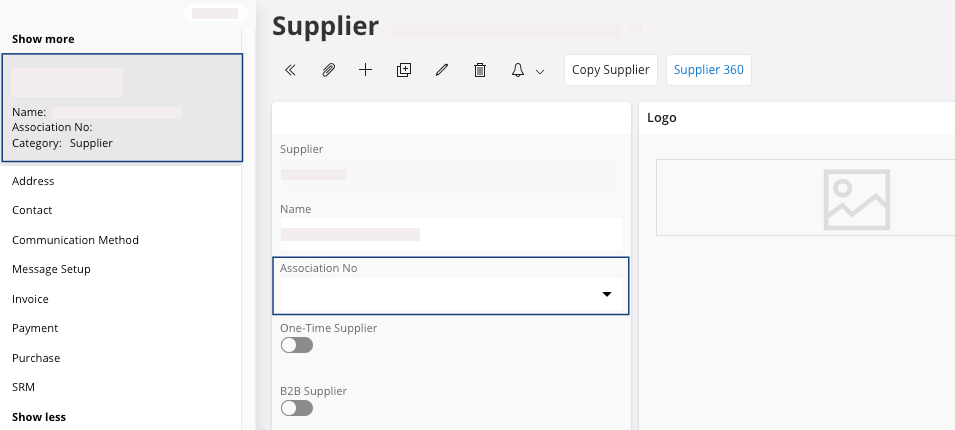
- Select your supplier on the left side of the screen, click Show more and select Invoice.
-
In the tab Tax
Information, in
the Delivery Type, select
HONORAIRES.
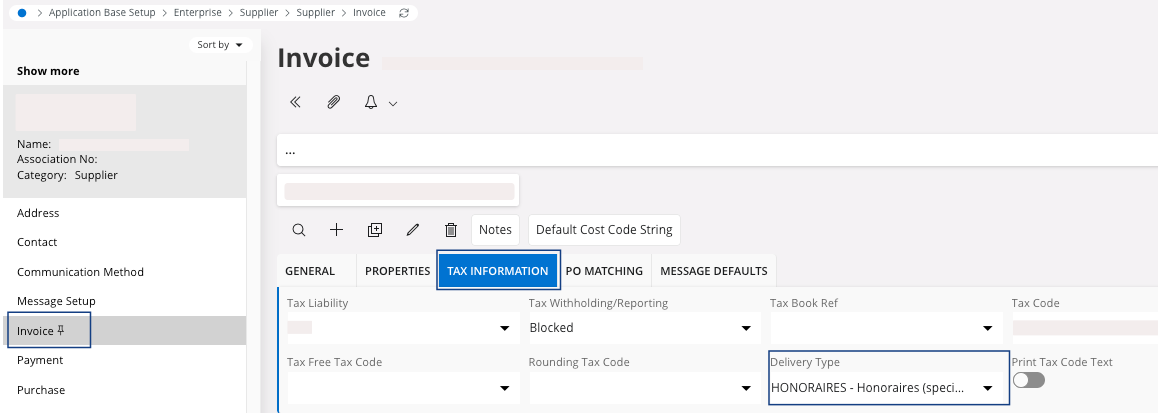
This configuration is reported to all the tax transactions for this supplier. - On the left side of the screen, click your supplier.
-
Fill the field Association No
with the SIRET number of the supplier (14 digits).