
Sending Back the Product after Reparation
If the part from the RMA is repaired and ready to be returned to the customer, follow the next steps.
-
Update the RMA status:
-
Go to the Return Material
Authorization
page, and click Cancel
in the header.
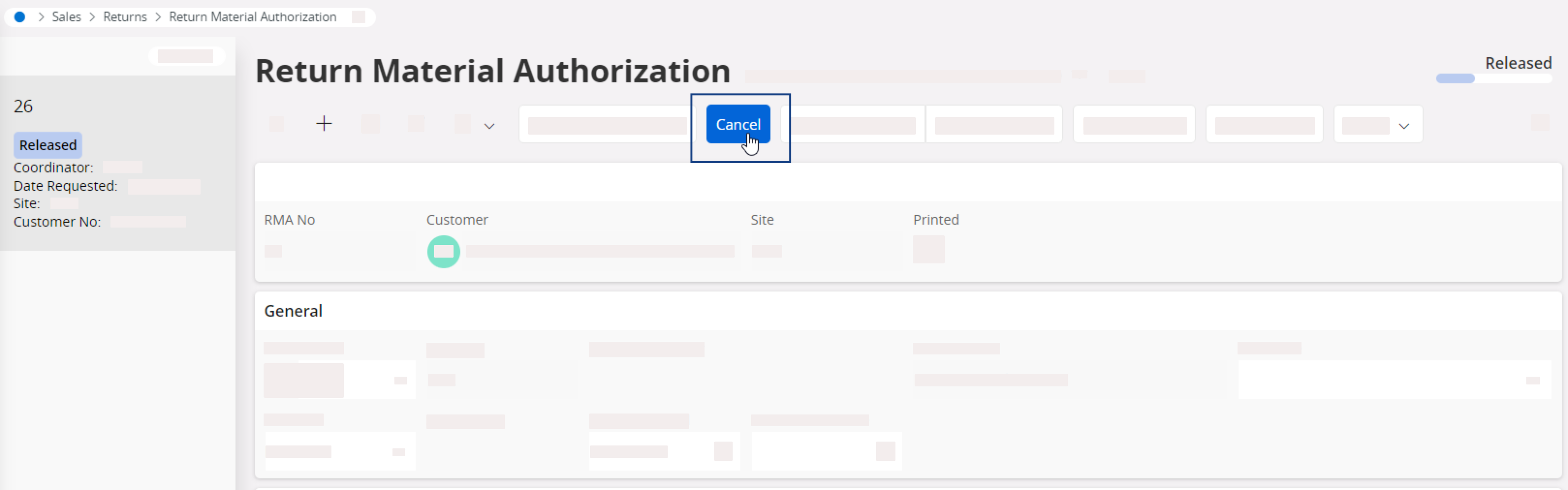
- A pane appears: select SERV DONE under Cancellation Reason.
-
Go to the Return Material
Authorization
page, and click Cancel
in the header.
-
To send back the part to the customer, create a new customer order and add a
specific non inventory part:
-
In Lines tab, create a
new line for each part: click New
+, then in Sales Part No select
%MATRET (for example, for Marport France it will be
L-FR-MATRET.
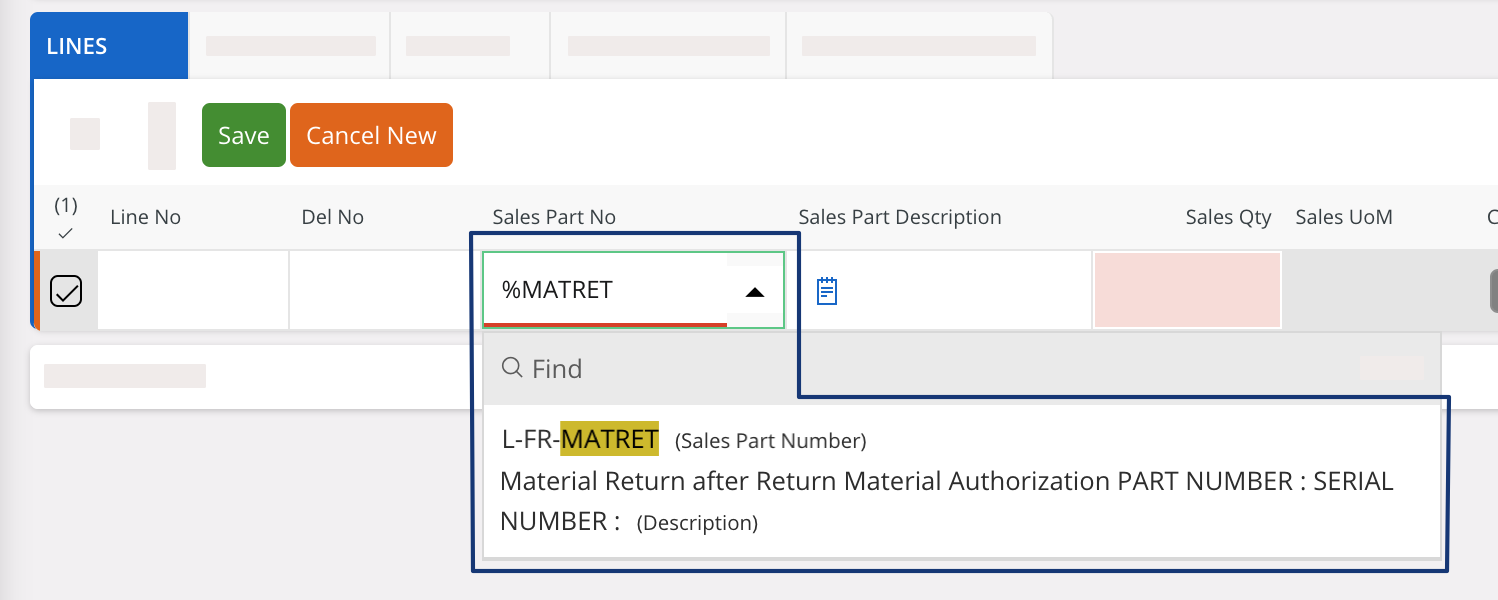
-
Edit the Sales Part
Description
with the correct part number and serial number.
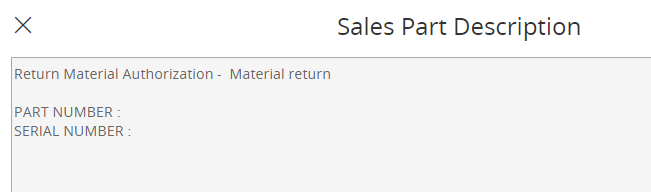
-
If any charges linked to this process, add a new line for each
charge.
Note:This automatically updates the contribution margin.
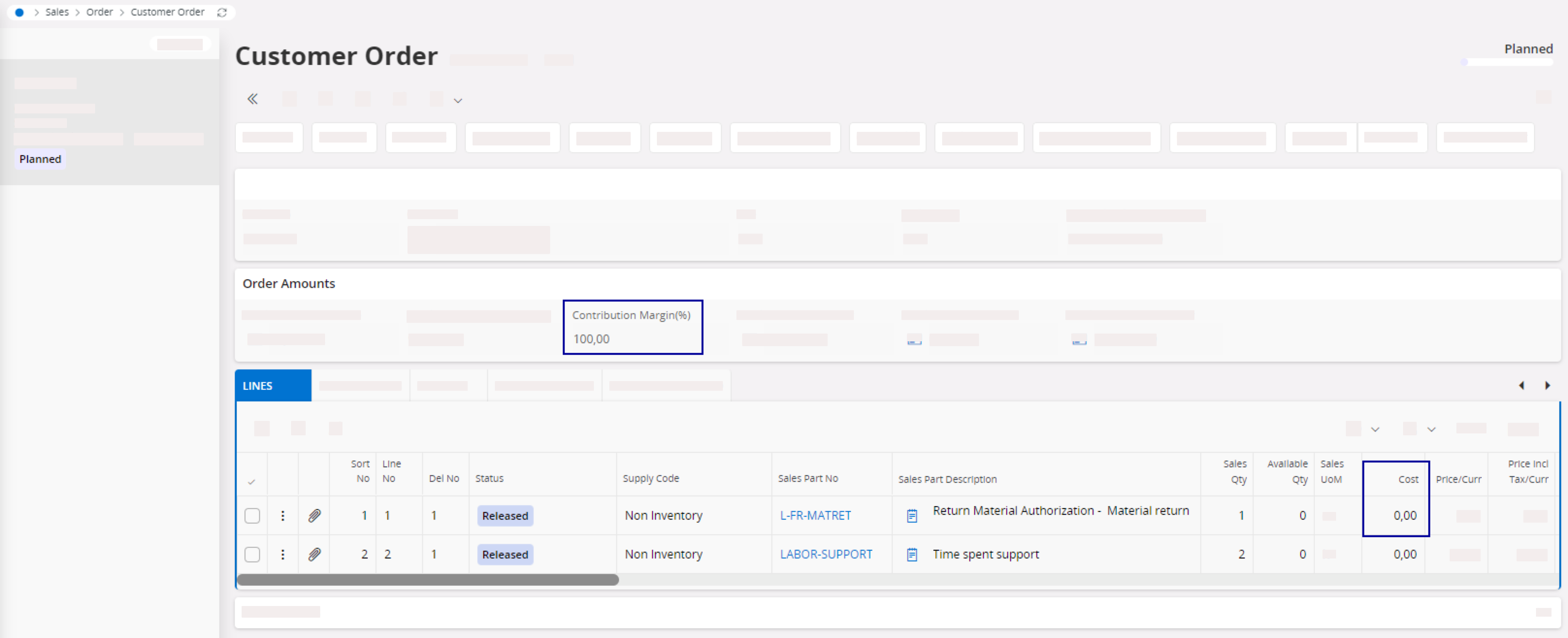
-
In Lines tab, create a
new line for each part: click New
+, then in Sales Part No select
%MATRET (for example, for Marport France it will be
L-FR-MATRET.
- Follow the usual steps to deliver a customer order: see Delivering a Customer Order.