
Releasing the Return Material Authorization
- Go to .
-
In the header, click Release.
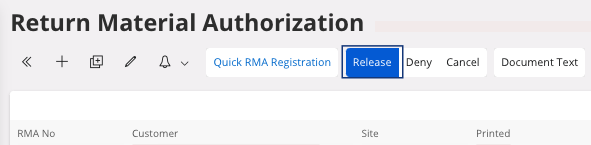
A dialog appears, click OK. Your status changes to Released. -
You can add a note: in the tab Return Material
Lines, click Edit
 , then enter your text in the field Notes. It can contain for example the
serial number supposed to be back.
, then enter your text in the field Notes. It can contain for example the
serial number supposed to be back.
-
To print the return document, click Print Return
Note. This document can be
shared to have a common reference with the customer.
Note:At this moment, there is no impact on accounting or stock.