
Canceling an Invoice
If there is an issue with the invoice in status Preliminary or Posted Auth, you can cancel it to adjust customer order lines and create a new invoice.
- Go to .
-
Select your invoice, click Cancel Invoice.
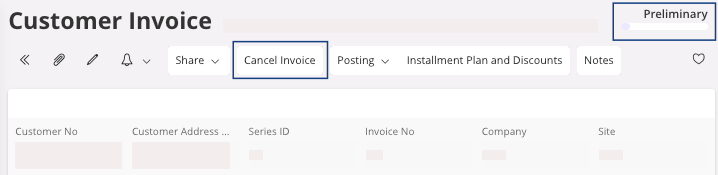
A pane appears. -
You can put a cancellation reason (optional), then click OK.
This action changes the status of the invoice to Cancelled.
You can now create a new invoice and make the changes you want, see Invoice.