
Creating a New Mixed Payment
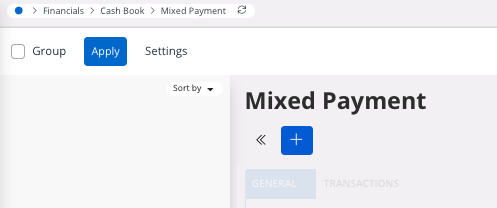
- Go to .
-
Click New +.
-
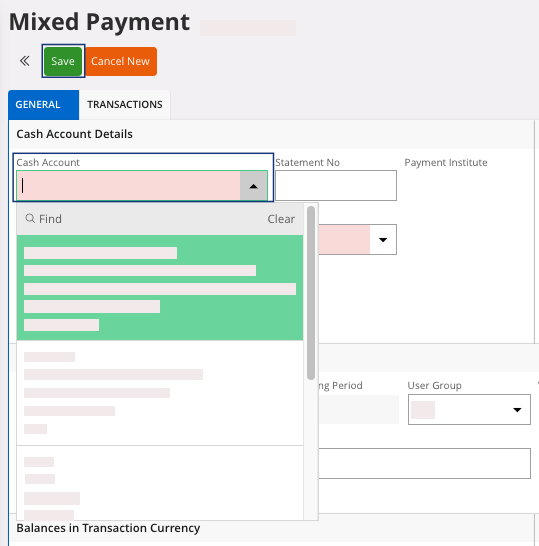
Select the Cash Account.
-
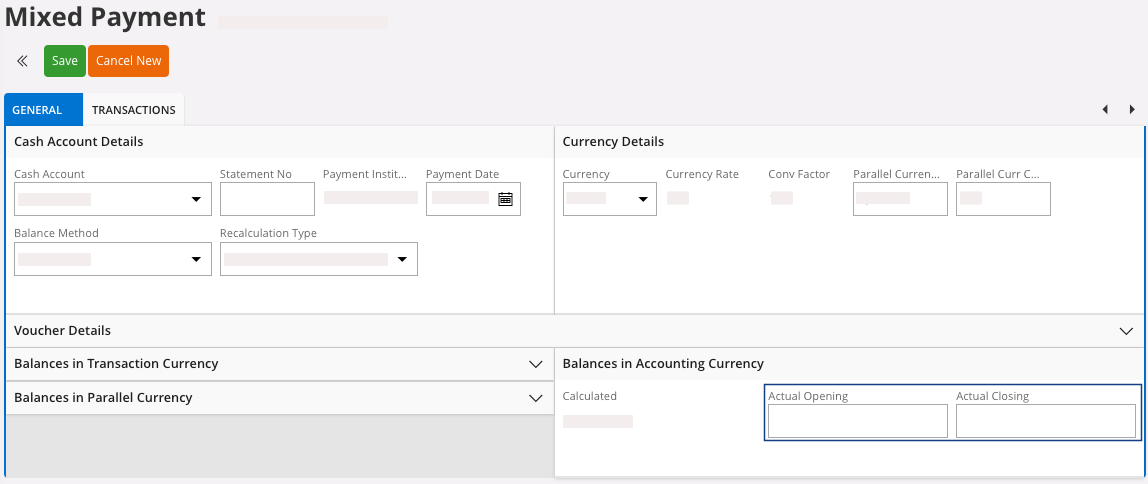
In the Balances in
Accounting Currency area,
enter the Actual Opening and the
Actual Closing from your bank
statement. These fields will help you fill the transactions lines.
- Click Save.
- A supplier or a customer, perform Customer and Supplier Mixed Payment.
- A direct cash payment, perform Managing a Mixed Payment for Direct Cash Payments.
- A petty cash transaction, perform Using Petty Cash Funds.