
Checking the Tax Proposal Transactions
You can check your tax proposal process before and after the declaration. It gives you a view about transactions that have been done after the declaration period and the ones that you want to include in future declaration.
-
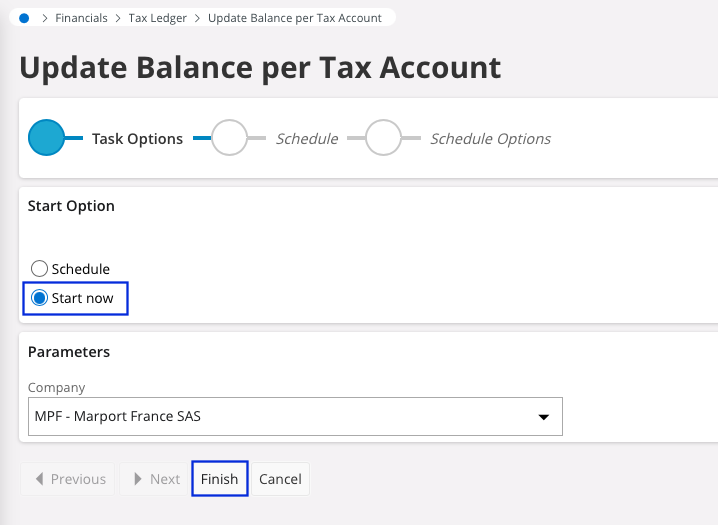
Go to to update the data.
-
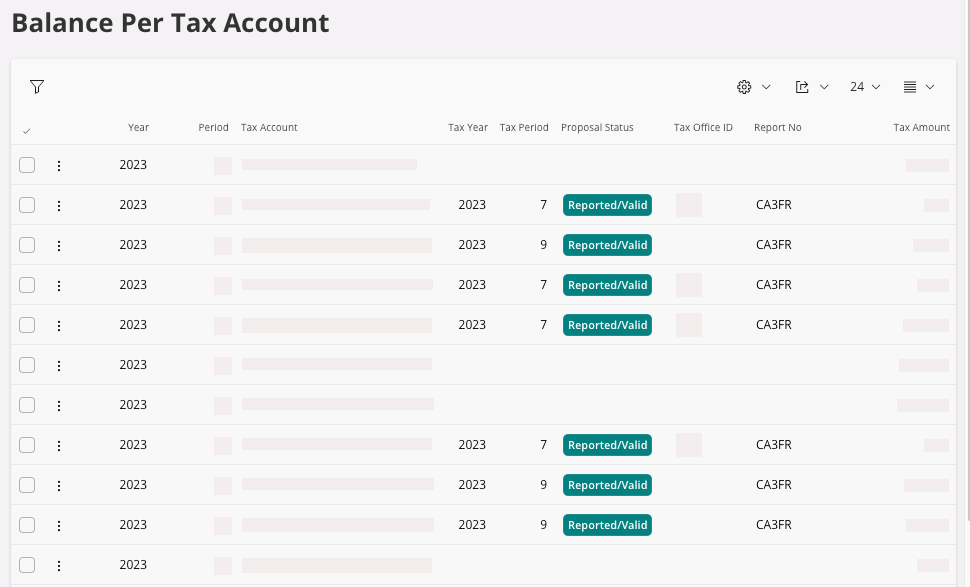
Go to .
-
For previous periods, you should get all your lines with the Proposal
Status: Reported/Valid. If so, you have to
include those transactions and amounts in the next declaration or make a
corrective declaration for the month concerned.
Note:Exceptions exist: some transactions and amounts are not included in declaration on purpose. For example: VAT on services are not paid yet.