
Gathering Information for a Tax Declaration
You need to find and adjust your data for the declaration.
Preparing Data Information
This step is mandatory before any action on tax transactions and must be done manually.
- Go to .
-
Select your Company.
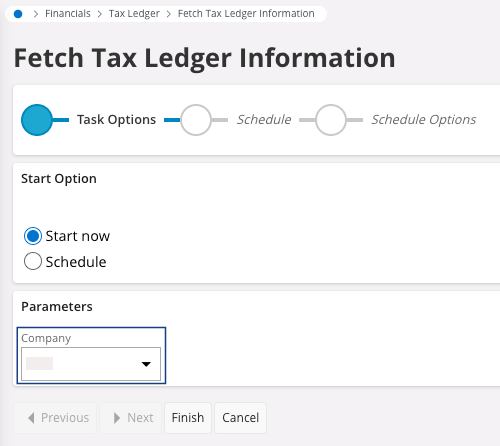
- Click Finish.
Adjusting Lines in Tax Transactions
- Go to .
-
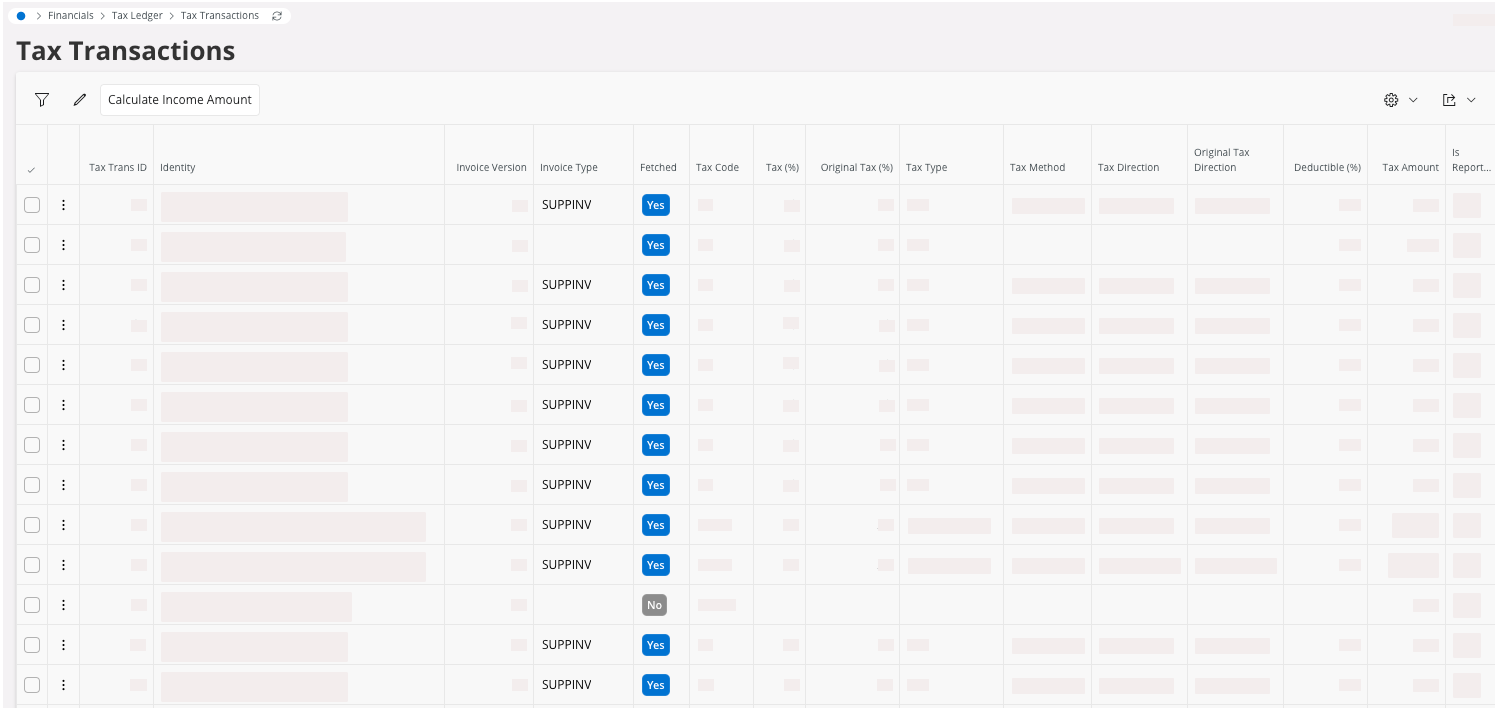
The lines contain details about tax transactions information: the checkbox
Fetched is active for
lines found.
-
If contents are incorrect or missing in the tax transactions lines, you can
adjust them in those lines.
Important:Any change done in the page Tax Transactions must lead to a root cause analysis.
A rework or adjustment in master data creation about supplier, customer and part can be necessary in parallel.