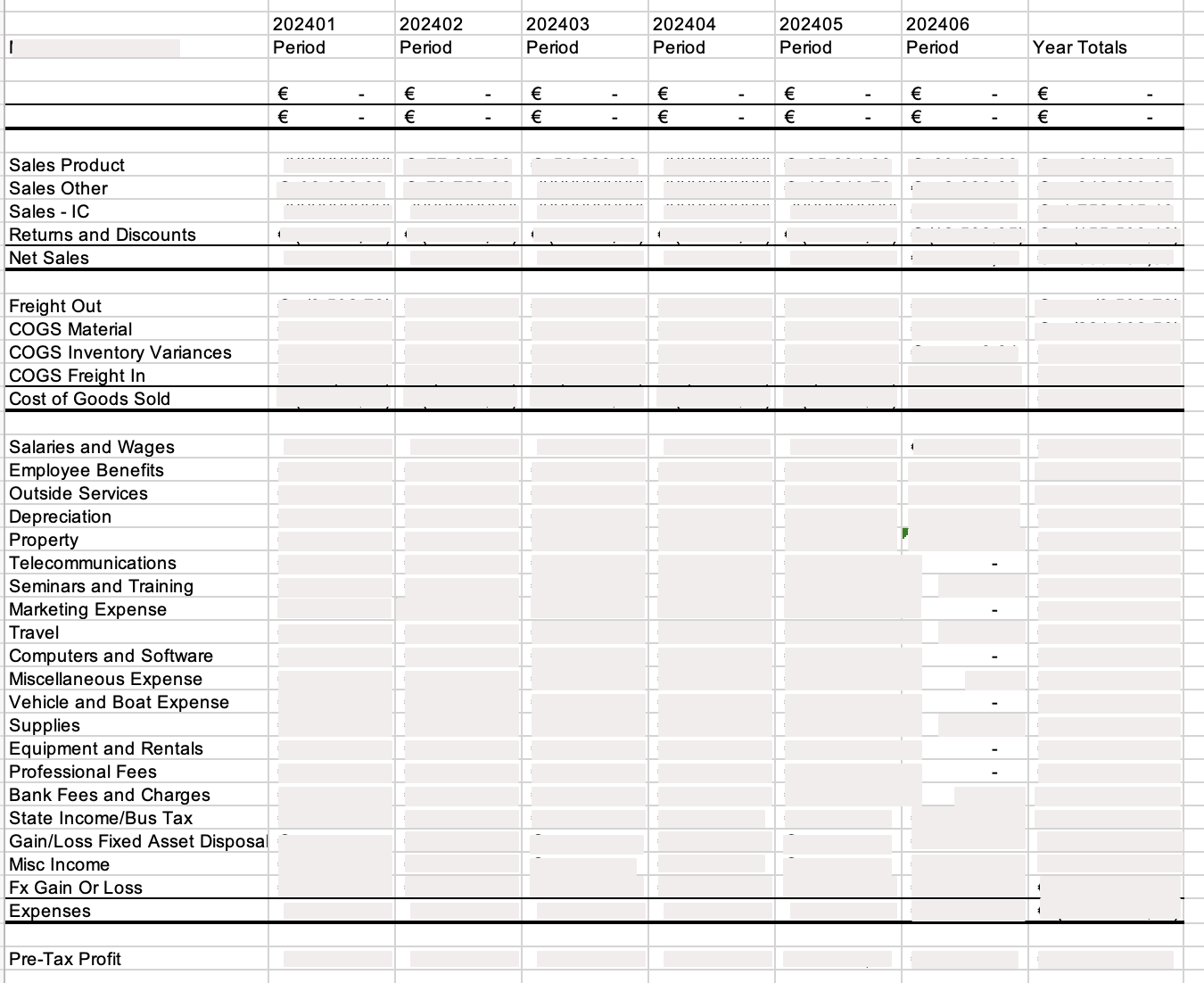
Consulting Order Reports
- Go to Order Report page.
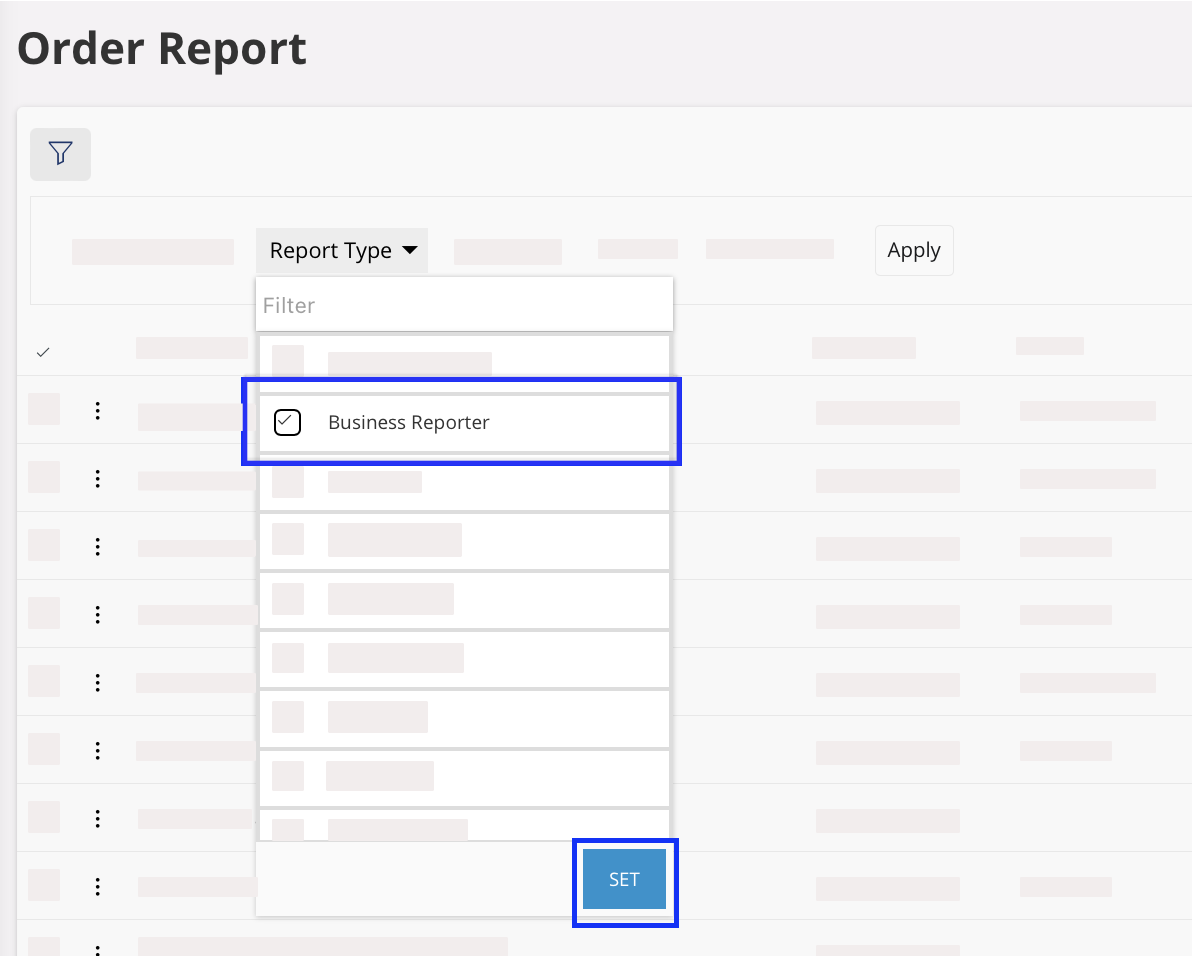
- Click the Filter icon in the top toolbar, then click Report Type filter and choose Business Reporter.
-
Click SET to
confirm.
-
To see a report, click
 and click Order Report.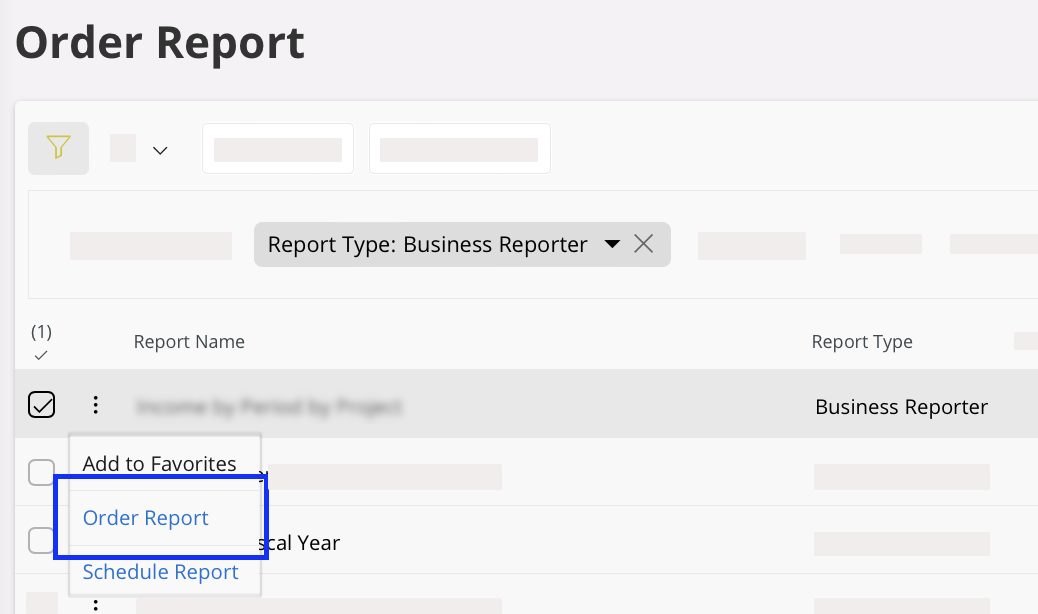
-
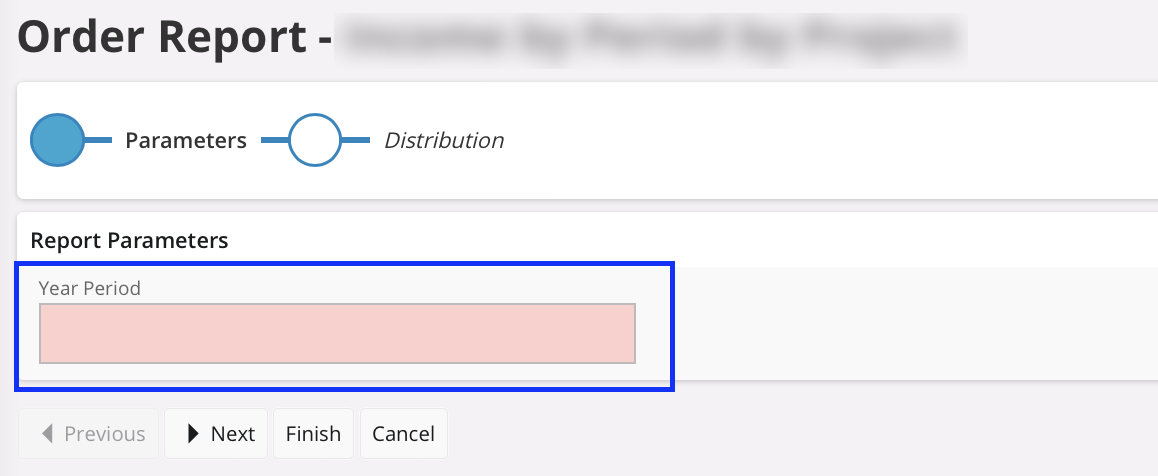
In the Report Parameters of the
Order Report page that opens,
enter the Year period or
Year (depending on the type
of report) that you want to display on your report by using YYYYMM
(Year period) or
YYYY (Year)
format.
- Click Finish.
-
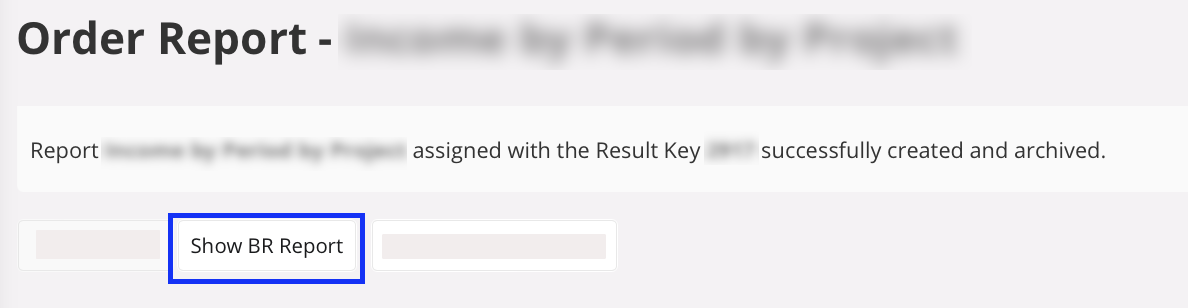
Click Show BR Report to download
your Excel file.
The report is saved in your Downloads folder.