Consulting the General Ledger Balance
You can display the balance of your general ledger, by account, period, or analytical dimensions (code part).
- Go to .
-
Click Group Data button
 above the list.
-
Choose the criteria you want to use to group the listed data, and choose the
balance information to display via Summary On.
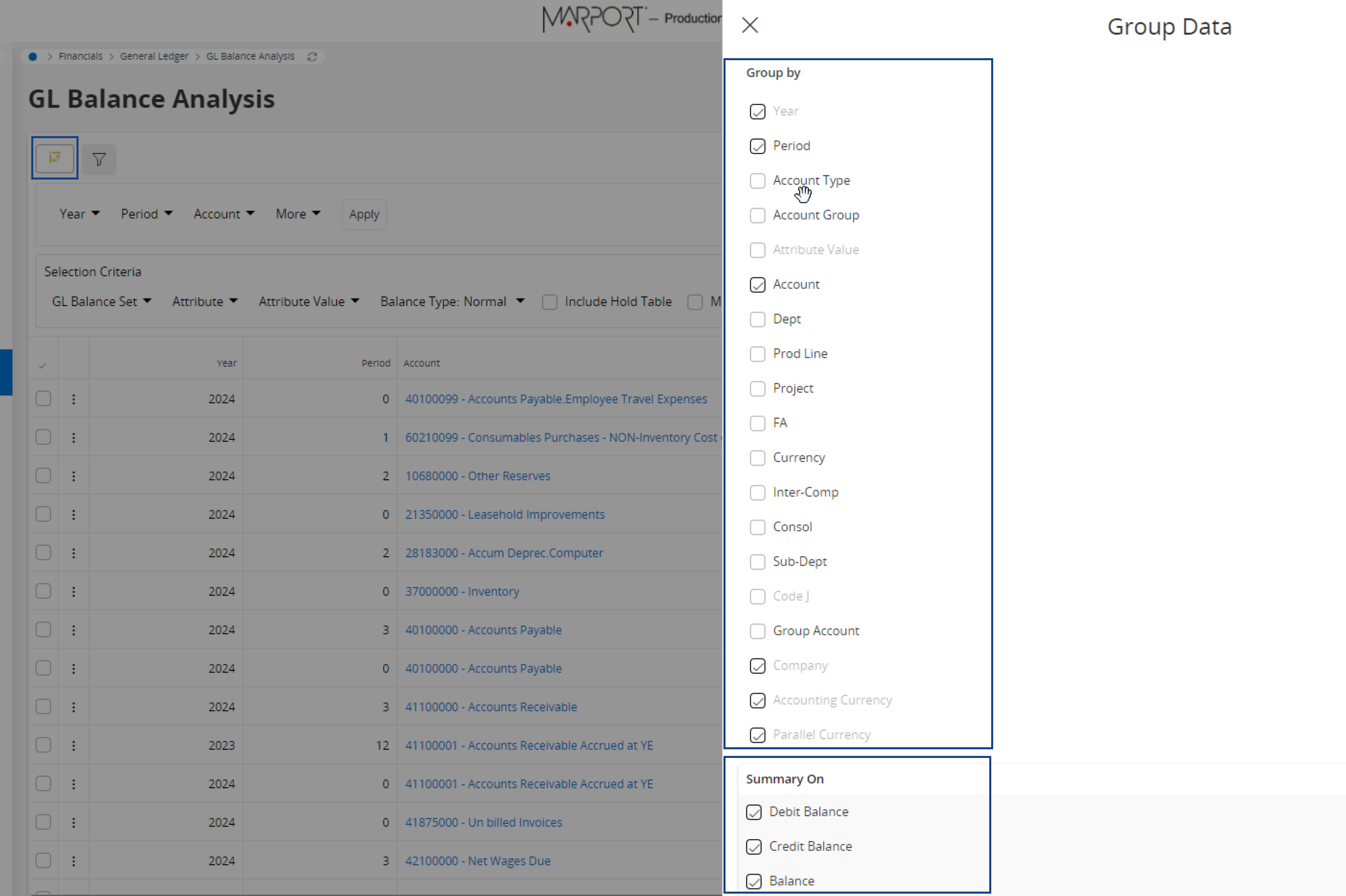
Important:To display a Year to Date view, make sure to:- deselect Period from the Group By criteria,
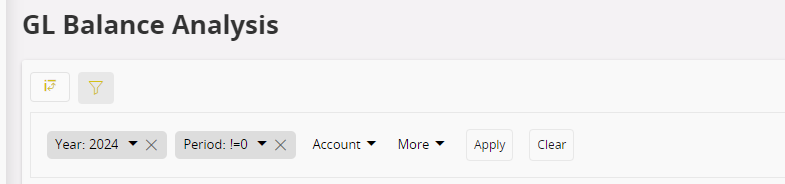
- in the filter bar, set Period to !=0 to exclude it, and enter your current year.