
Creating a Shop Order
Create and manage manually a shop order.
To create a shop order disconnected from a customer order:
- Go to .
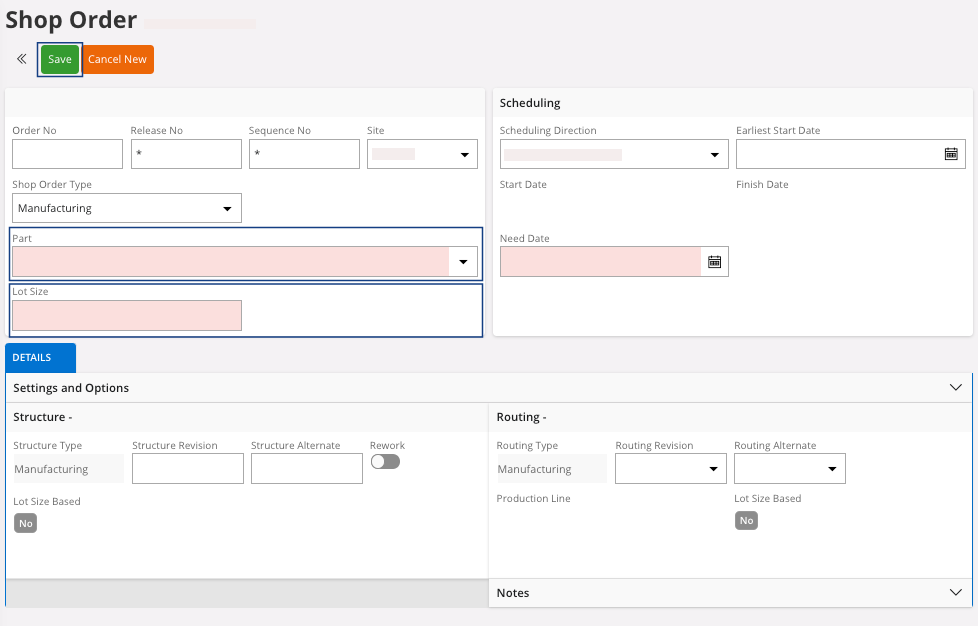
- Click New + to create a new shop order.
-
Fill the information in the header:
-
Click Save.
A dialog appears, click OK.
-
Click Save.
-
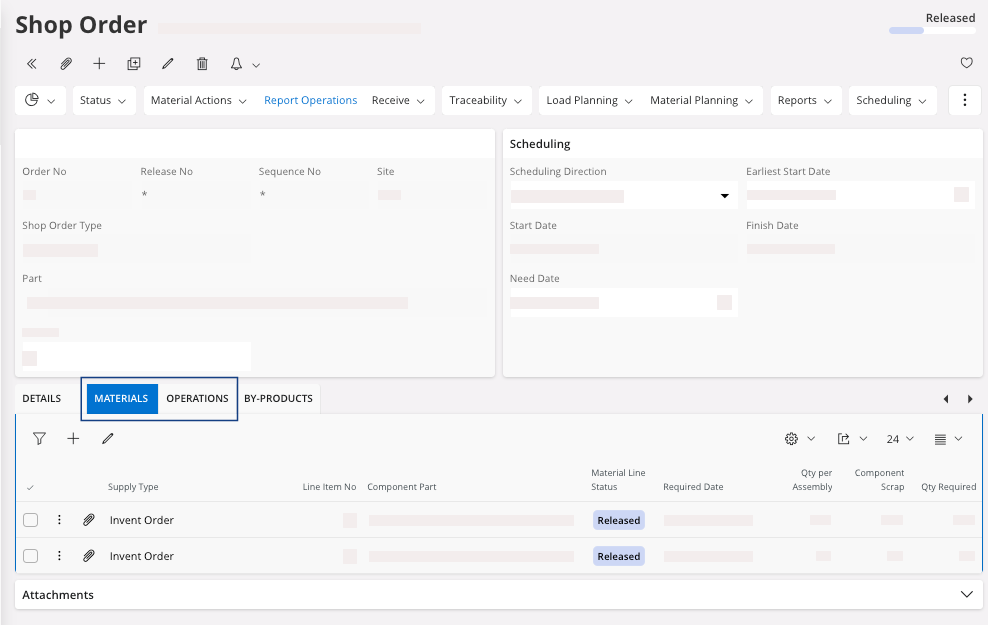
In the tab Materials and
Operations, you get the list
of material and operations required for this shop order.
Note:These information come from the configuration of the manufactured part.
If you want to reserve your shop order and execute the standard process, perform Reserving a Shop Order.