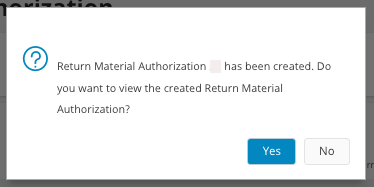
Creating RMA from "Create Return Material Authorization"
- Go to the page Create Return Material Authorization.
-
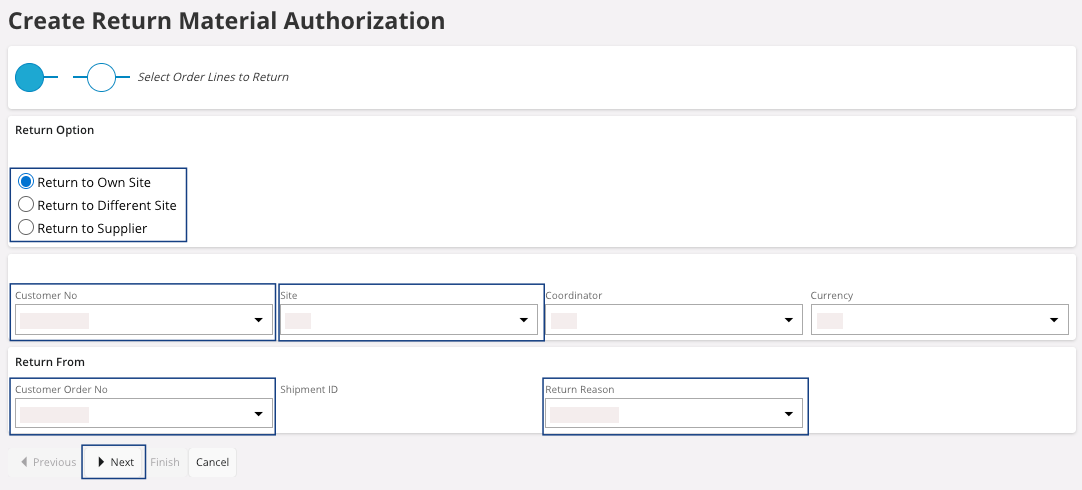
You need to configure the return material, choose your:
- Return Option.
- Customer No.
- Site.
- Customer Order No.
- Return Reason.
-
Click Next to get a summary of
your Return Material
Authorization:
-
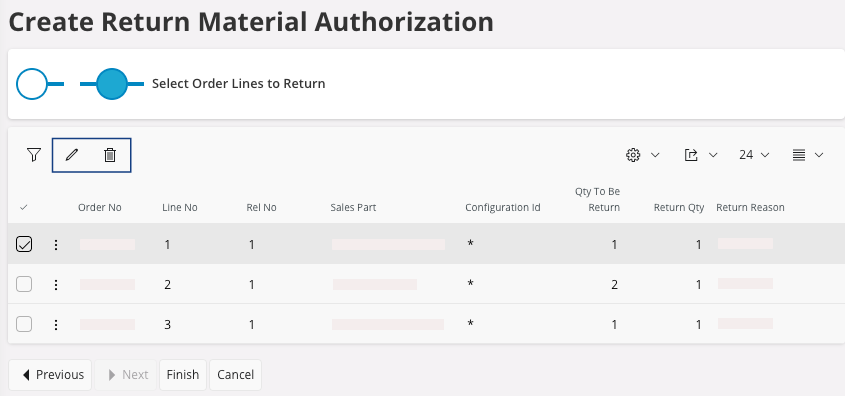
You can choose the quantity to receive, if you do not want the whole
quantity: click Edit
 and fill the field Qty to Return for each line
needed.
and fill the field Qty to Return for each line
needed.
-
You can delete lines if they should not be included: select the lines
and click Delete
 .
.
-
You can choose the quantity to receive, if you do not want the whole
quantity: click Edit
-
Click Finish.
A pane appears.