
Creating RMA from "Customer Order Lines"
- Go to the page Customer Order Lines.
-
On the line that you want to return, click the three dots
 .
.
-
Click .
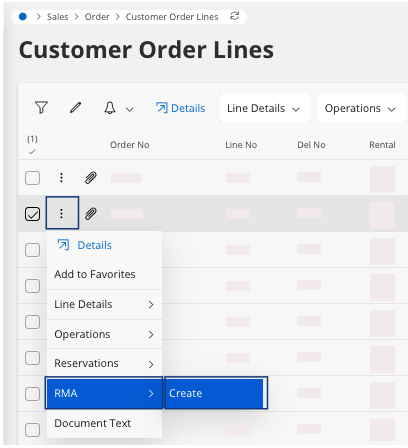
A pane appears. -
Fill the Return Reason.
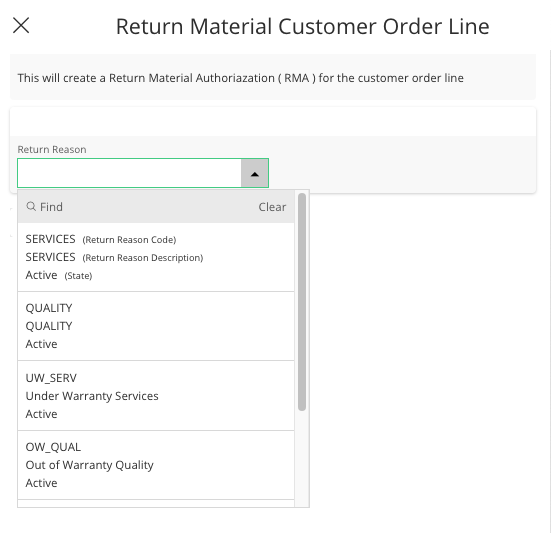
-
Click OK.
Note:To find your Return Material Authorization, on your line(s) click the three dots, click . You go to the page Return Material
Authorization Lines.Your return material authorization has been created.