
Creating RMA from "Return Material Authorization"

  1. Go to the page Return Material Authorization.
  2. Click New +.
  3. Select a Customer and click Save.
  4. In the tab Return Material Lines, you can add lines, click New +.
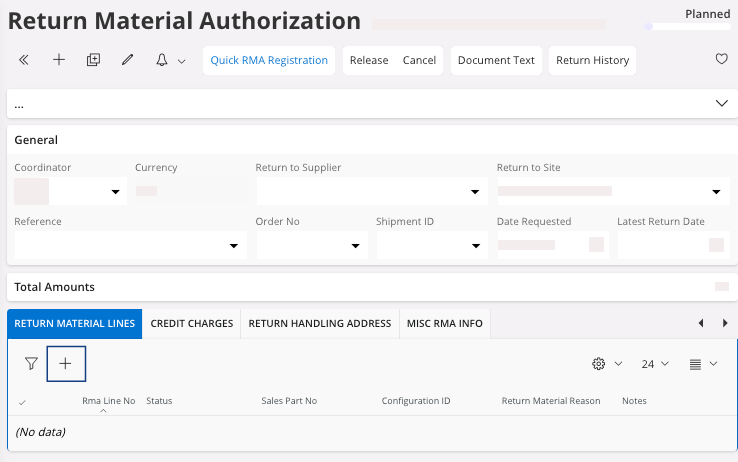

  5. You need to fill the fields:
    1. Sales Part No.
      Note:
      You can also fill the field Order No, it fills automatically the field Sales Part No.
    2. Qty to Return.
    3. Return Material Reason.


Your Return Material Authorization has been created.
You need to release your Return Material Authorization, perform Releasing the Return Material Authorization.
