Adding a Payment Discount to a Supplier Invoice
If the supplier has planned a discount for a payment made in advance, you need to add it to the supplier invoice.
Notice:
You need to do this procedure directly
after registering the manual supplier invoice because the invoice must have the
status Preliminary.
- Go to the page Manual Supplier Invoice.
-
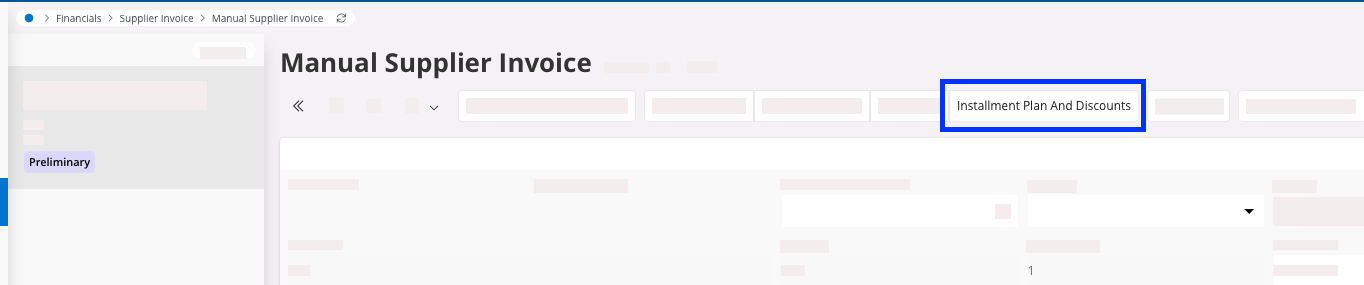
Select your invoice and click Installment Plan and
Discounts.
-
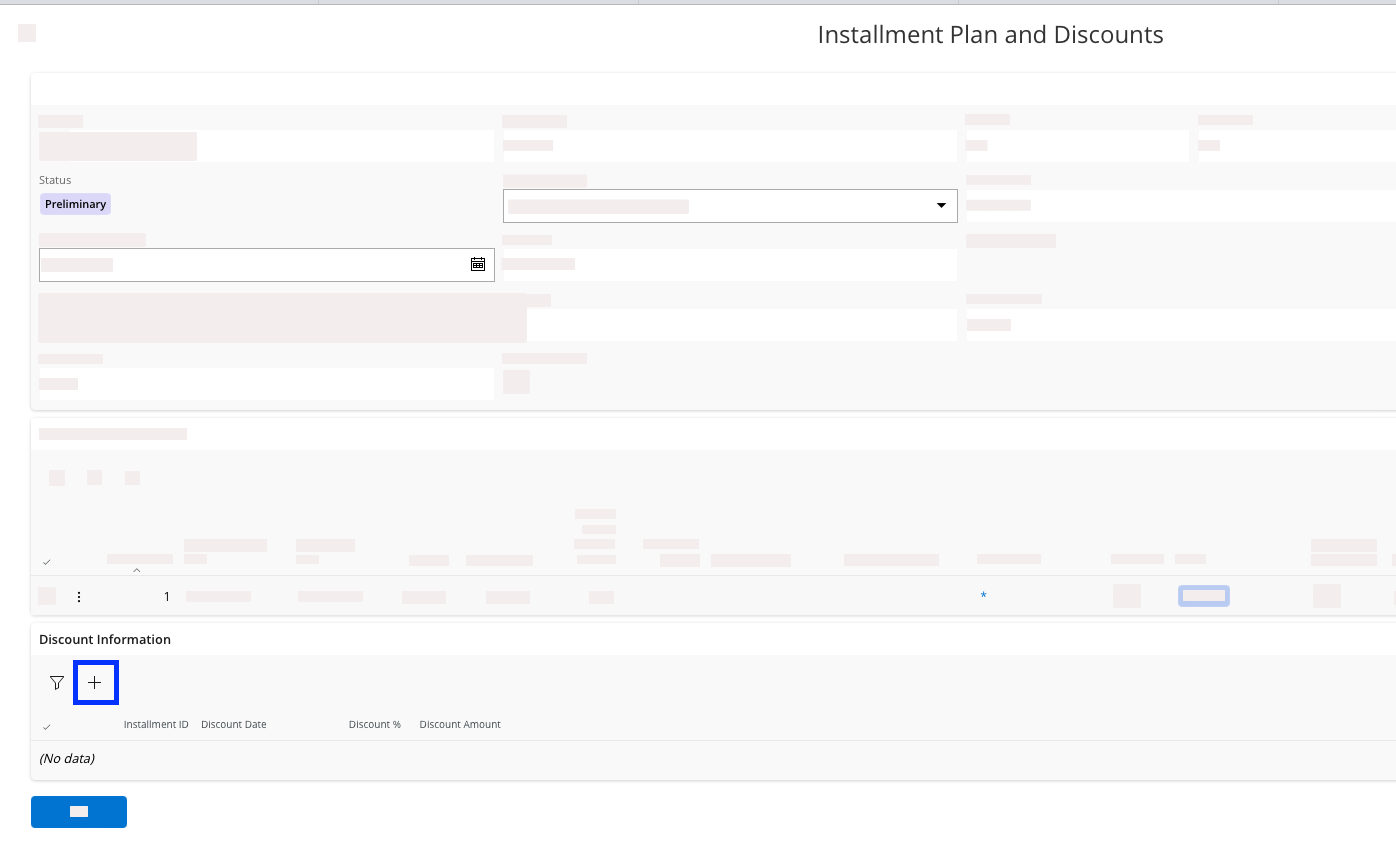
From the new pane that appears, go to the Discount
Information tab and click New
 .
.
-
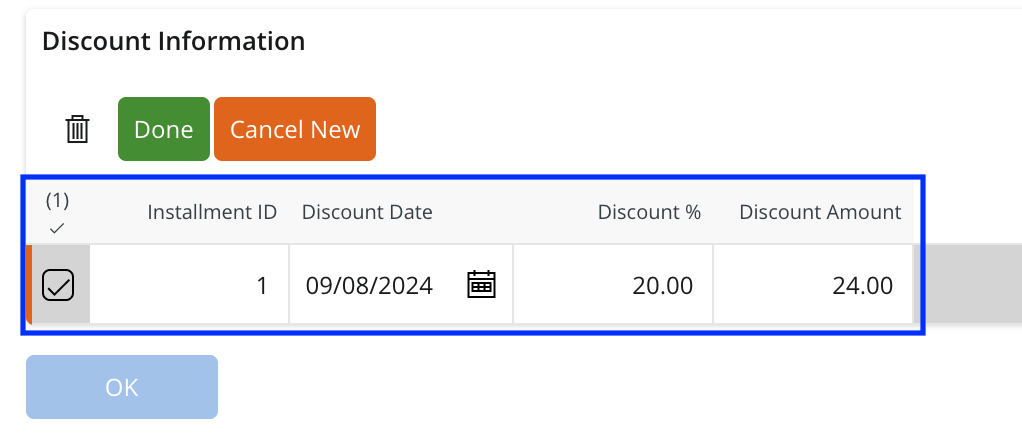
Fill in the fields and click OK:
- Installment ID
- Discount Date: end date of the discount.
- Discount % /
Discount
Amount: fill
in one of them and the other field will update accordingly.