
Adding a Tracking Number for a Shipment
Before the delivery, you can add a tracking number for your shipment.
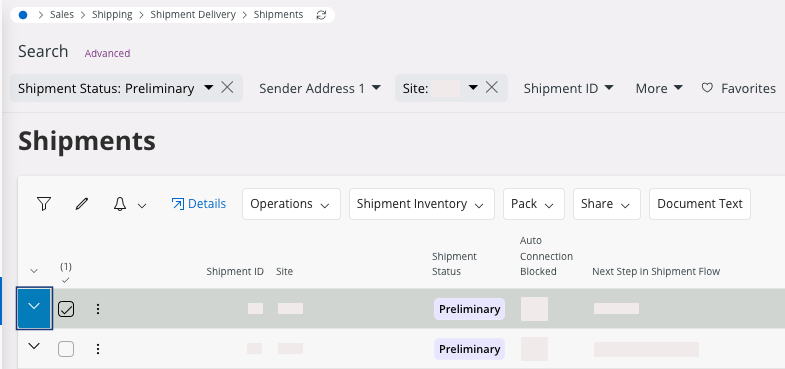
- Go to the page Shipments.
- Filter the page to find your shipment.
-
On your line, click the arrow pointing to the bottom
 .
.
-
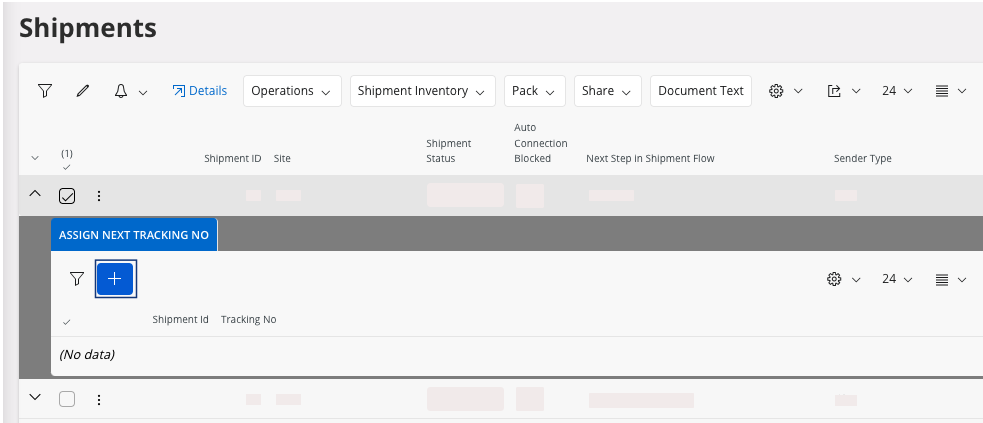
Click New + to add a new tracking
number.
-
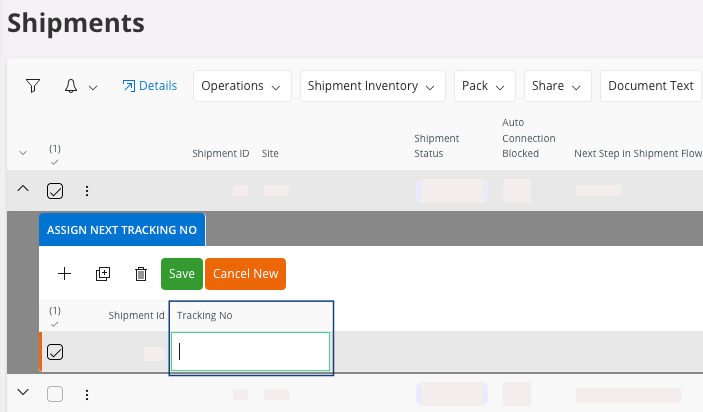
Enter the Tracking No and click Save.
-
After the delivery, you can modify the Tracking No. In the page Shipment, in the tab Shipment Tracking
No: select a line,
click the three dots
 and click Reassigned Tracking
No.
and click Reassigned Tracking
No.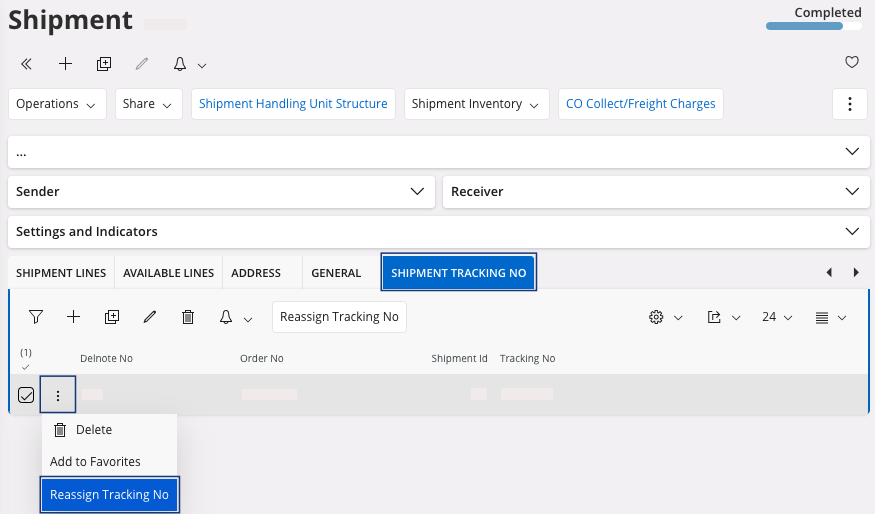
- Enter a new tracking number and click OK.