
Changing the Weight and Volume of Handling Units
To complete your shipment, you can assign a weight and volume to each handling unit. The total weight and volume of the shipment will be calculated automatically when finalizing the shipment.
-
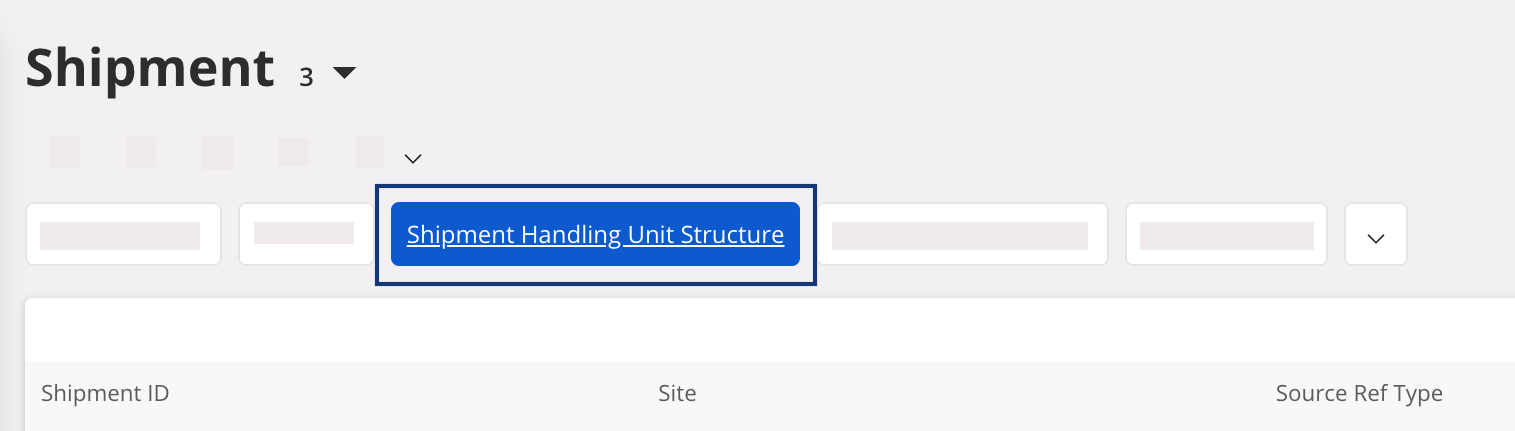
Go to Shipment page and click
Shipment Handling
Unit Structure.
-
In Handling Units tab, use the
Column Chooser tool to
display the following fields:
- Operative Gross Weight: weight of the handling unit when empty. It may be zero if no weight was set in the master data.
- Manual Gross Weight: weight of the handling unit and its contents.
- UoM for Weight: unit of measure for the weight.
- Operative Volume: volume of the handling unit. Ask your IFS administrator if you want to assign a volume by default for a specific handling unit.
- Manual Volume: manually change the value if the Operative Volume is incorrect.
- UoM for Volume: unit of measure for the volume.
-
Enter in Manual Gross
Weight the
total weight of the handling unit with its contents. Change the volume if
needed, then click Save.

Note:The Operative Gross Weight displayed in the shipment delivery note is updated with the value entered in Manual Gross Weight.