Reserve and Pick Items in Shipment
Follow the two next steps to reserve your sales parts:
-
On the page Shipment, on the
tab Shipment Lines, select your
line(s) and click Manual
Reservations.
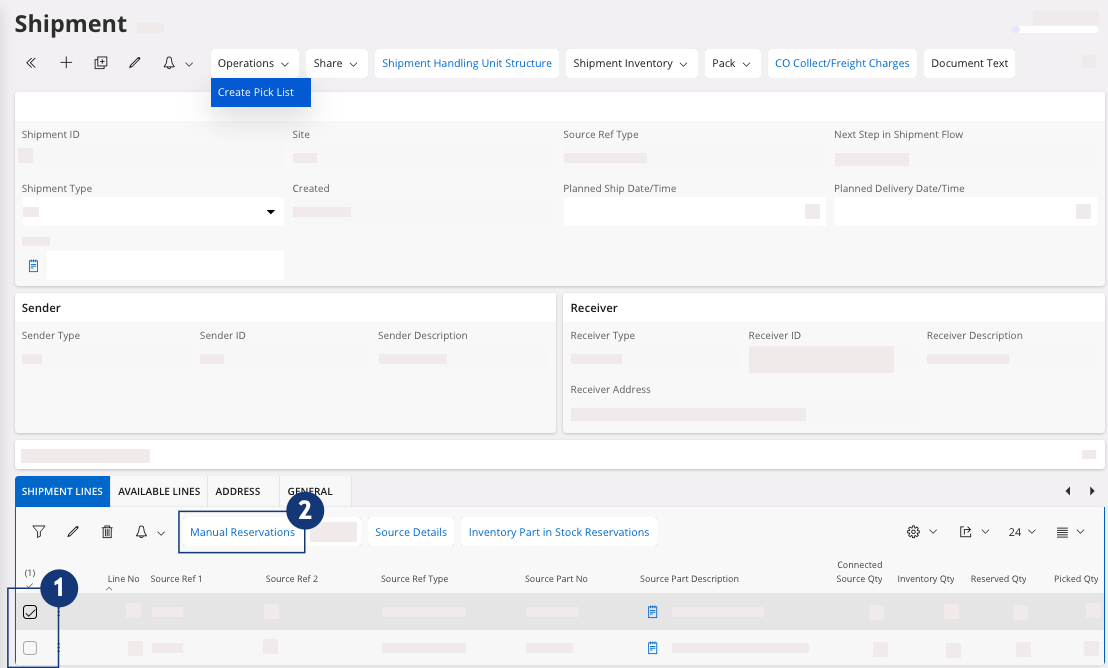
A new page appears, Manual Reservations for Shipment Line. -
On the page Manual
Reservations for Shipment Line:
-
Select your line(s), click the three dots
 and
click Reserve.
and
click Reserve.
- Then go back to your Shipment page.
-
Select your line(s), click the three dots
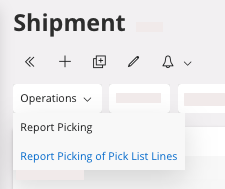
Follow the next steps to pick your sales parts:
-
Click . It can be done automatically if the shipment type used is
configured to by-pass it after Reservation, refer to the field Shipment Type in Creating a Shipment.
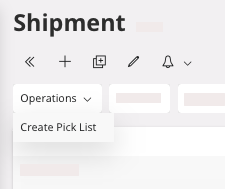
This action takes a few seconds. If the action does not seem to occur, refresh the page. -
Click . It can be done automatically if the Shipment Type used is configured to
by-pass it after Reservation.