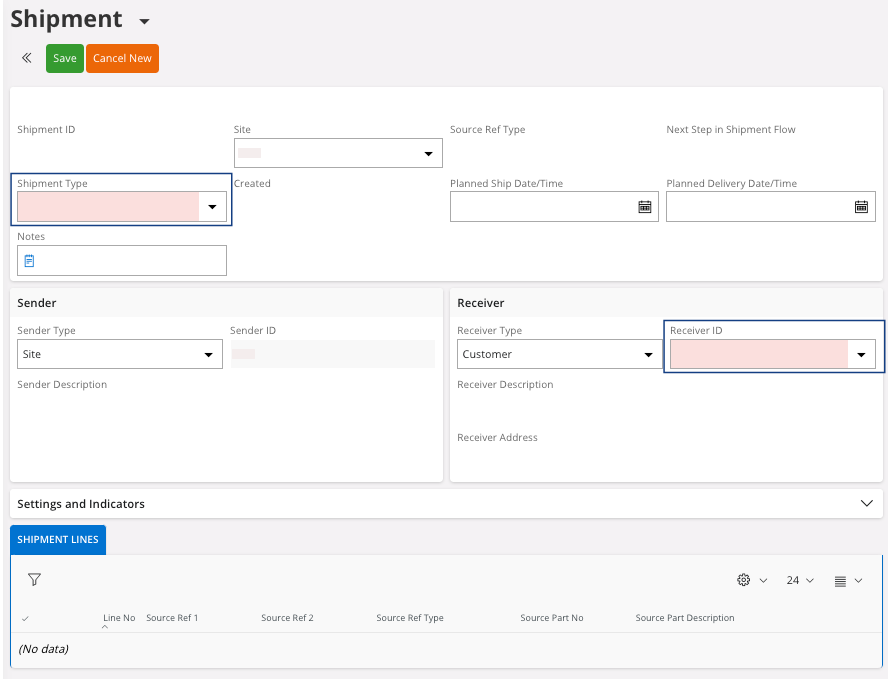
Go to Sales > Shipping > Shipment
Delivery > Shipment.
Click New + to create a new
shipment.
Add the information:
Shipment Type, must be
the same as the company code, acronym of the company.
Note:
Each shipment type has a different
configuration that can allow to by-pass actions, such as Report Picking. You can see
each configuration when you choose it in the field Shipment Type.