Consulting Reports for Received Orders not Yet Invoiced
You can display reports of orders that were received but not yet invoiced.
- Go to the Order Report page.
-
Click the filter icon
 in the top toolbar and
enter %Not Yet Invoiced% in the Report Name filter.
in the top toolbar and
enter %Not Yet Invoiced% in the Report Name filter.
-
Select the report and click Order Report.

-
Complete all the fields, and in Part Type select Inventory Part. Then, click Finish.

-
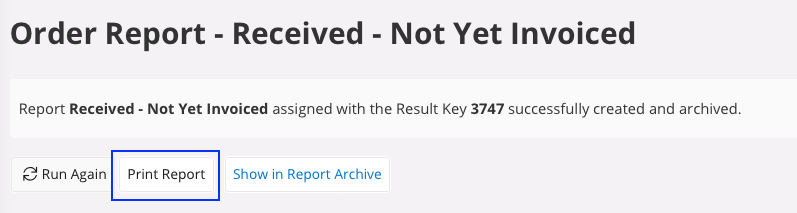
Click Print Report to display
the report.