Consulting a Supplier Statement of Account
Create a PDF report with the supplier statement of account.
- Go to the Order Report page.
-
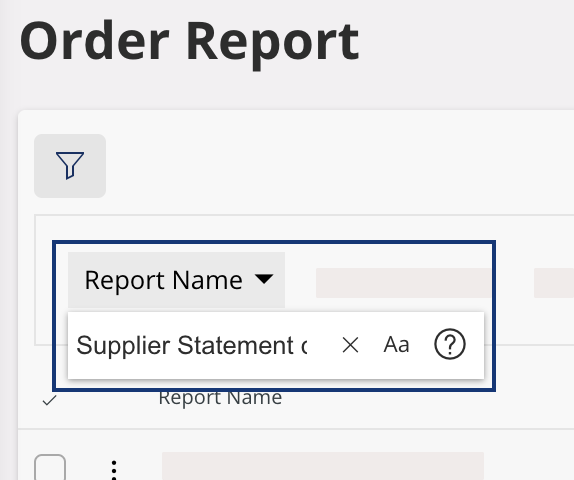
Open the filter bar, then enter Supplier Statement of
Account in the Report Name filter.
Note:You can add the result page in the bookmarks to quickly find it in the future. -
Click
 in the report line, then Order Report.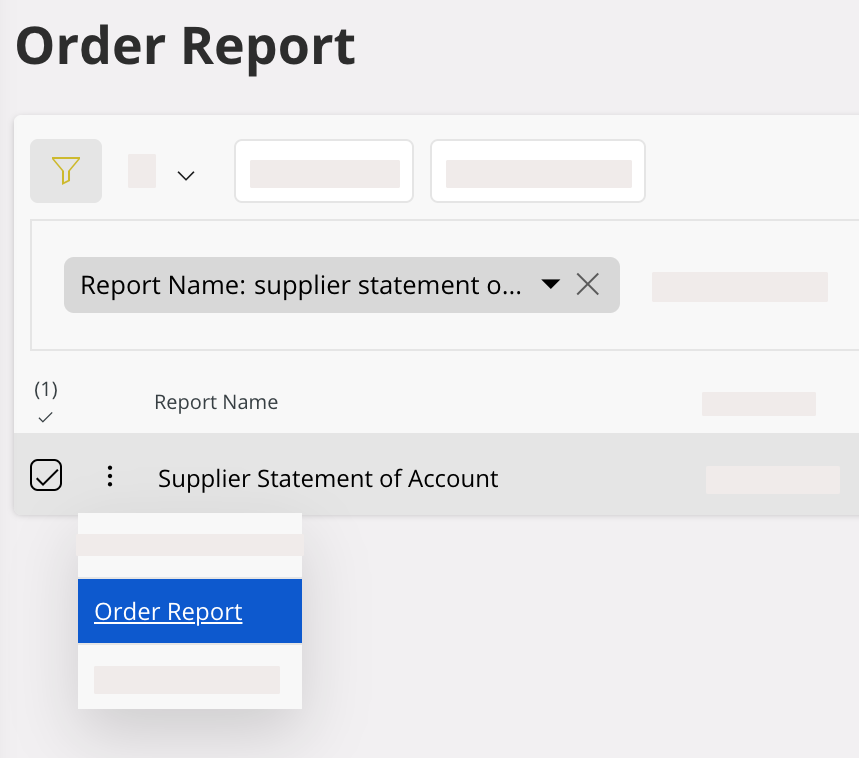
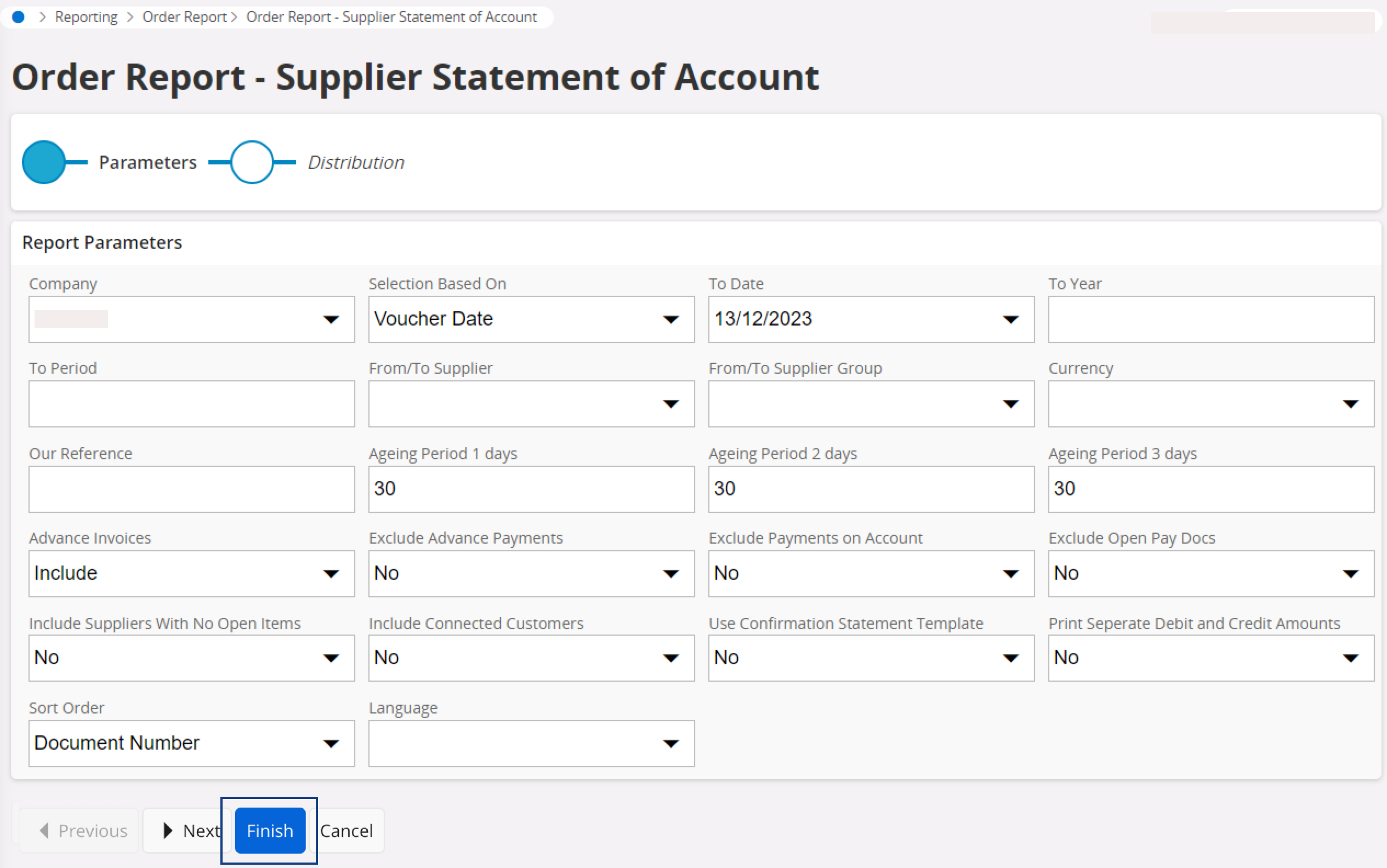
- Complete the Report Parameters fields.
-
Click Finish.
-
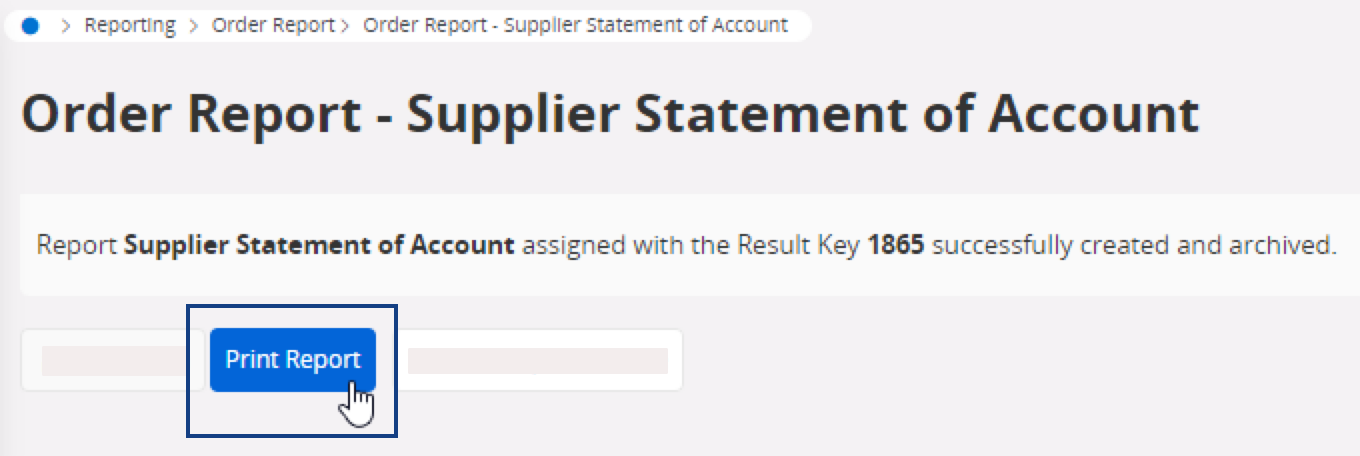
To preview the PDF report, click Print Report.