Consulting Supplier Open Transactions
Create a PDF with all the open balance history from suppliers for a specific date.
- Go to .
- Click New + to add a line.
-
Choose a Balance Date.
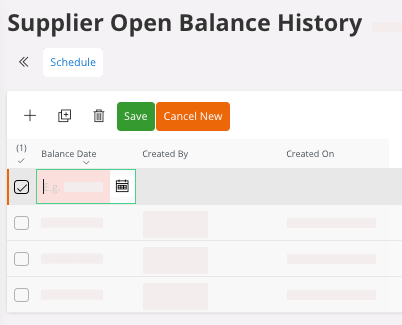
You can access the open transactions for the date chosen. -
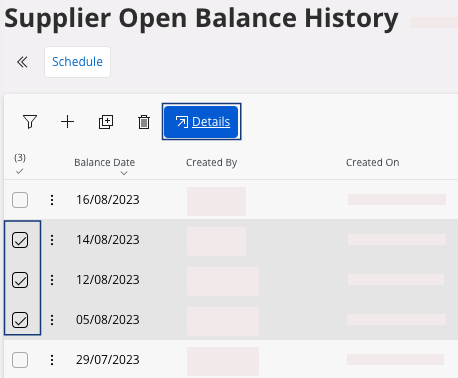
In this example, the supplier open balance history includes three dates. Select
the lines with the transactions dates you want and click Details.
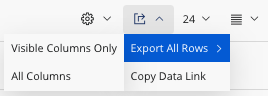
You get the full list of all the open transactions for the date selected.Remember:You can export this report in an Excel file. On your lines area, click > Export All Rows and
choose if you want to see data from the columns displayed only
or from all the columns.
> Export All Rows and
choose if you want to see data from the columns displayed only
or from all the columns.