Picking the Reserved Sales Parts
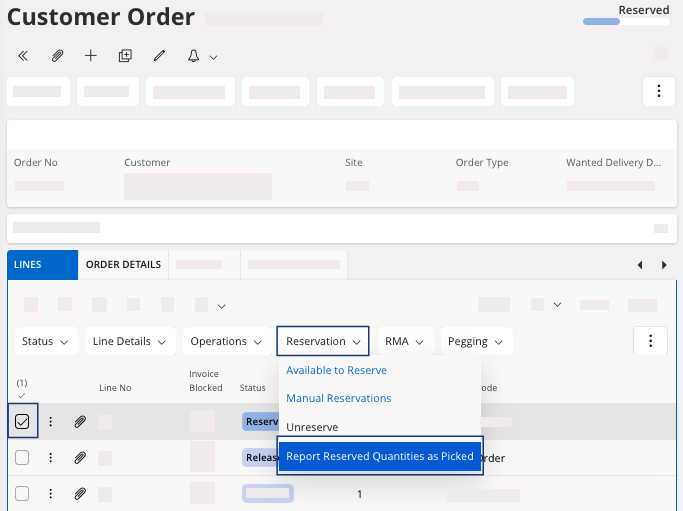
After the reservation step, confirm the reserved quantities as picked.
Important:
The reservation that has been done
beforehand must fit with your picking in the stock, taking into account: parts,
inventory location, serial number.
On the page Customer Order:
- Select the lines with the Reserved status.
-
Click .