
Undoing Picking and Reservation
You can undo the picking and the reservation processes in case you did a mistake and want to change data.
- Go to .
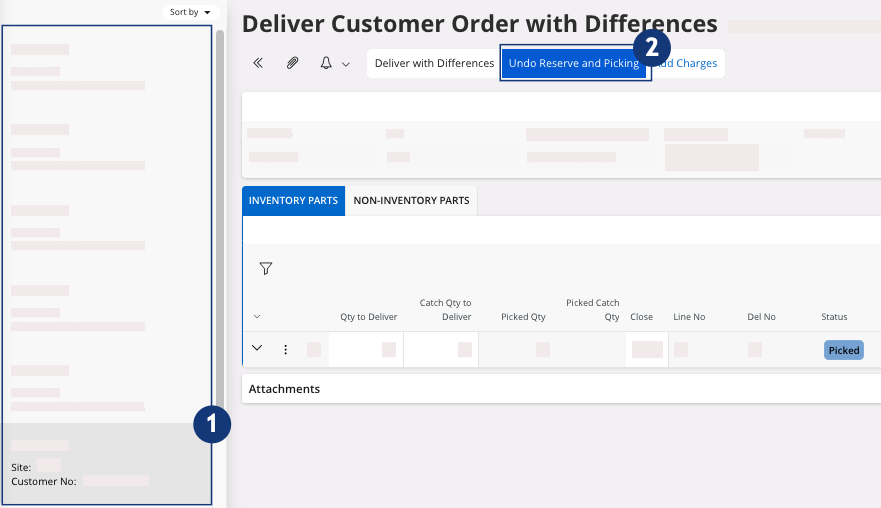
- Select your Customer Order.
-
Click Undo Reserve and
Picking.
-
A dialog appears, click OK to
confirm.
Go back to your Customer Order. The status of your Customer Order lines changes from Picked to Released.