
Adding Landed Costs to a Purchase Order
Perform this process to include to a purchase order the total expense associated with the shipping of a product (such as freight costs, duties, customs, etc.).
Note:
This process is not mandatory. It answers specific needs to
add value to the stock.
-
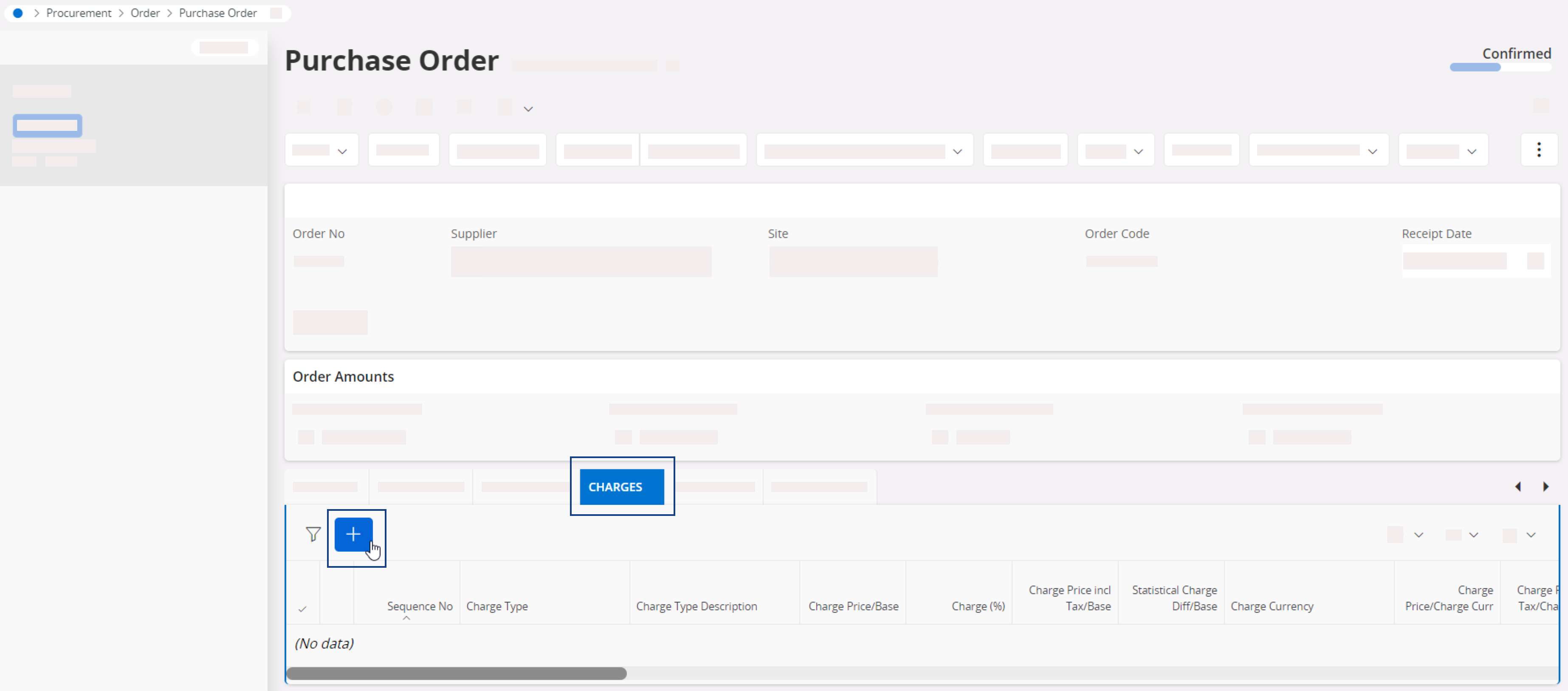
From your purchase order, go to the tab Charges then click New
+ to add a charge.
-
Fill in the fields according to your needs, then click Save.
In the example below, we added a 200 USD duty charge, distributed per product unit and charged to DHL (delivery service) supplier.

-
Go to the tab Landed Cost.
You can see the landed cost distributed between the units in Acc Charge
Amount and the cost
of the part including the charge in Landed Cost field.

- Create a receipt to complete the process: see Creating a Receipt.