Canceling a Receipt
Note:
If the purchase order is linked to an invoice, you cannot
cancel it. The Cancel
Arrival/Receipt
button will not be displayed in the header.
- Go to Purchase Order page.
- Use the filters to find your purchase order.
-
In the header, click the three dots
 , then .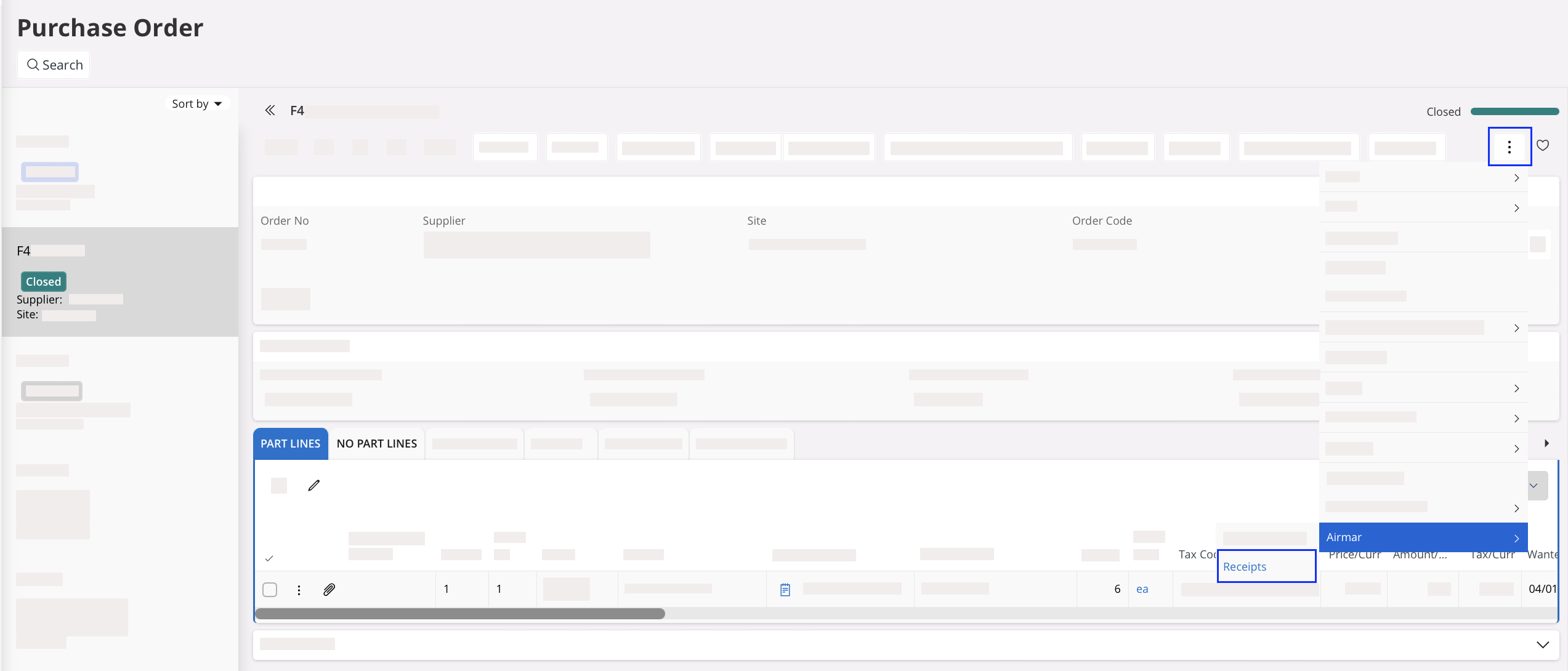
-
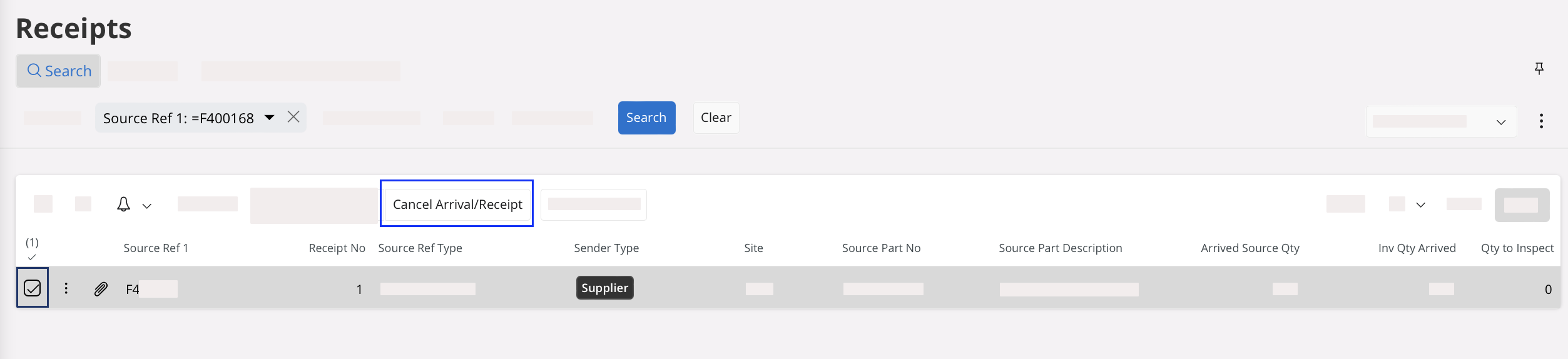
Select your receipt, then click Cancel
Arrival/Receipt in the
header.
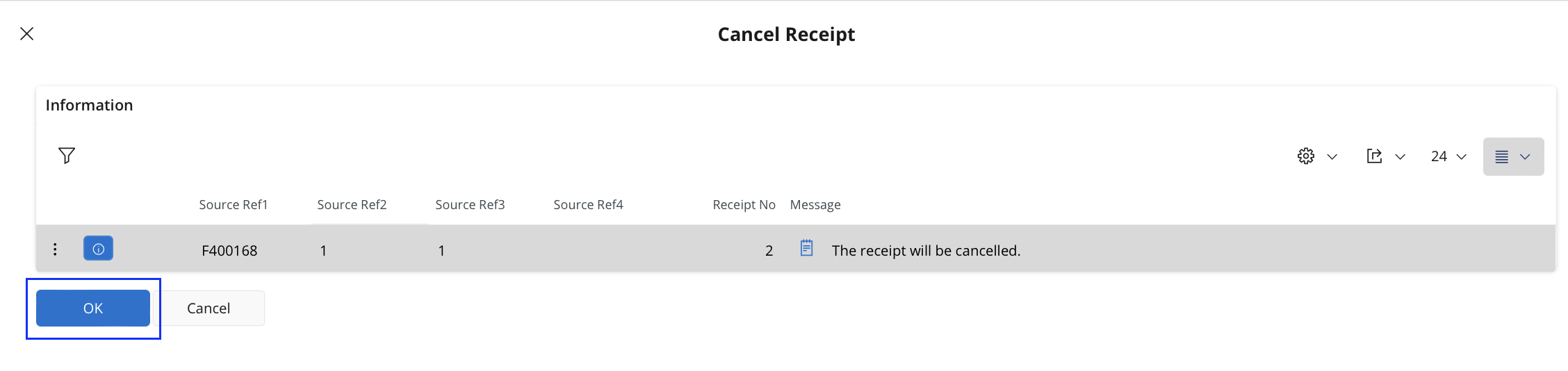
The Cancel Receipt pane appears. -
Click OK to cancel the
receipt.